Meet Ask Spott: The AI Recruiting Assistant That Knows Your Whole Desk
TL;DR
- Ask Spott is the AI recruiting assistant built into Spott. Ask a question or give an instruction in plain language, and it finds the answer or does the work for you.
- It knows your whole desk. Every candidate, contact, company, job, opportunity and application, plus the notes, tasks, emails, comments and call transcripts linked to them.
- It finds, matches, drafts and does. Turn one sentence into Spott's filters, find the exact moment in a call, rank candidates for a job, draft personalized emails, turn CVs into candidates and pull jobs in from the web.
- You make the call. Every change waits for your approval, emails stay drafts until you send them, and every answer shows its sources.
- It's included in every Spott plan. Open it from Chat at the top of the sidebar, or through Ask AI on any record.
Ask Spott in action: the coffee run.
Your next placement is probably already in your database. Maybe she mentioned relocating on a call in March. Maybe he replied to an email nobody got back to. Finding them used to mean five filters, three tabs and a lot of scrolling.
Now you just ask.
What is Ask Spott?
Ask Spott is the AI assistant built into Spott, our AI-native ATS and CRM for recruitment agencies. You ask it a question or tell it what to do in plain language, and it finds the information or takes the action for you.
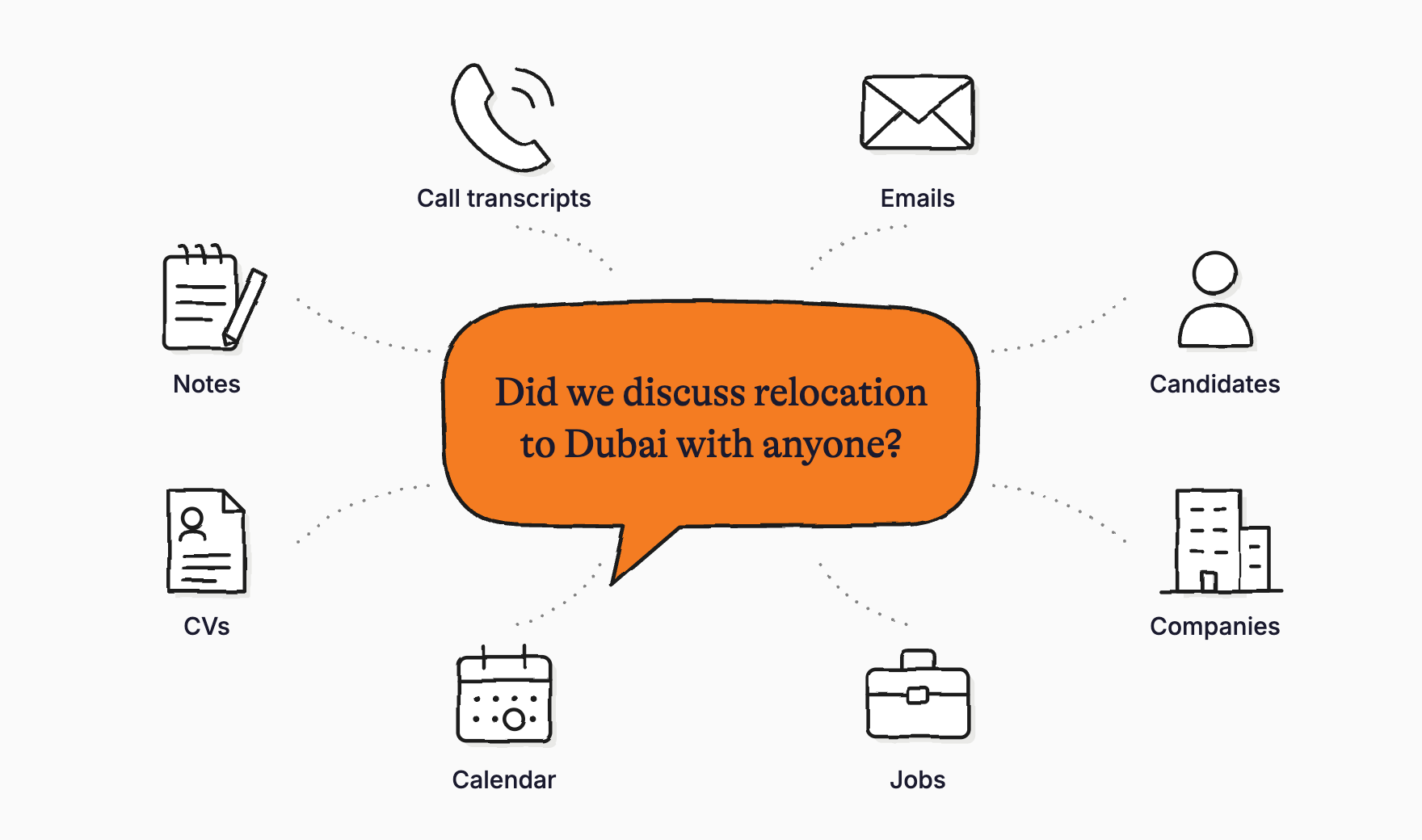
It sees all your records and everything linked to them, so it's one place to find information and get work done without clicking through pages and filters. Type your question, dictate it with the microphone, or drop in a file like a CV.
You'll find it in two places:
- Chat, at the top of the sidebar, with your recent chats so you can pick up where you left off.
- Ask AI, in the side panel of any record. Open it on a candidate and the context is already filled in, so "Recap his experience" just works.
What can Ask Spott do?
Search your database the way you talk
Describe what you need the way you'd brief a colleague. Ask Spott turns your question into the same filters you'd set by hand, and every filter in Spott is supported. Results come back as a list or a table, with every record one click away.
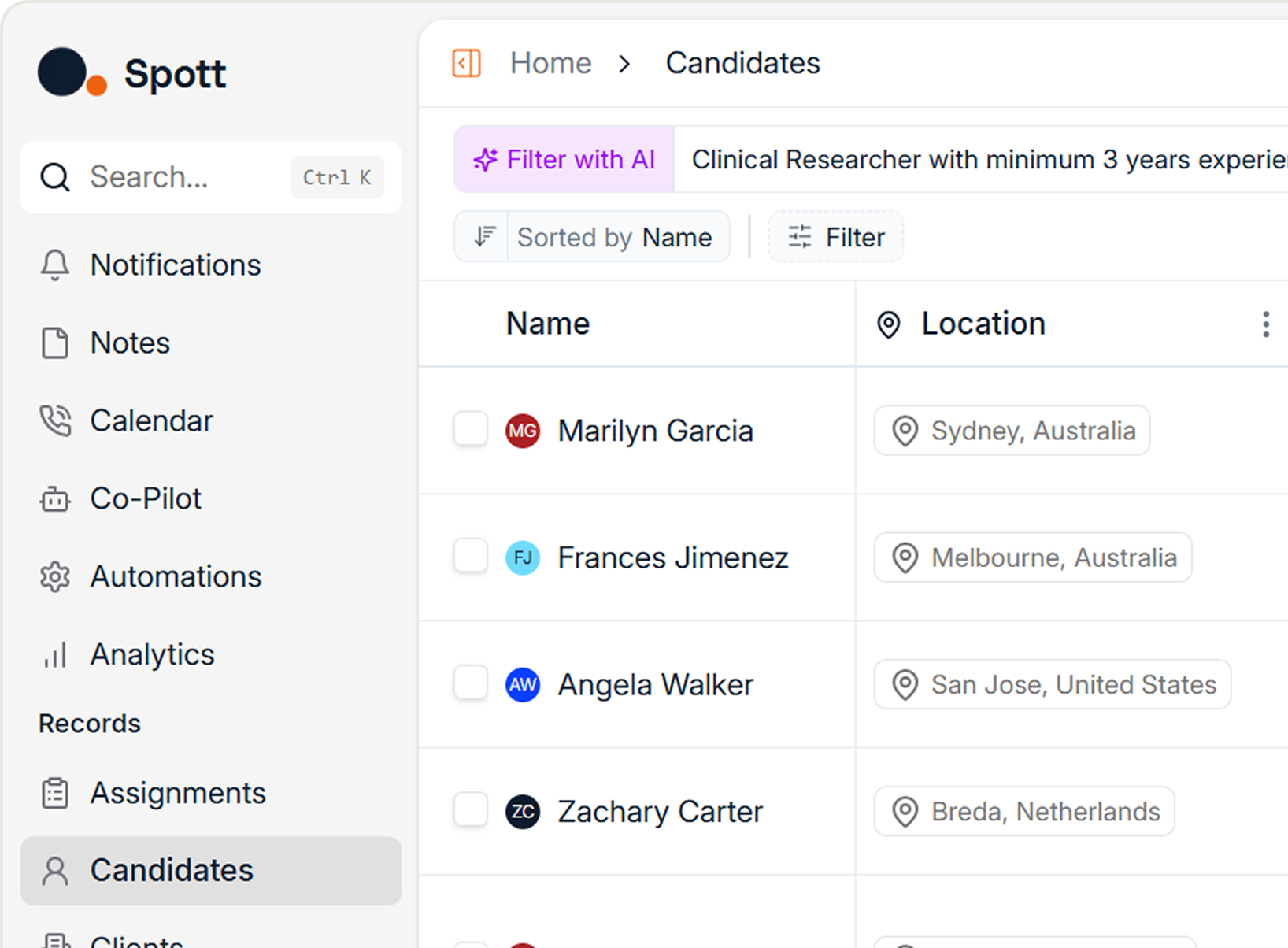
"Give me the ten candidates we most recently spoke to who work in software engineering."
It's forgiving, too. Misspell a name or get a job title roughly right, and it still finds what you mean: "the QA role at Northwind" finds the Quality Assurance Engineer job. Ask for numbers instead of lists and you get those as well, like how many applications sit in your Engaged stage.
Find the exact moment in a call
Ask Spott searches by meaning, not just keywords, across emails, notes, tasks, comments and call transcripts. (Curious how that works? Here's how semantic search works in recruitment.) Every answer lists its sources underneath, and for calls it points to the exact moment, with a timestamp for each snippet. That works for video meetings and VoIP calls alike.
"Did we discuss relocation to Dubai with anyone?"
Match candidates and jobs, both ways
Ask which candidates fit a job, and Ask Spott ranks them and explains, per candidate, why they are or aren't a good fit. It works the other way around too: ask whether there's an open job that suits a candidate better. It builds on the same AI candidate matching that runs through the rest of Spott.
"Who's the best fit for the Senior Data Engineer role at Northwind, and why?"
Matching against a big pool of candidates takes a little longer than a regular search, so give it a moment.
Update records, pipelines, lists and campaigns
Ask Spott can create and update candidates, contacts, companies, jobs, opportunities, applications, notes and tasks. Move candidates to another stage, reject them, add records to a list or enroll them in a campaign. After each action it suggests the logical next step, like a follow-up task, ready to run with one click.
"Move Emma and Daniel to Engaged, and remind me to call Mark on Monday."
Draft emails and invites you send yourself
Ask for one email or a whole batch. When you draft for several people, Ask Spott writes each email individually, so every recipient gets a message tailored to them and personal details never mix between emails. It drafts calendar invites too, and tells you when a contact has no email address in Spott.
"Draft an email to each of these candidates asking if they're interested, and include a personalized fun fact."
Turn CVs into candidates and shortlists
Drop CVs into the chat and Ask Spott reads them. Check them against a job, or create the candidates straight away, work experience included. It can also fill in your workspace's shortlist template with the candidates you pick, ready for a submission hiring managers actually read.
Bring the web into Spott
When the answer isn't in Spott, Ask Spott searches the web. It's built for targeted lookups: news about a company before a call, open roles on a client's careers page, or the hiring manager for a role. It isn't built to scan the entire job market.
Found something useful? Import it. Ask Spott checks whether the company already exists so you don't get duplicates, and it can match your best candidates to the new jobs in the same request.
"I have a call with Halden Foods later today. What are the latest news items I can mention?"
Know what's on your plate
Start the day with "What's on my plate?" Ask Spott checks your tasks and calendar for yesterday and today, points out what may still need a follow-up, and lists what's planned, all in your own time zone.
Can Ask Spott change things without asking?
No. Ask Spott does the work, and you make the call.
- Nothing changes without your OK. Before Ask Spott creates, updates, moves or imports anything, it shows an approval request. Nothing happens until you click Approve.
- Emails stay drafts. Emails and calendar invites are never sent automatically. You review them and send them yourself.
- Every answer shows its sources. Click through to the record, email or call moment behind an answer.
- Your data stays yours. Your candidate and client data is never used to train AI models. Spott processes it to deliver results within your account only, on top of our ISO 27001-certified security.
Teach it once: skills and memory
Skills are saved instructions for tasks you do regularly. Write them once, and Ask Spott follows them whenever the task comes up, even when you don't call the skill by name. Everyone starts with two built-in skills:
- Prep my next meeting looks up your next meeting and briefs you: who's attending, the context to bring, open threads and a suggested agenda.
- Recap my last call does exactly what it says.
Build your own for the work you repeat, like a weekly pipeline check or a client shortlist, then share them with your team so everyone works the same way.
Memory means Ask Spott learns how you work. Tell it "Always keep my emails short and informal" and it remembers that in every future chat. Change your mind, and it updates or forgets. It also picks up your habits on its own: if you always add a note after moving a candidate to a new stage, it learns that and suggests it next time. Memories you never use fade out, so it stays focused on how you work today.
Does Ask Spott work outside Spott?
Yes, in two ways:
- In Claude and ChatGPT. Prefer your own AI assistant? Connect Spott through our MCP server and recruit from the chat you already use. There are setup guides for Claude and ChatGPT.
- On your phone. Pick up your chats in the Spott app for iOS and Android, and look up a client or a candidate between meetings. More on that in our mobile recruiting playbook.
Why build the assistant into the ATS?
Most AI in recruitment software is a chatbot sitting on top of a database it can't really read. It can write you a job ad, but it can't tell you who mentioned Dubai on last Tuesday's call. We've written before about why most "AI-powered" recruiting tools aren't really AI.
Ask Spott works on the same records, filters, emails and call transcripts you already use in Spott. That's why its answers come with sources, and why it can act on your pipeline instead of just talking about it.
What recruiters are saying
"The level of detail it picks up is pretty impressive. It's my new best friend." - Scott Liversidge, Managing Partner, Flame Health Associates
How do I start using Ask Spott?
Ask Spott is included in every Spott plan. Open Chat at the top of the sidebar and start a New Chat, or open Ask AI on any record.
Not sure what to ask first? Our guide to AI prompts for recruiters has a prompt for every step of the desk, plus 12 tips to get sharper answers. The Ask Spott guide in our docs covers every capability in detail.
Not on Spott yet? Book a demo to see Ask Spott with your own data, or start a free trial.