Read More

Features

Automations

Trigger emails, tasks, stage updates, campaign enrollments and more the moment something happens in Spott.
How it works.

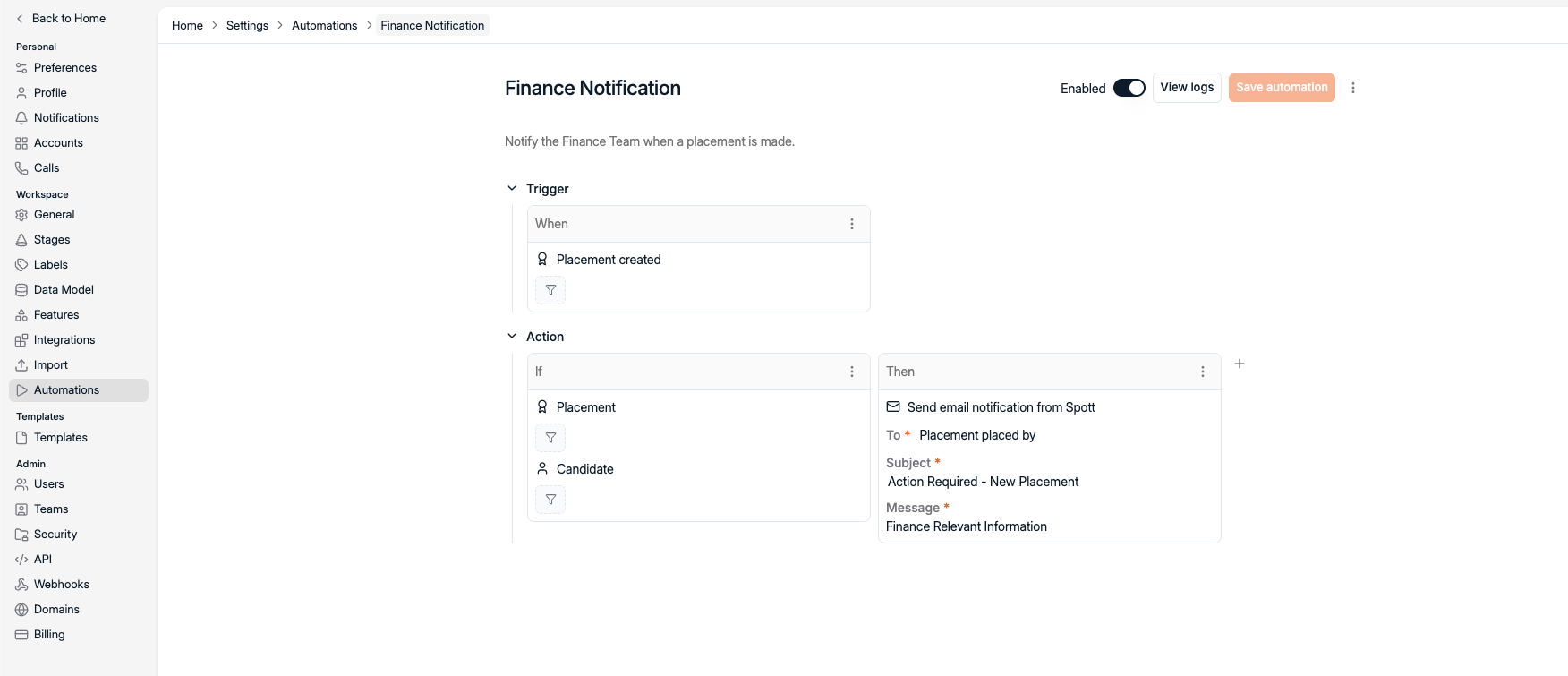
When this happens, then that

Every automation starts with something that happens in your workspace - and ends with Spott doing the next step for you.
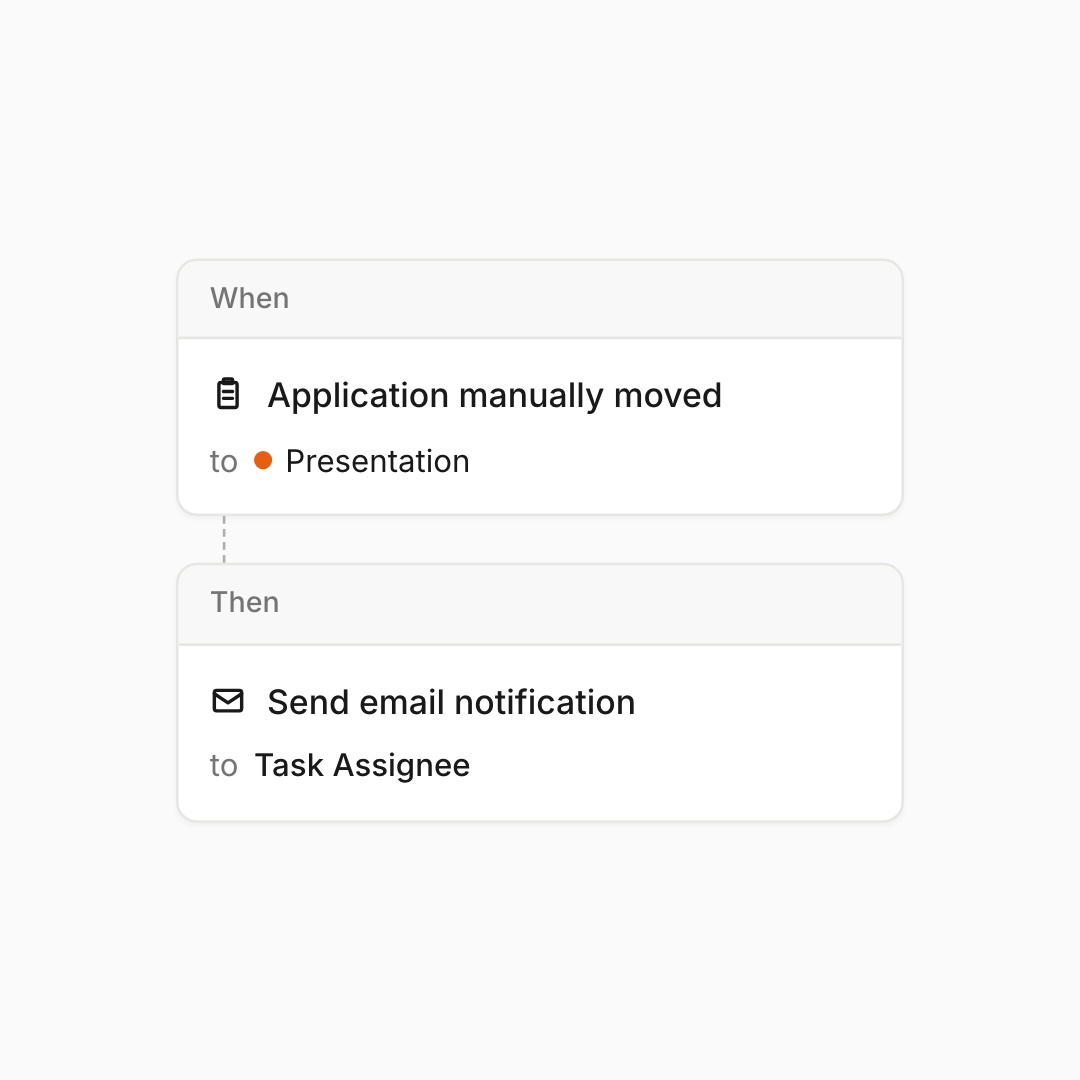
Pick a trigger. Add an action.

Pick what happens. Pick what fires. Done.
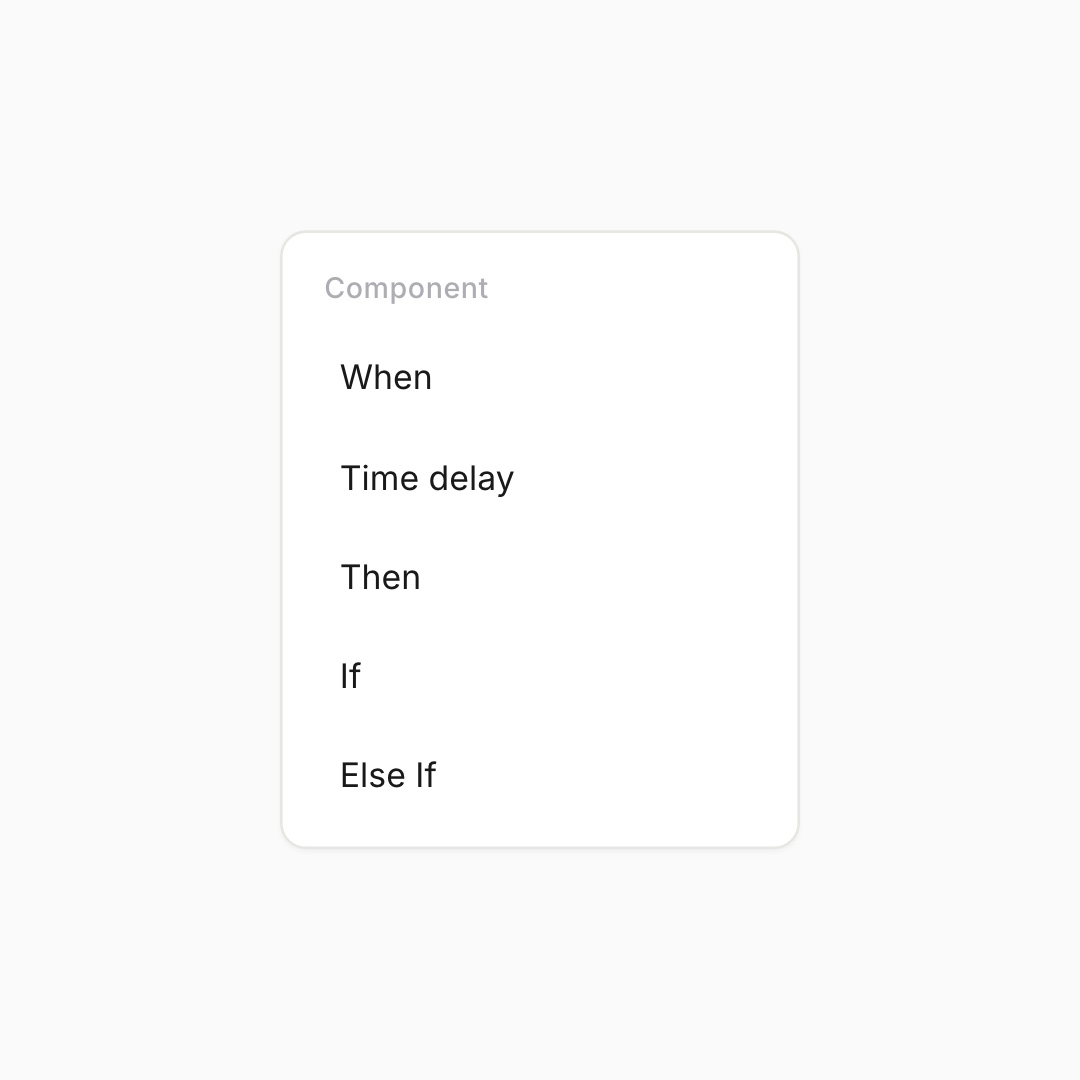
Different cases, same automation.

Layer If / Else If to split the flow.
One automation, every scenario.
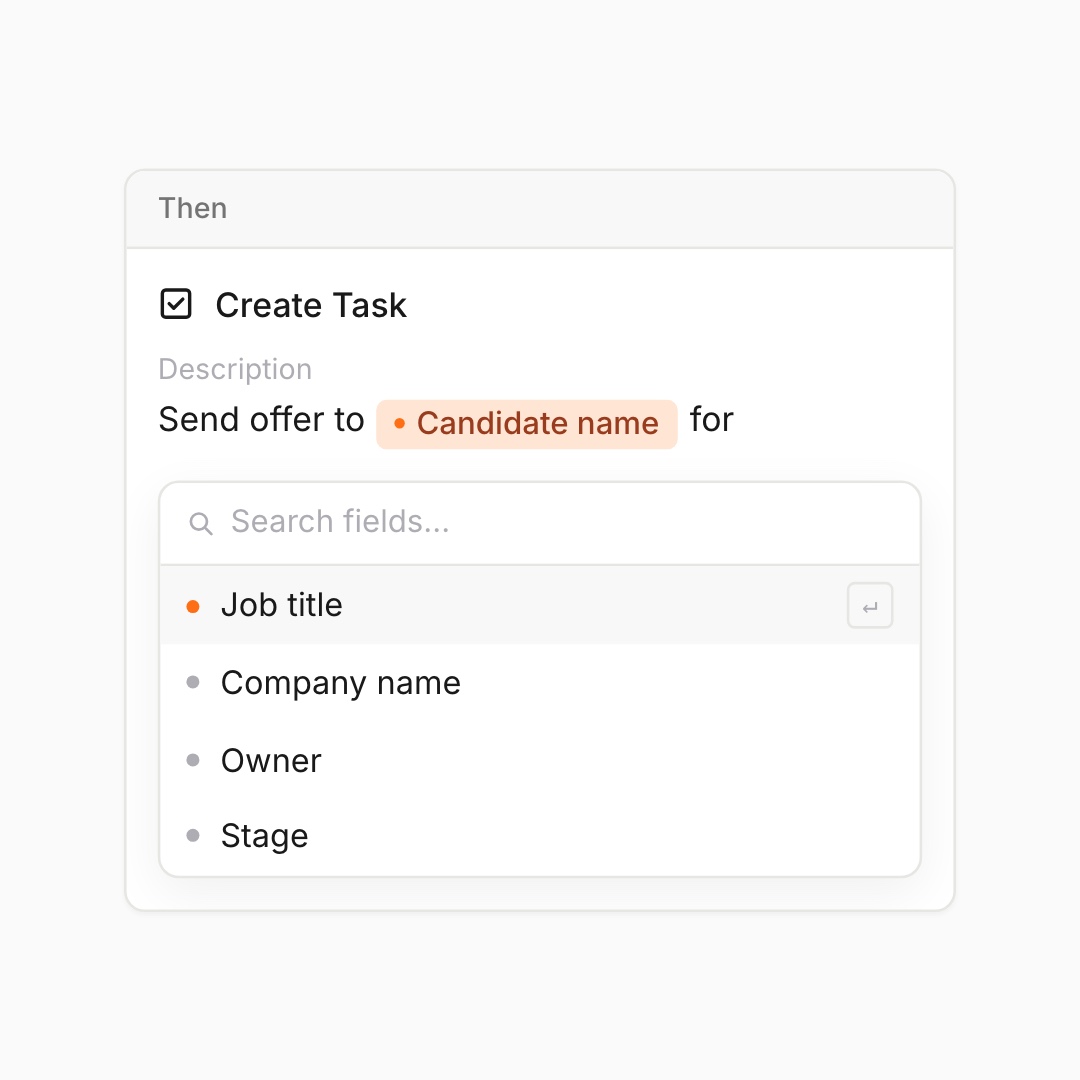
Pull in any field, instantly.

Pick a field from any record. Spott drops it in.
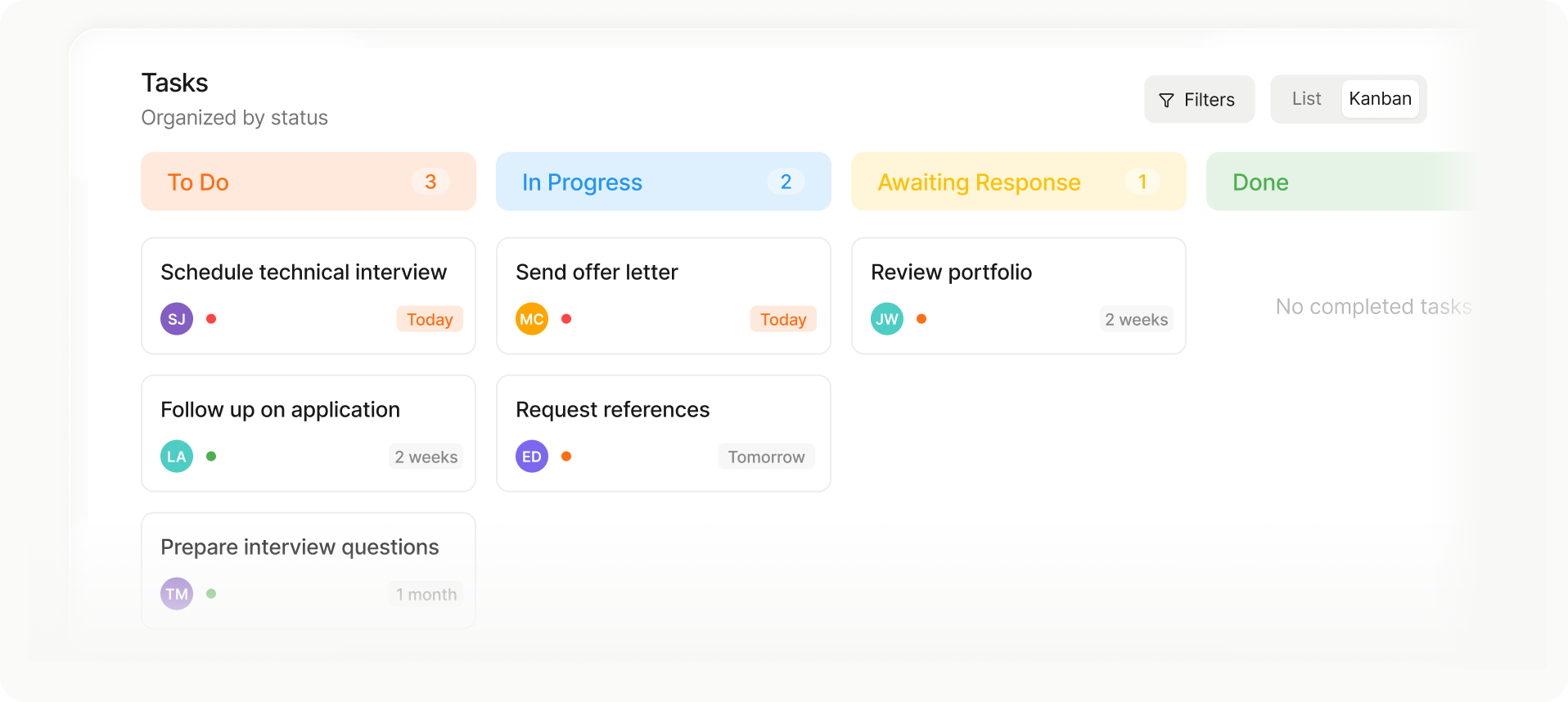
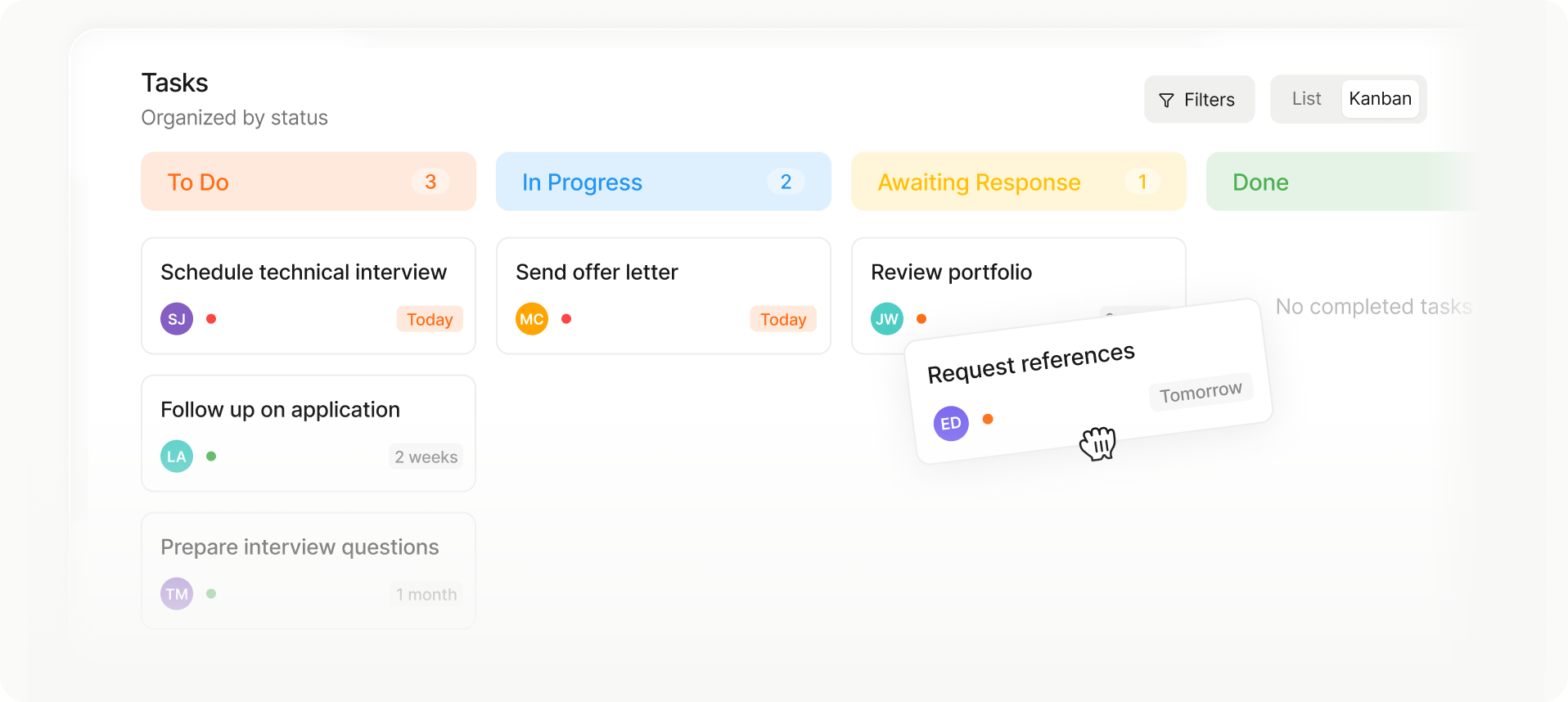
Kanban-style task board with columns: To Do (3 tasks), In Progress (2 tasks), Awaiting Response (1 task), and Done with no tasks.
Kanban task board showing columns To Do with 3 tasks, In Progress with 2 tasks, Awaiting Response with 1 task, and Done with no tasks; tasks include schedule technical interview, send offer letter, review portfolio, follow up on application, prepare interview questions, and request references.
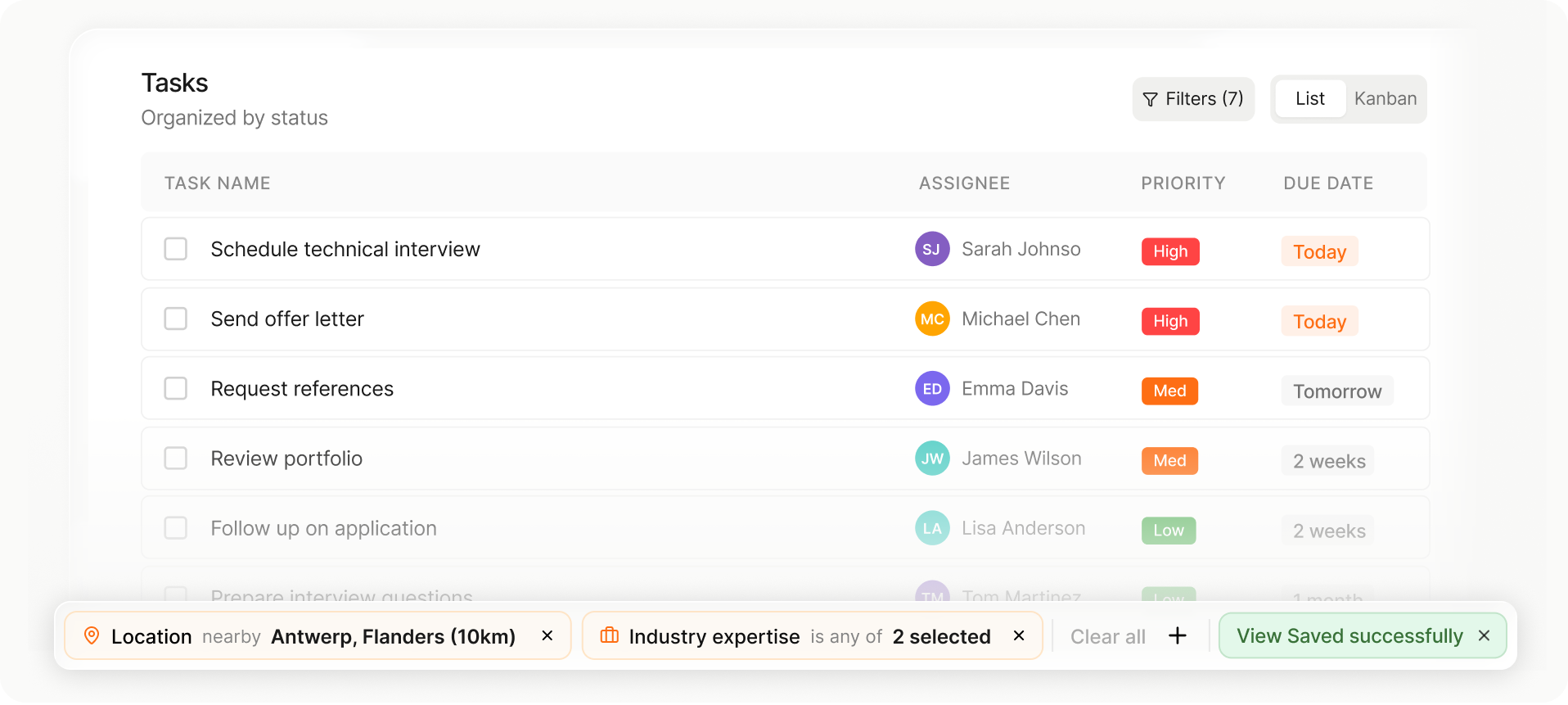
Task list showing task name, assignee with initials, priority levels, and due dates, with filters for location and industry expertise applied.
List or Kanban view

Choose the layout that fits your workflow in one tap.

Drag-and-drop stage changes

Move candidates or jobs between stages instantly.

Auto-saved views and setup

Your columns, filters, and sorting save automatically for next time.

From first signal to final placement.

Looking for something specific?
Filter down on hard criteria to shape the candidate pool, then define what “good” looks like for the role before running the Matching.
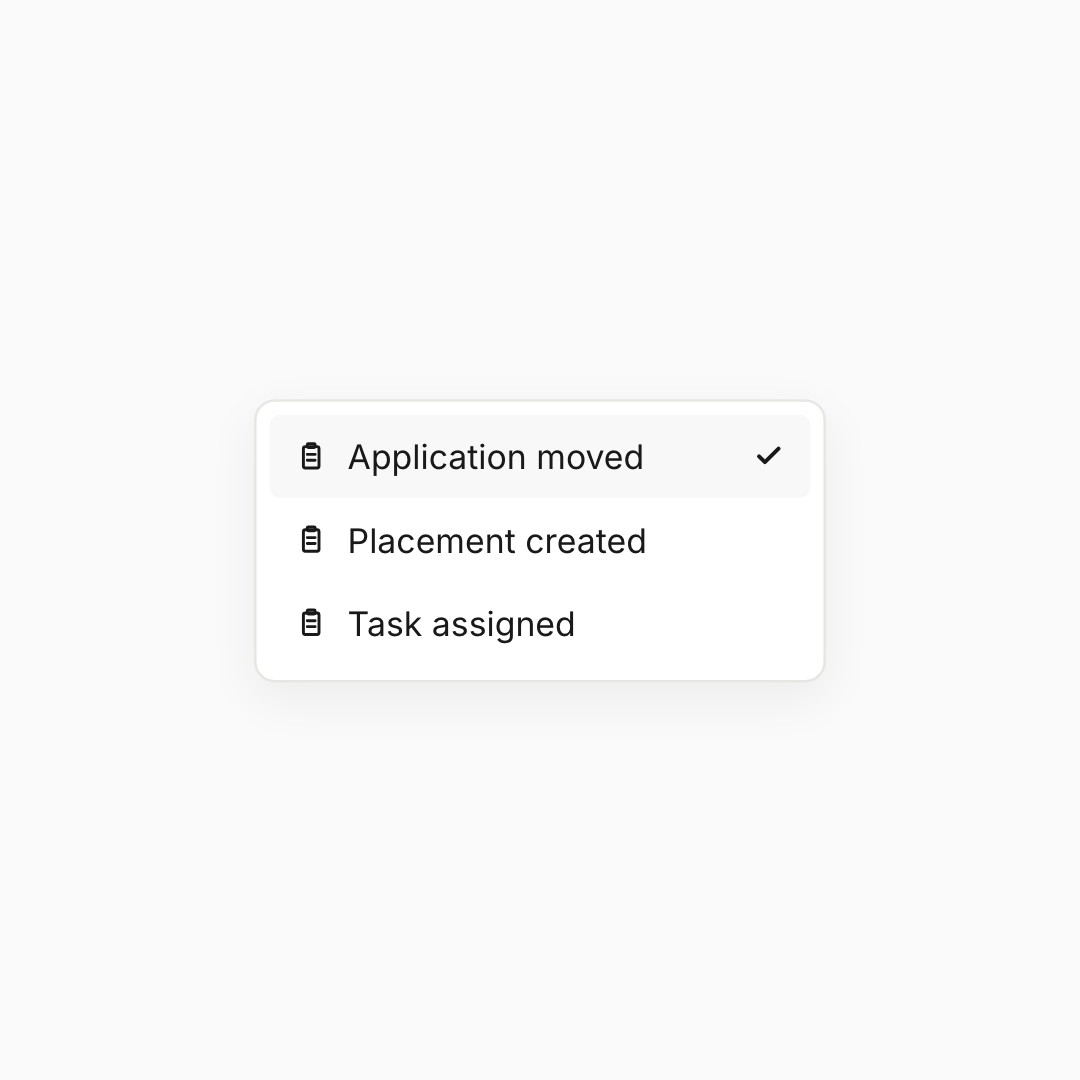
Choose your trigger event

Application moved, placement created, task assigned.
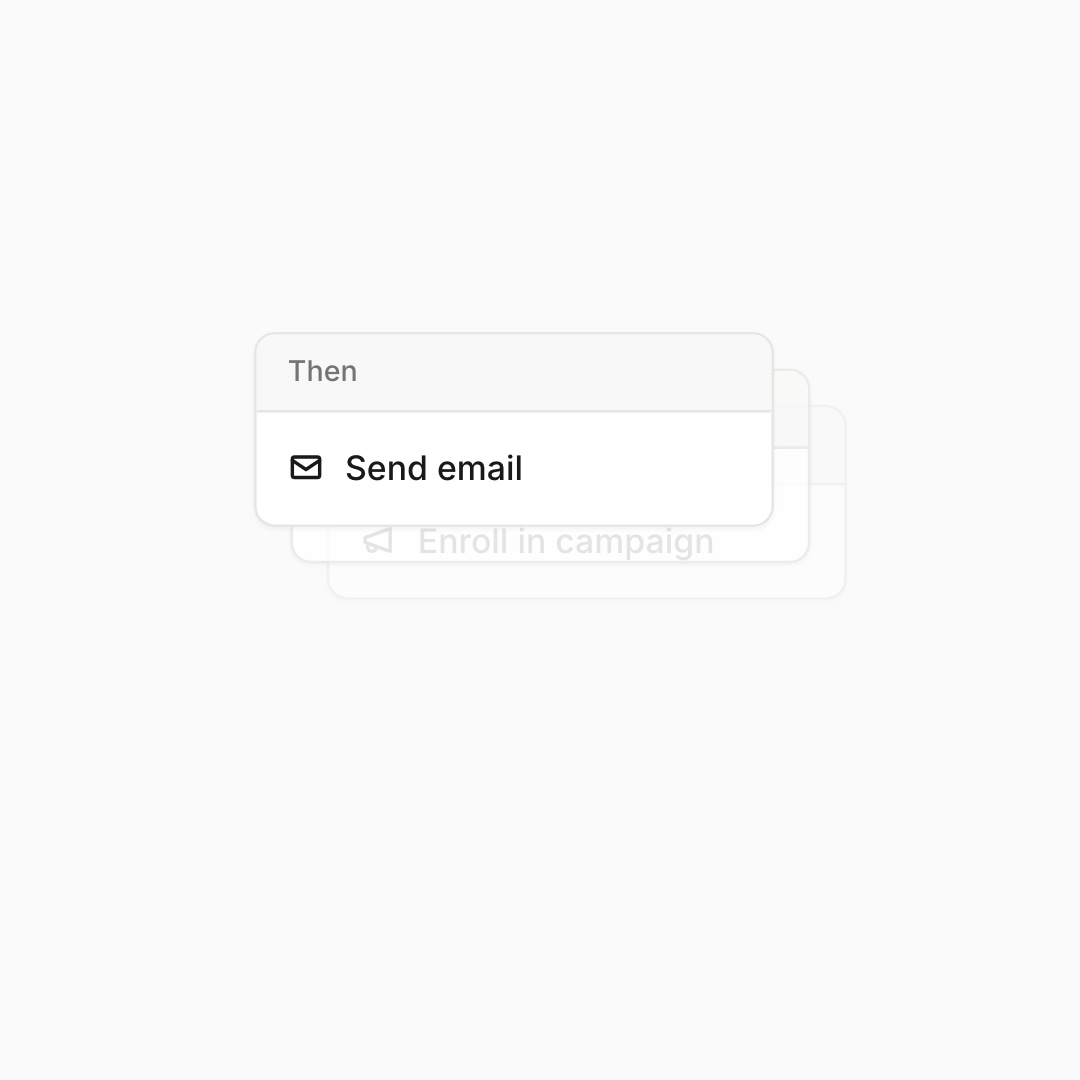
Pick from a full library of actions

Email, task, attribute, campaign, time delay.
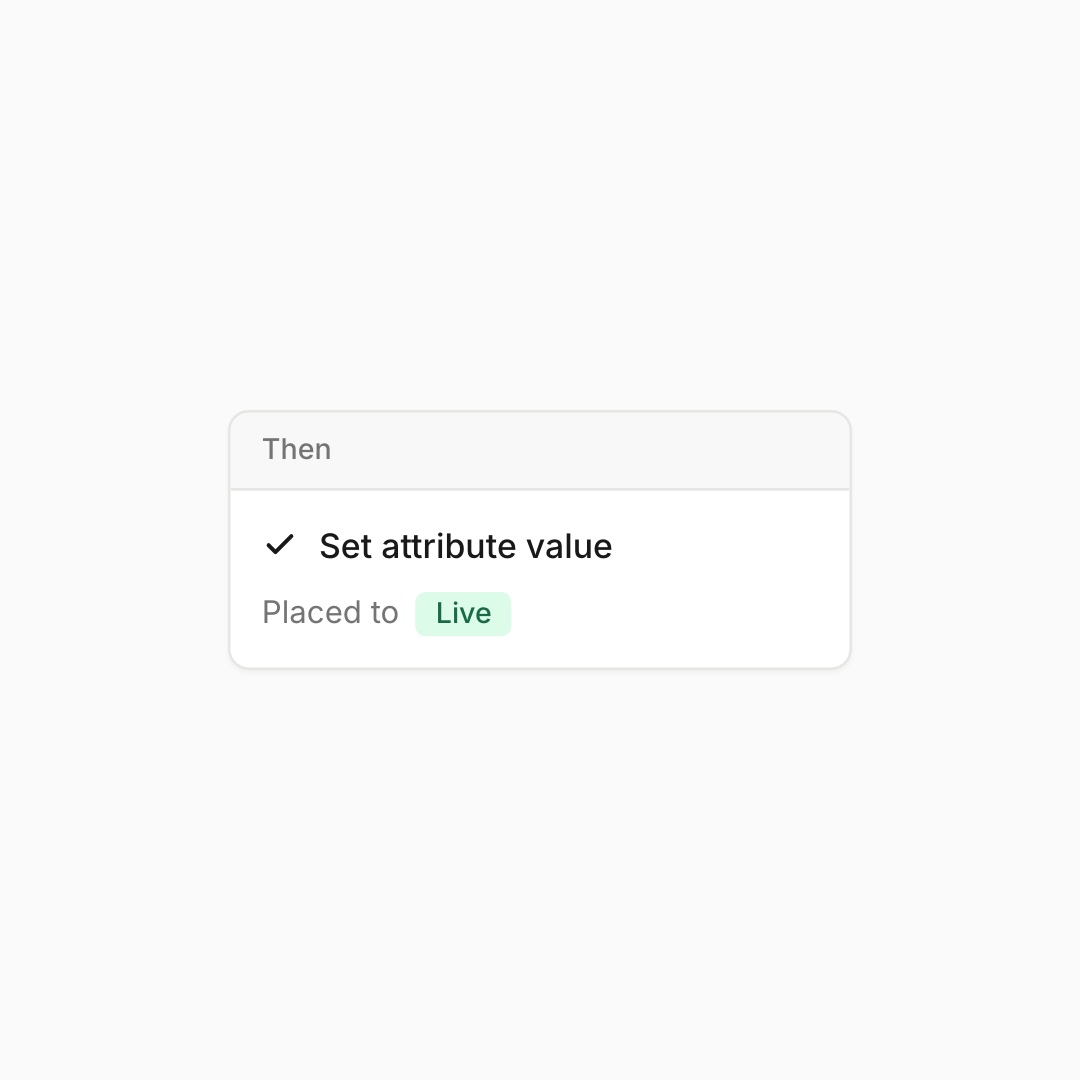
Keep your data tidy.

Flip "Placed → Live" the second the deal is signed.

Kanban-style task board with columns: To Do (3 tasks), In Progress (2 tasks), Awaiting Response (1 task), and Done with no tasks.
Kanban task board showing columns To Do with 3 tasks, In Progress with 2 tasks, Awaiting Response with 1 task, and Done with no tasks; tasks include schedule technical interview, send offer letter, review portfolio, follow up on application, prepare interview questions, and request references.
Task list showing task name, assignee with initials, priority levels, and due dates, with filters for location and industry expertise applied.
List or Kanban view

Choose the layout that fits your workflow in one tap.

Drag-and-drop stage changes

Move candidates or jobs between stages instantly.

Auto-saved views and setup

Your columns, filters, and sorting save automatically for next time.

The handoffs that quietly eat your week.

Stop copy-pasting follow-ups. Stop reminding yourself to update statuses.
Spott covers the busywork between every stage of the recruiter journey.
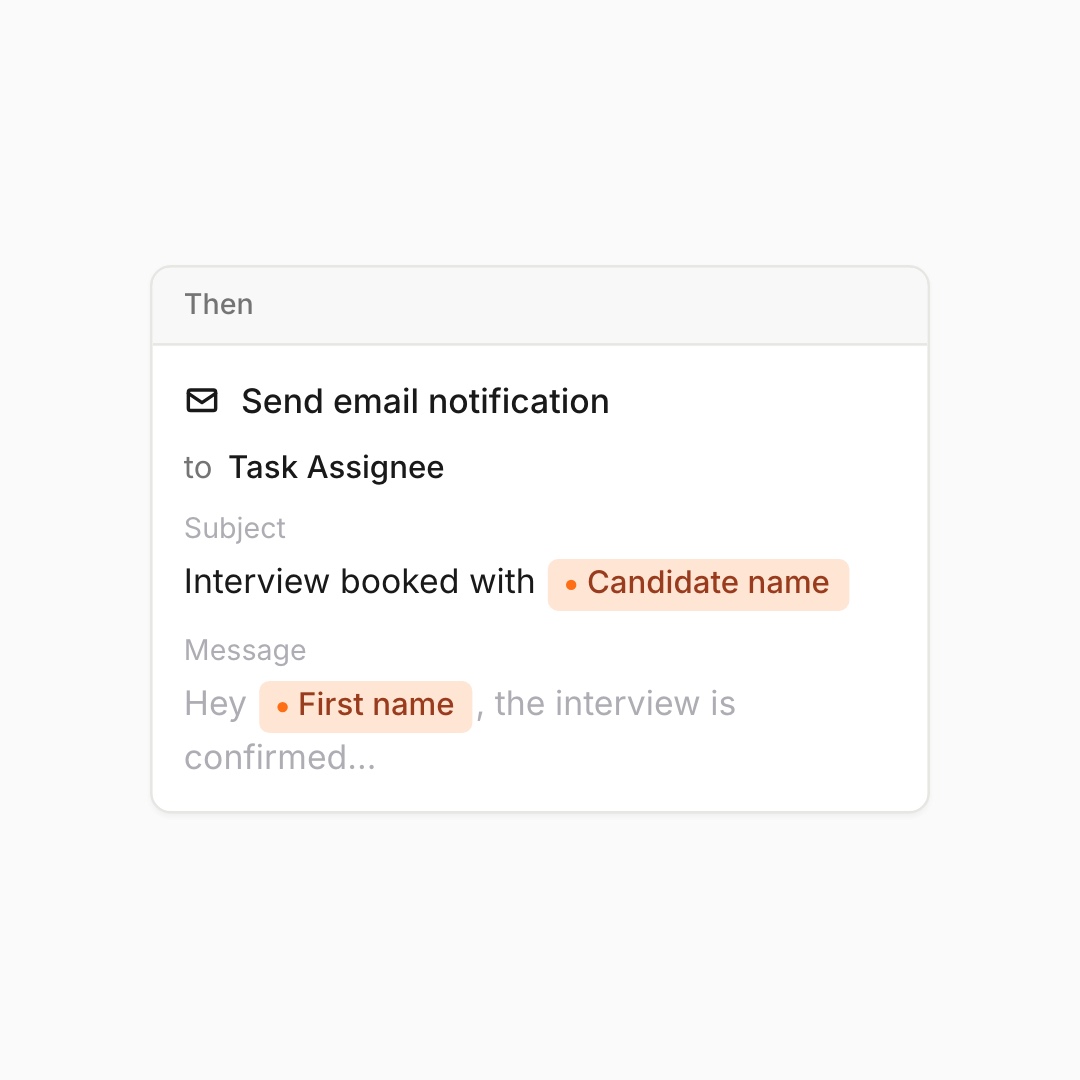
Notify the right person, instantly.

Auto-email the assignee the moment a stage changes.
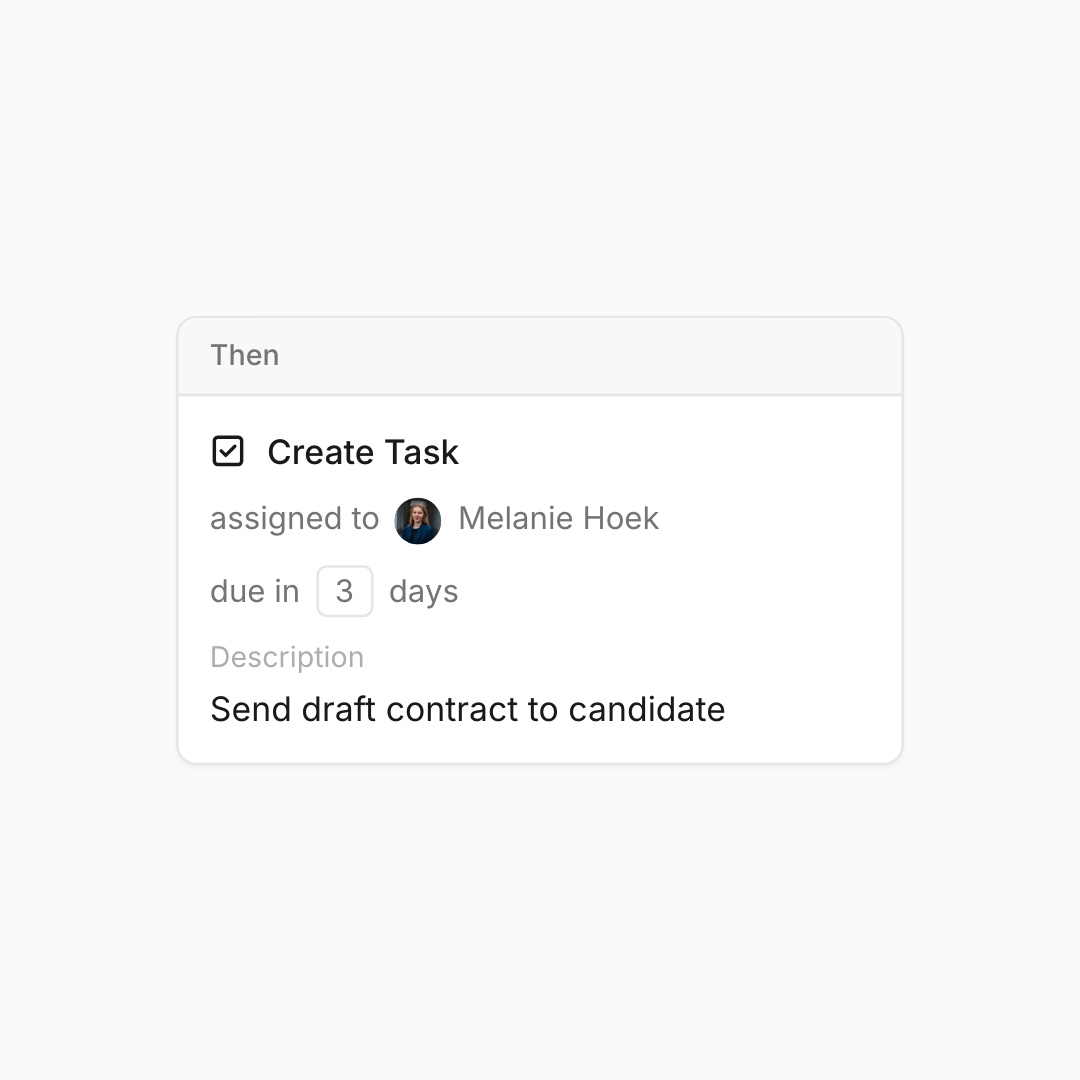
Create follow-up tasks automatically.

Spin up a task with an owner, due date and description.
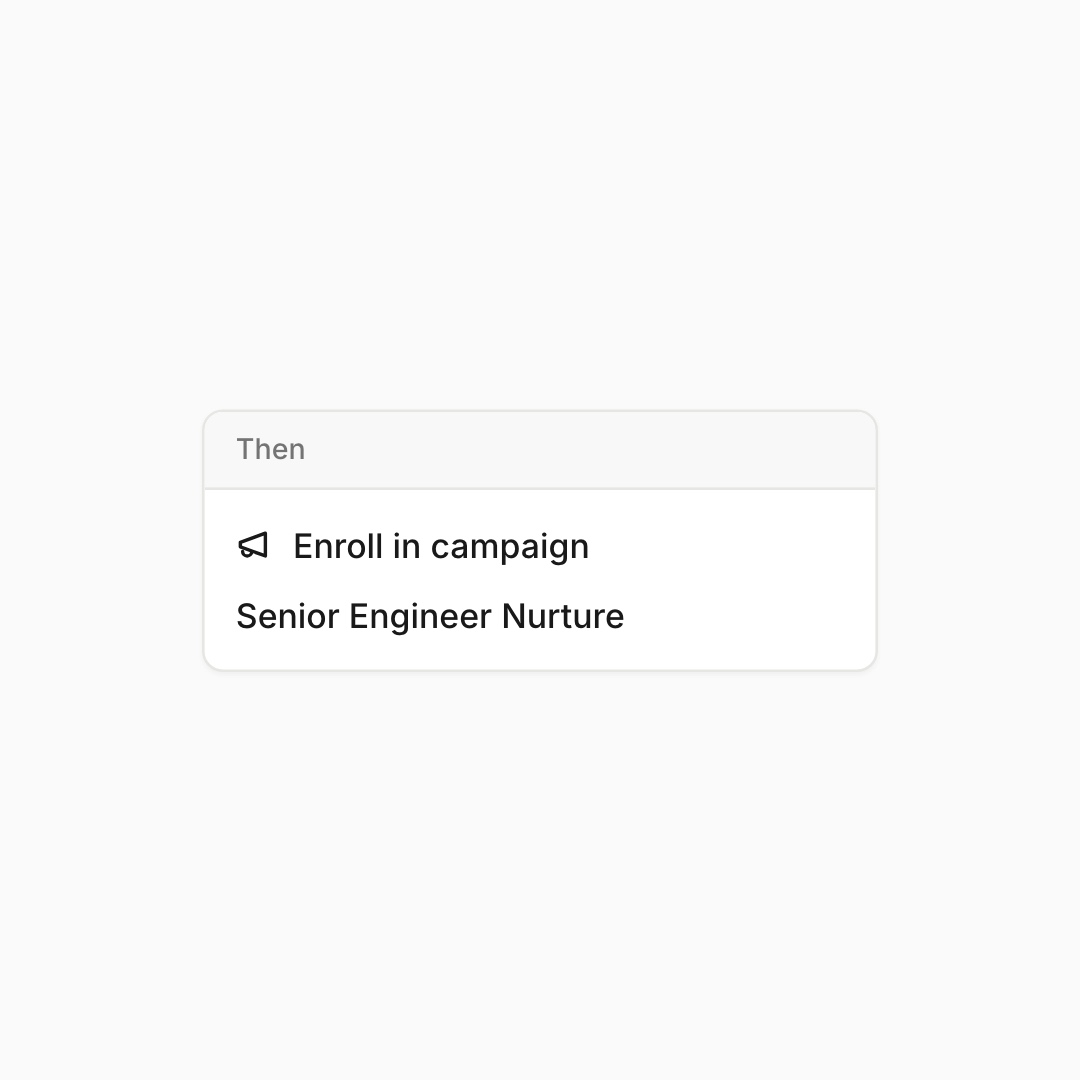
Enroll candidates in campaigns.

Drop applicants into the right campaign automatically.

Kanban-style task board with columns: To Do (3 tasks), In Progress (2 tasks), Awaiting Response (1 task), and Done with no tasks.
Kanban task board showing columns To Do with 3 tasks, In Progress with 2 tasks, Awaiting Response with 1 task, and Done with no tasks; tasks include schedule technical interview, send offer letter, review portfolio, follow up on application, prepare interview questions, and request references.
Task list showing task name, assignee with initials, priority levels, and due dates, with filters for location and industry expertise applied.
List or Kanban view

Choose the layout that fits your workflow in one tap.

Drag-and-drop stage changes

Move candidates or jobs between stages instantly.

Auto-saved views and setup

Your columns, filters, and sorting save automatically for next time.

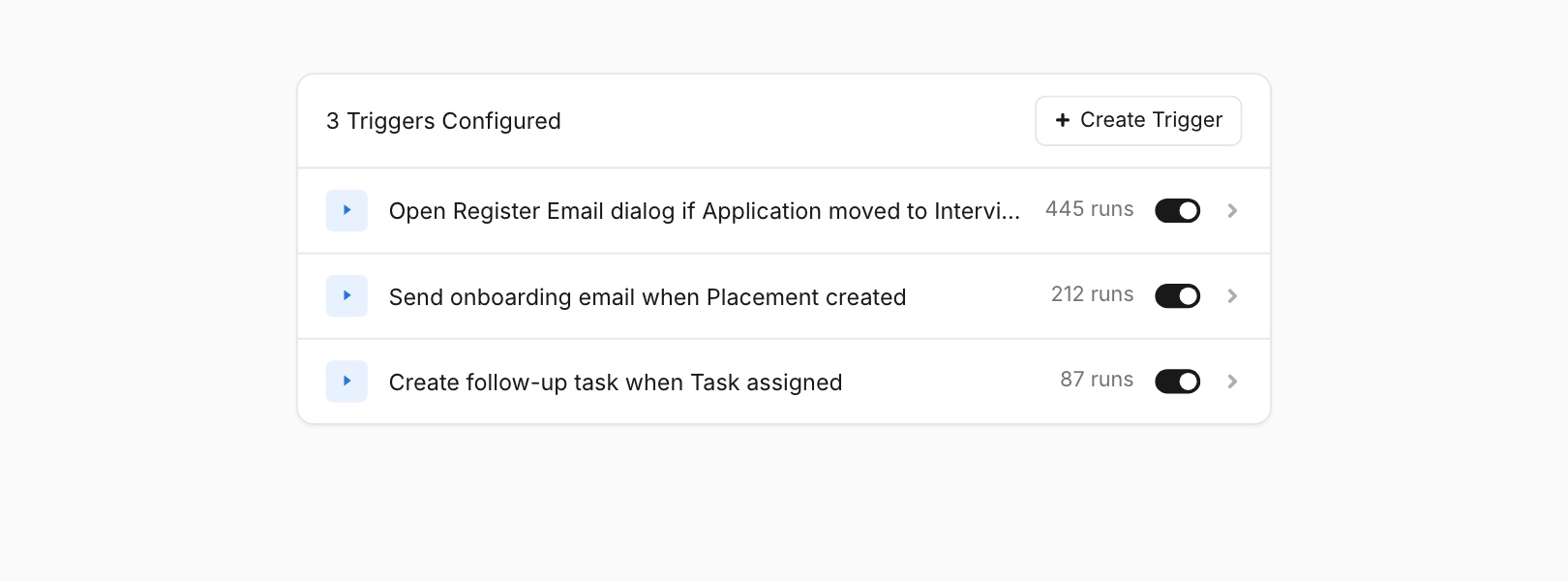
See exactly what ran and when.

Run counts, logs and one-tap pause on every trigger. No black box.

List of inbound job applications showing four candidates with match strength labels, contact icons, Netflix company logo, job titles, and a feedback section for Rob Truce, Senior Backend Engineer with 8 years experience.

Outp(l)ace everyone.

You can’t win tomorrow’s placements
with yesterday’s tools.