Permanent Placement
(Direct Hire)
Move candidates through your pipeline faster, keep clients informed, and turn every placement into a relationship that generates repeat business.
.png)




Why Perm Agencies Need Purpose-Built Software
Perm placement is a different game. Fewer roles, higher stakes, longer relationships. Your recruiters juggle 10 to 20 mandates at once, nurture candidates over months, and race competing agencies on every brief.
Generic software breaks down here. Notes scattered across tabs. No real client CRM. Search that only works if someone tagged a profile correctly three months ago. Half the day goes to admin instead of what earns fees: getting strong candidates in front of clients, fast.
Spott is an AI-native permanent placement ATS and CRM built to fix this. One platform for candidates, clients, and live roles. AI matching that reads CVs, call notes, and conversations, not just keywords. A client CRM that tracks every touchpoint so BD compounds over time instead of resetting every quarter.
From job intake to shortlist in record time
Speed to shortlist wins mandates.
Spott matches job requirements against your entire database and ranks candidates by fit, so your team spends time selling, not searching.
.png)
Describe the role in plain language or upload a job description. Spott finds the best fits across your entire talent pool.
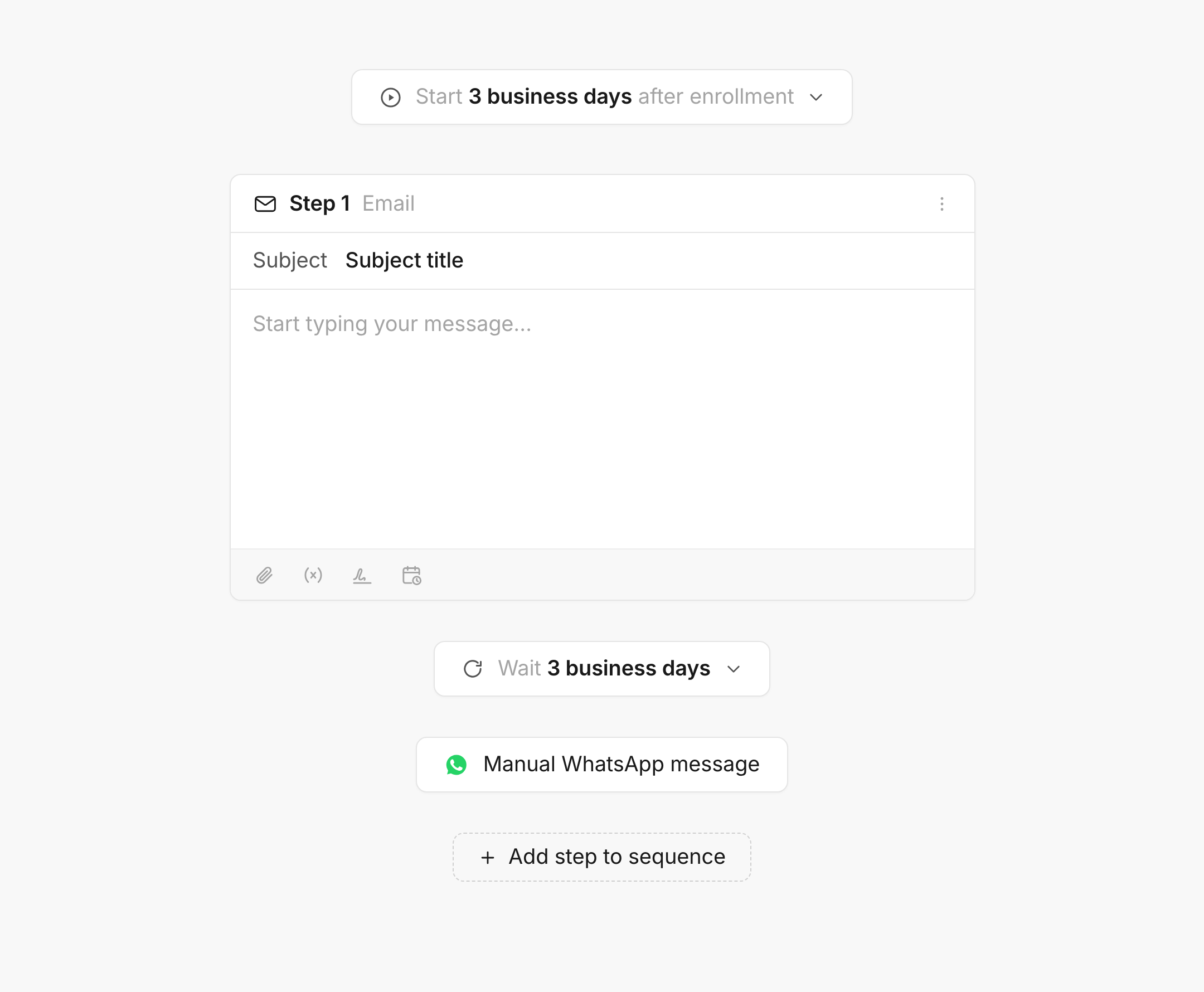
Run outreach sequences across email, WhatsApp and SMS from one place. Get responses faster.
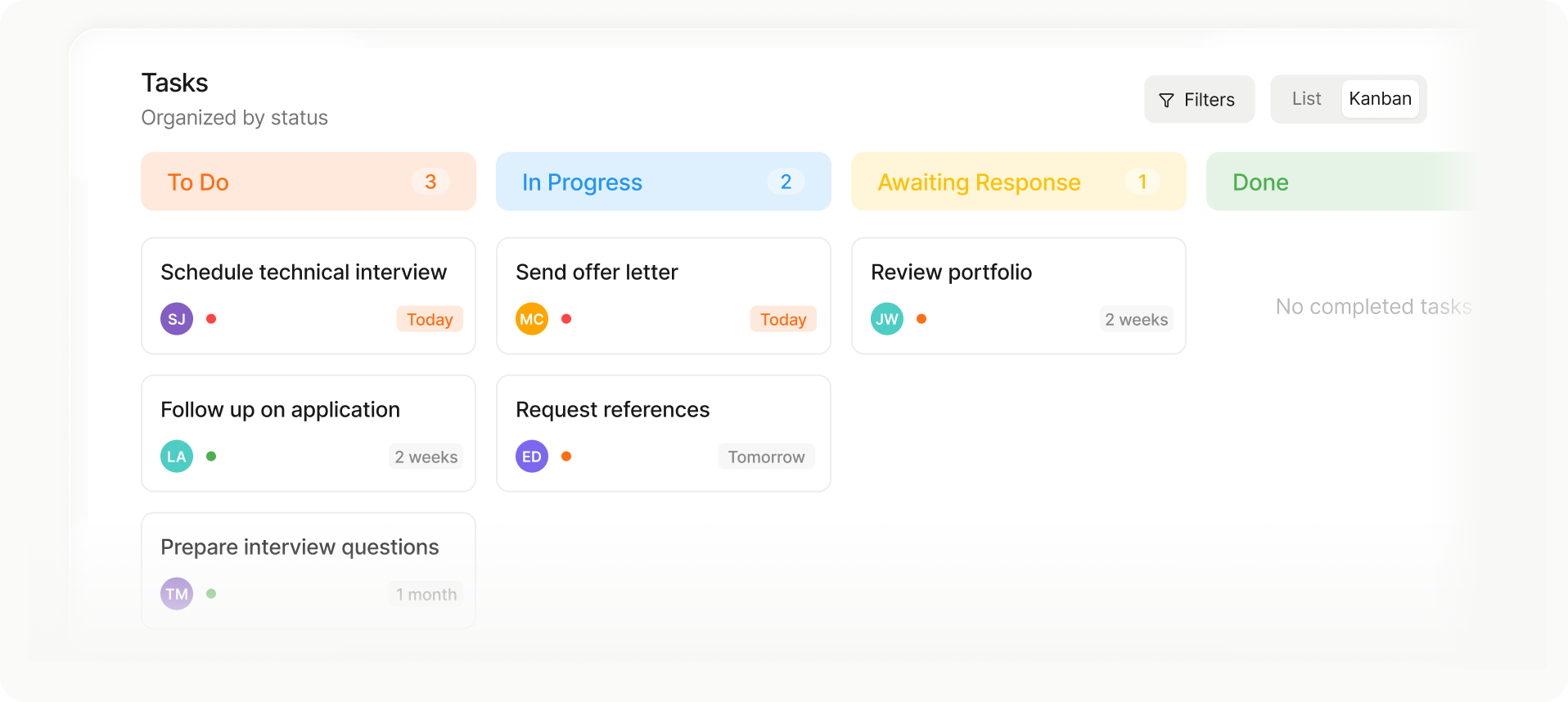
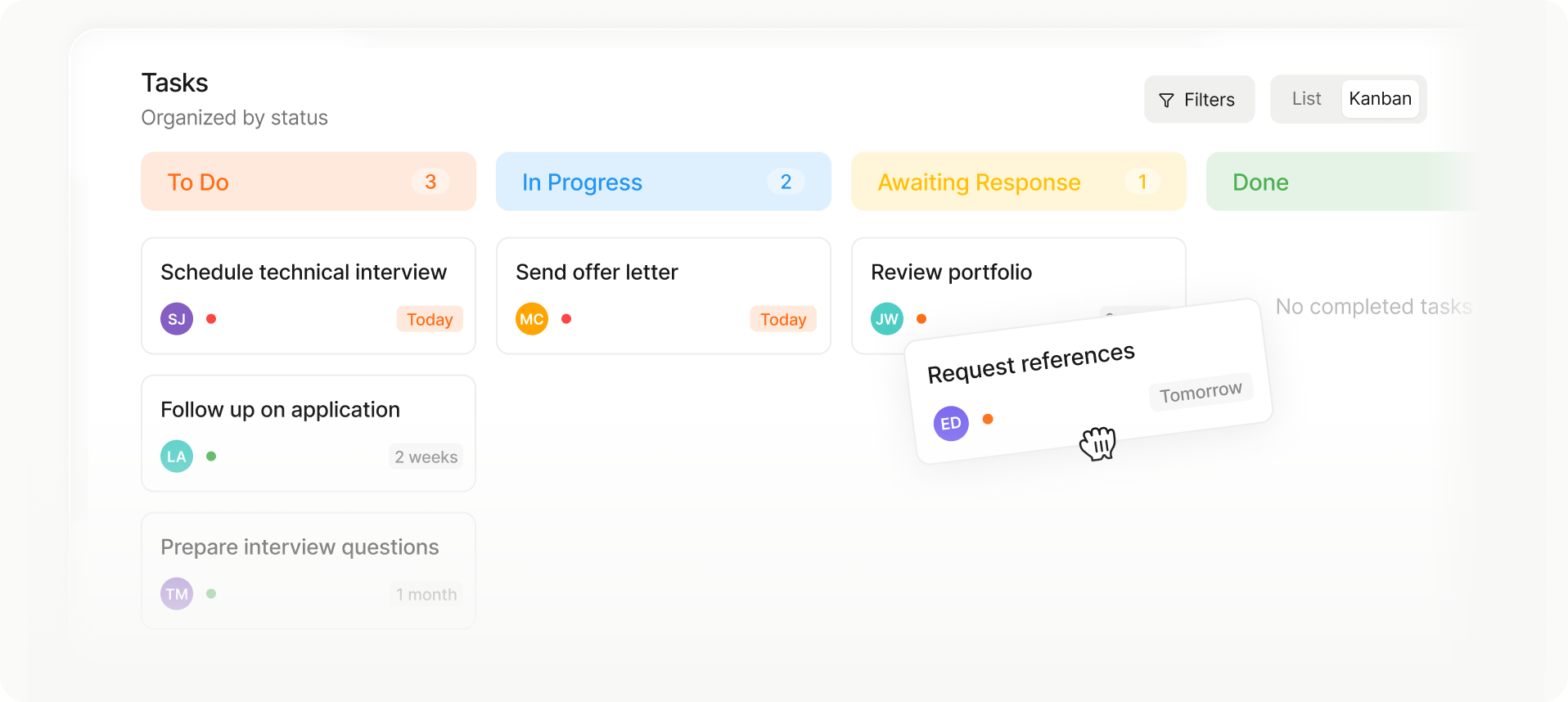
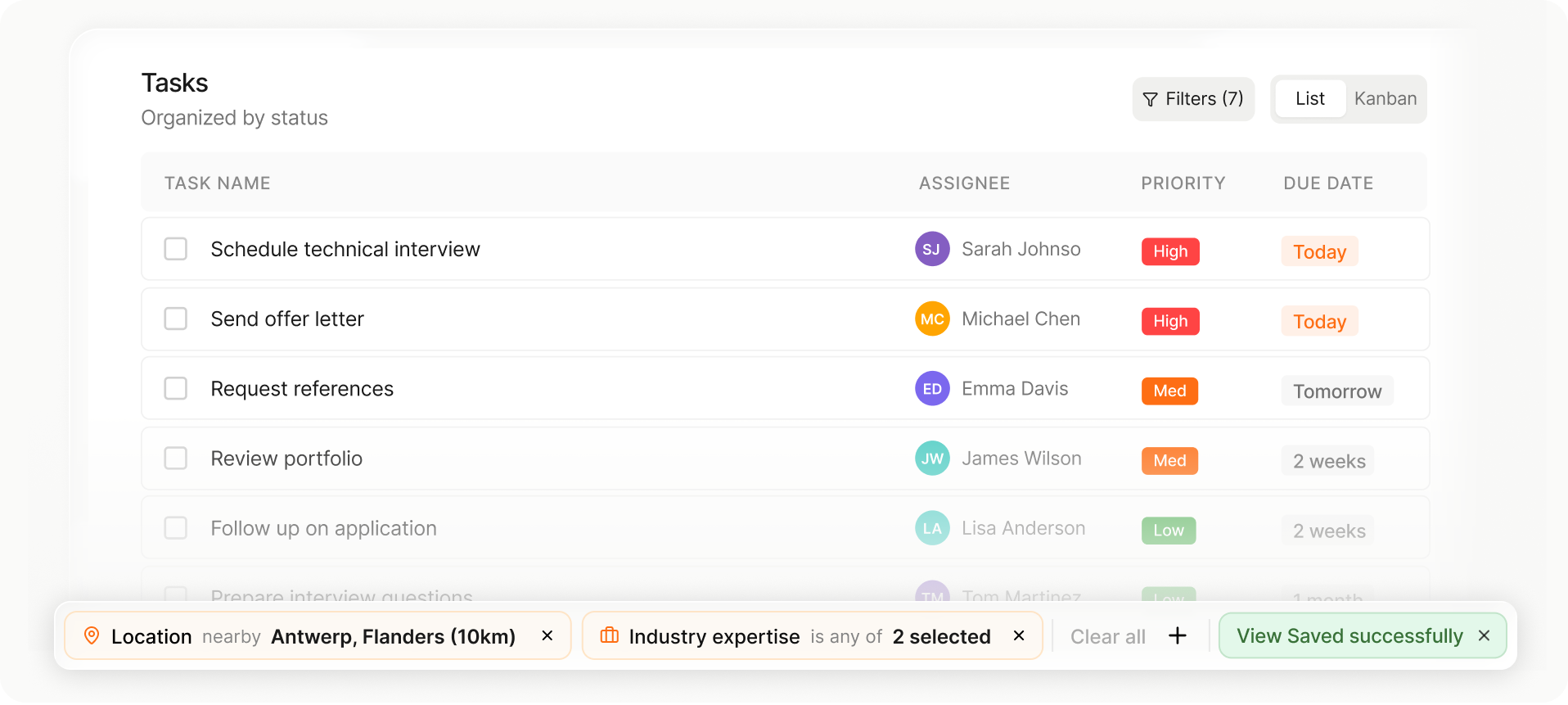
Choose the layout that fits your workflow in one tap.
Move candidates or jobs between stages instantly.
Your columns, filters, and sorting save automatically for next time.
Your database actually stays current
Perm recruiters live and die by the quality of their data.
Spott keeps candidate profiles fresh and logs every conversation automatically so your database gets stronger with every call.
.png)
Spott captures key details from conversations, not just timestamps. Know what was discussed, not just that a call happened.
.png)
Enrich candidate records with latest job titles, contact details, and career moves. No manual research.
Choose the layout that fits your workflow in one tap.
Move candidates or jobs between stages instantly.
Your columns, filters, and sorting save automatically for next time.
Manage client relationships, not just jobs
Permanent placement is a relationship business.
Spott tracks every client touchpoint so your BD efforts compound instead of starting from scratch every quarter.
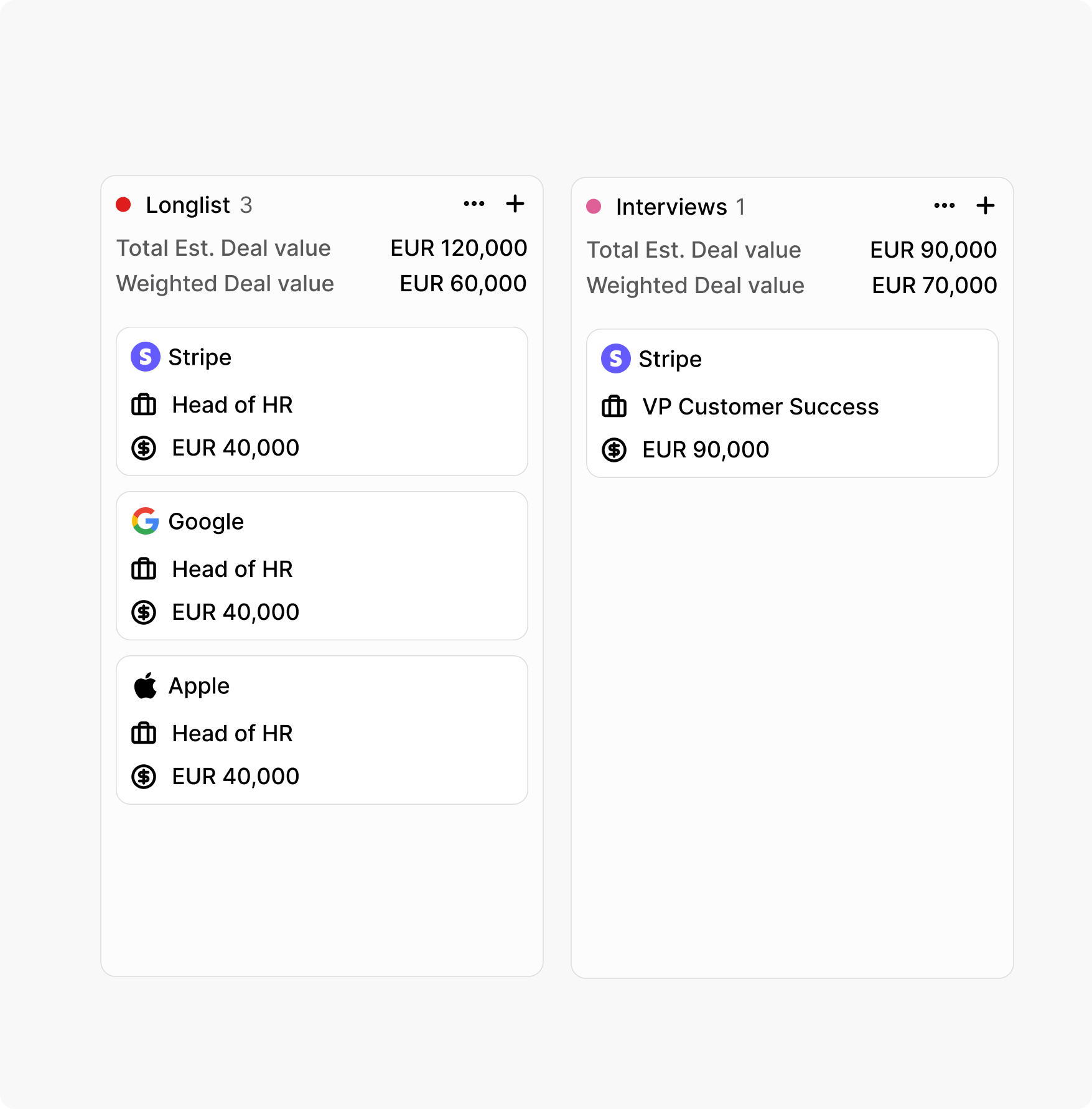
Track leads, proposals, and active mandates in one pipeline. Never lose a follow-up or forget a warm lead.
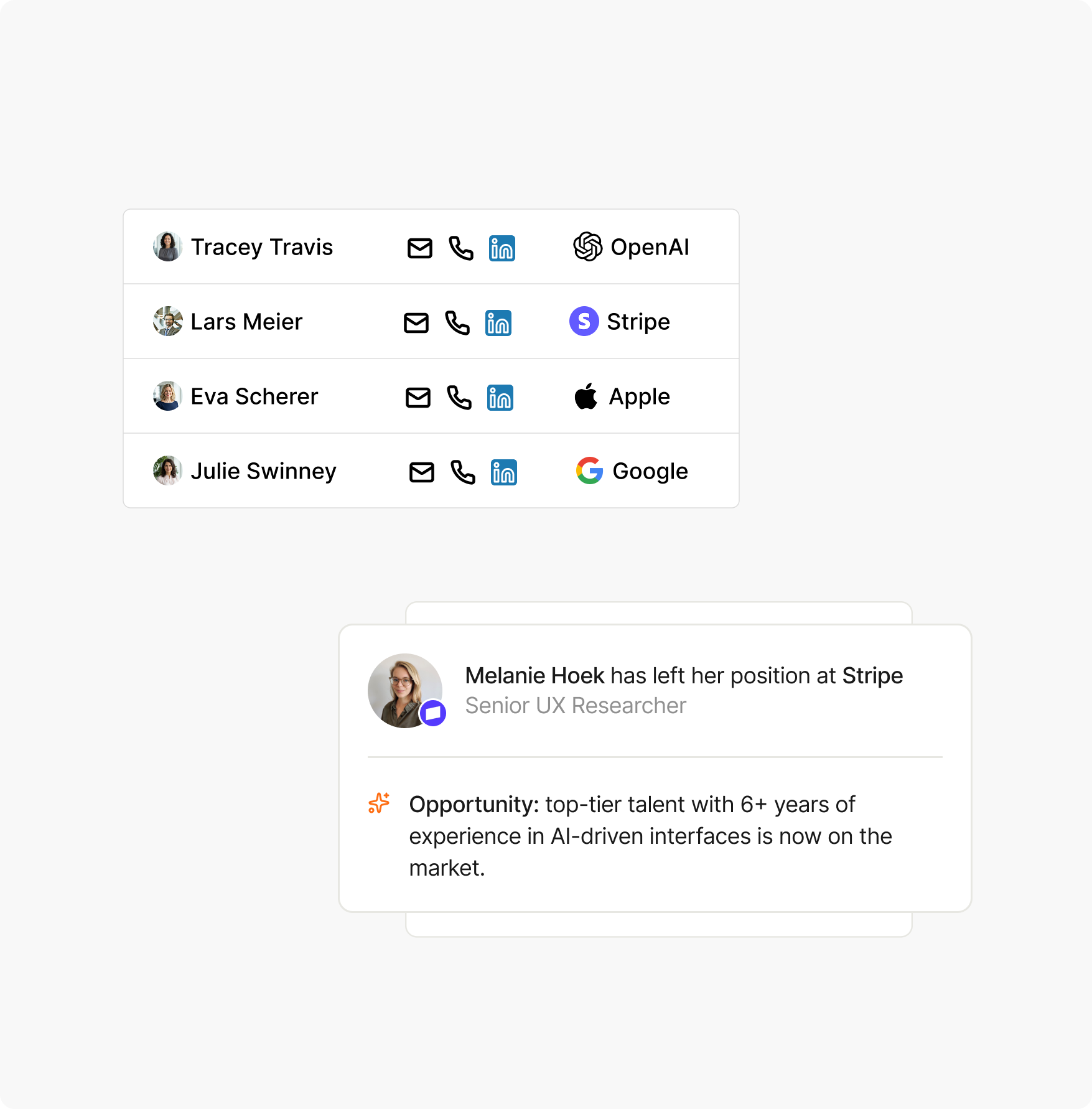
Set tasks and reminders against client accounts. Stay in touch between placements so the next brief comes to you first.
Choose the layout that fits your workflow in one tap.
Move candidates or jobs between stages instantly.
Your columns, filters, and sorting save automatically for next time.
See what's working and what's not
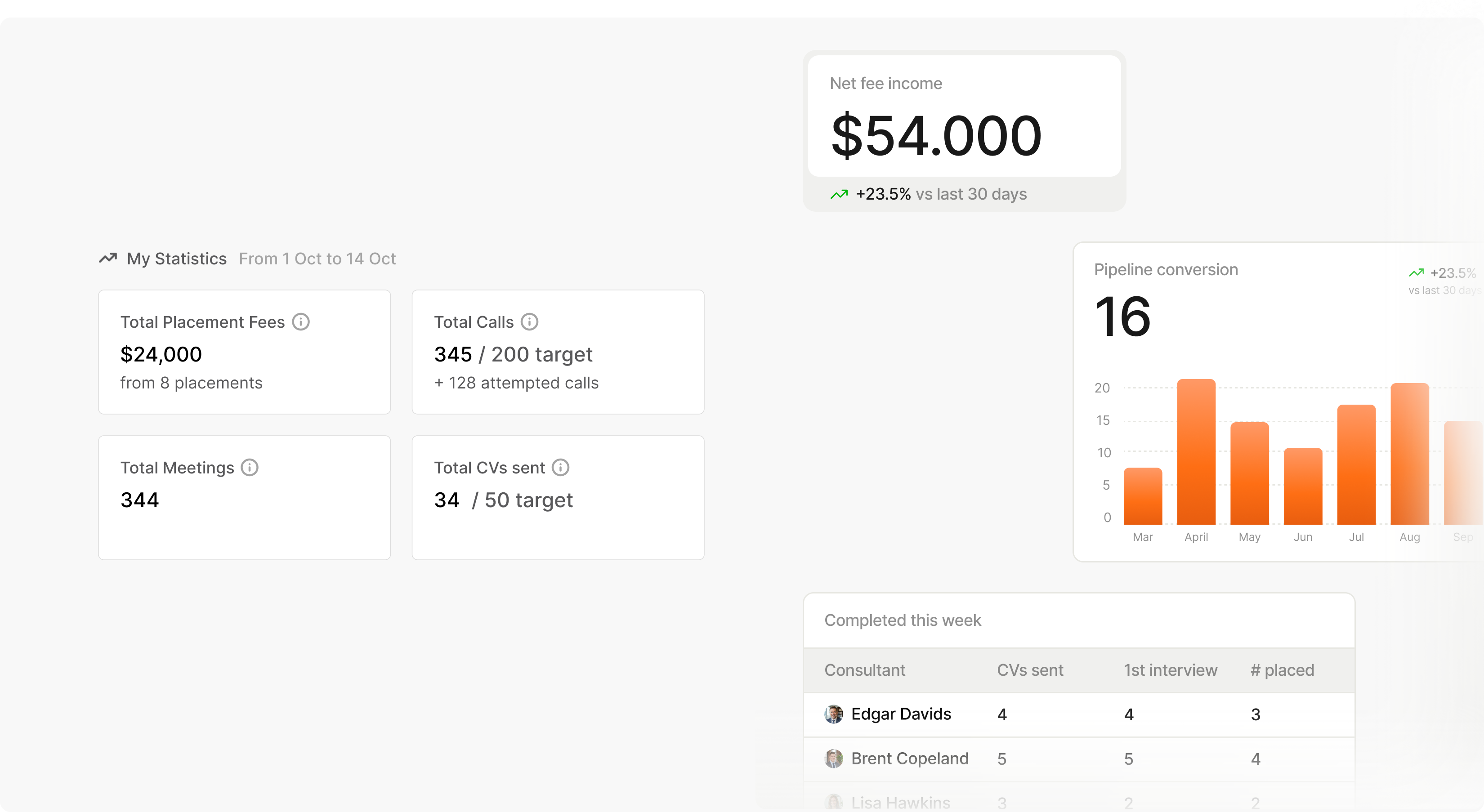
Track fill rates, time-to-shortlist, and interview-to-offer ratios by recruiter, client, and role type.
Make decisions based on data instead of gut feel.
You’ll be live on Spott in 4 weeks.
01
Week One
Once we receive your data from your existing ATS, our team handles the initial mapping and ensures everything aligns smoothly. Your team keeps working as usual.
02
Week Two and Three
We sit together with your team for specific questions. All you data is migrated to our dedicated migration environment. Your data is validated, checked and rechecked.
03
Week Four
The final migration is ready for review. Once approved, we transfer everything into Spott with zero downtime and no surprises. A fresh final export ensures nothing is missed.



.png)



Frequently Asked
Most Spott users present a qualified shortlist within hours of receiving a job brief, not days. The platform's semantic AI matching scans your entire database - including context from past calls, notes, and CVs - and ranks candidates by fit instantly. No Boolean strings, no manual filtering. One customer described it as: "The speed at which you can share top candidates with clients is crazy." The difference is architectural: Spott's AI reads context, not just keywords, so it surfaces candidates other systems miss.
Adoption is the single biggest predictor of ATS/CRM ROI - and the reason most implementations fail. Spott was designed specifically around how recruiters work: drag-and-drop pipelines, one-click candidate presentations, auto-generated call notes, and a unified inbox across email and WhatsApp. Recruiters onboard in days, not weeks. The system actively reduces admin work instead of adding to it, which means your team has a reason to stay in the platform rather than default back to Outlook and Excel.
Spott's migration team handles the full process over 4 weeks. Week one: your data is mapped and aligned. Weeks two and three: everything migrates to a dedicated test environment where it is validated, checked, and rechecked - including deduplication and field mapping. Week four: final migration goes live with zero downtime. Your team keeps working in your old system until the switch. Spott has migrated agencies from Bullhorn, Loxo, Vincere, JobAdder, Carerix, Invenias, HubSpot, and Recruit CRM - including databases with over 1M candidate records.
AI matching does not replace recruiter judgement - it removes the bottleneck before it. An experienced recruiter knows who the right candidate is when they see them. The problem is finding them in a database of tens of thousands of records. Spott's semantic search understands context: if a candidate discussed change management experience in a call six months ago, they surface for a role requiring it - even if those words are not on their CV. One customer who tested over 200 ATS solutions rated Spott's matching the best they had seen. The AI handles the search; your recruiters handle the relationships.
Spott tracks every candidate-client-role combination in one view. You can see which candidates have been presented where, at what stage they are with each client, and what feedback has been given - without switching between tabs or losing context. Drag-and-drop pipeline management lets recruiters move candidates between stages instantly. Saveable views and filters mean each recruiter can set up their workspace once and return to it daily without reconfiguring anything.
Spott is $139-199/user/month depending on the plan, billed annually. There are no setup fees, no migration fees, and no per-action AI charges. Migration takes 4 weeks with dedicated support included. Compare that to legacy platforms where you pay the license fee plus add-ons for matching, note-taking, enrichment, and outreach - each with separate contracts - plus 12-24 weeks of implementation and often a consultant or admin on staff to maintain it. Most agencies switching to Spott see a lower total cost of ownership from month one.
Yes. Your data is yours. Spott provides full data exports so you are never locked in. The platform is built on the confidence that agencies stay because the product works, not because leaving is painful. Spott is also ISO 27001 certified, GDPR compliant, and hosted in the EU by default - your candidate data is handled with enterprise-grade security throughout.
Outp(l)ace everyone.
You can’t win tomorrow’s placements
with yesterday’s tools.