Read More

Features

Multi-channel Outreach

Run hyperpersonalised, multi-channel outreach campaigns at scale across channels to drive new conversations.
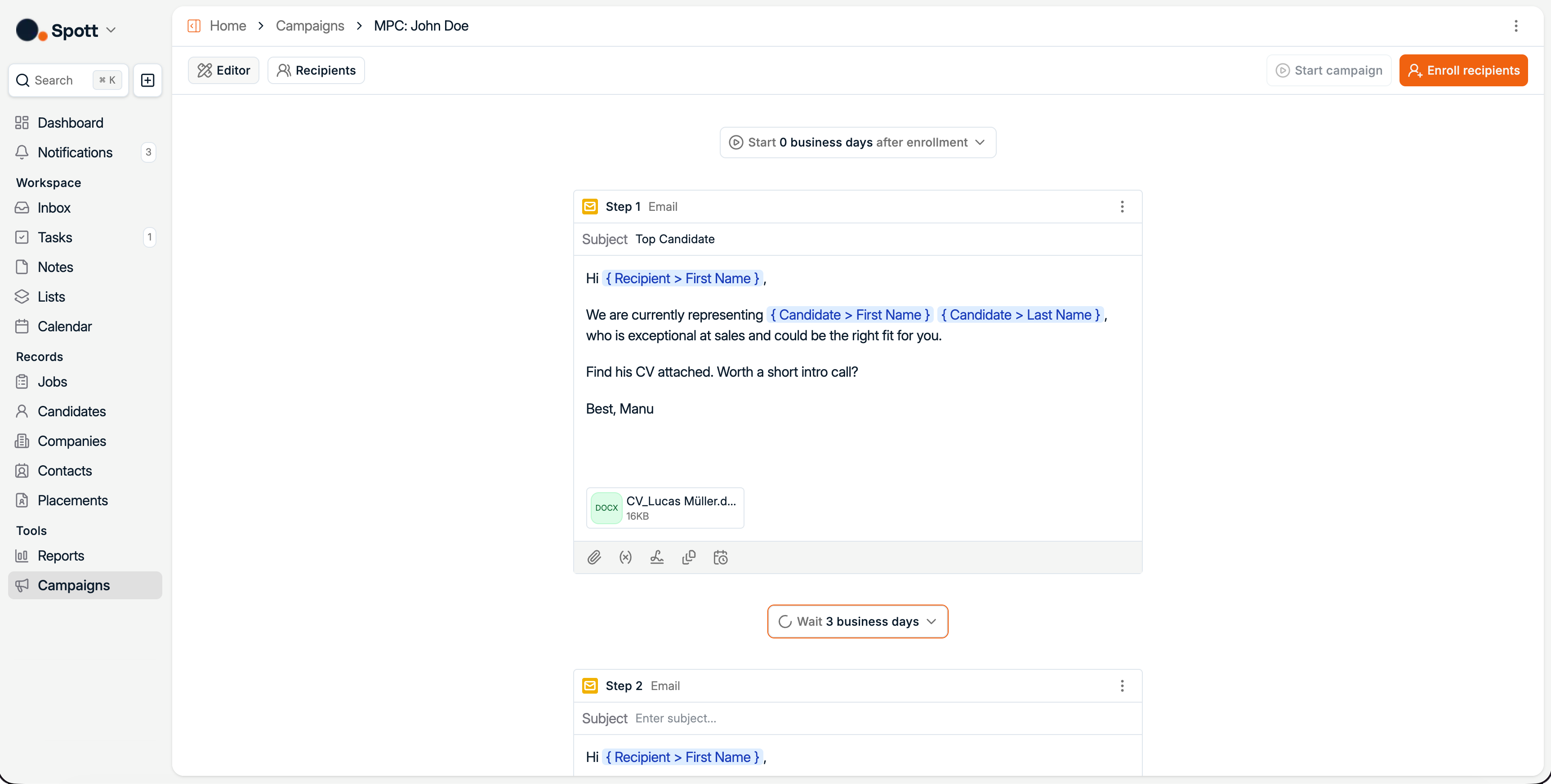
User interface of Spott platform showing email campaign editor with personalized message, attachment, and scheduling options.

How it works.

Run multi-channel campaigns with ease

Create flexible, multi-step campaigns that adapt to how candidates and clients respond.
Schedule follow-ups, mix channels, and let Spott handle the timing, so nothing slips through the cracks.

Every step is connected to real context from your ATS and CRM, so outreach always makes sense, even weeks later.

Run multi-channel campaigns

Combine Email, LinkedIn, WhatsApp, tasks and call steps. All in a single campaign.

Drive personalization, even at scale

Add a personal touch to every message you send, with fixed variables or AI-generated content.

Never lose track of what happened

Spott keeps a full history track of what was sent, when, and how recipients responded if needed.
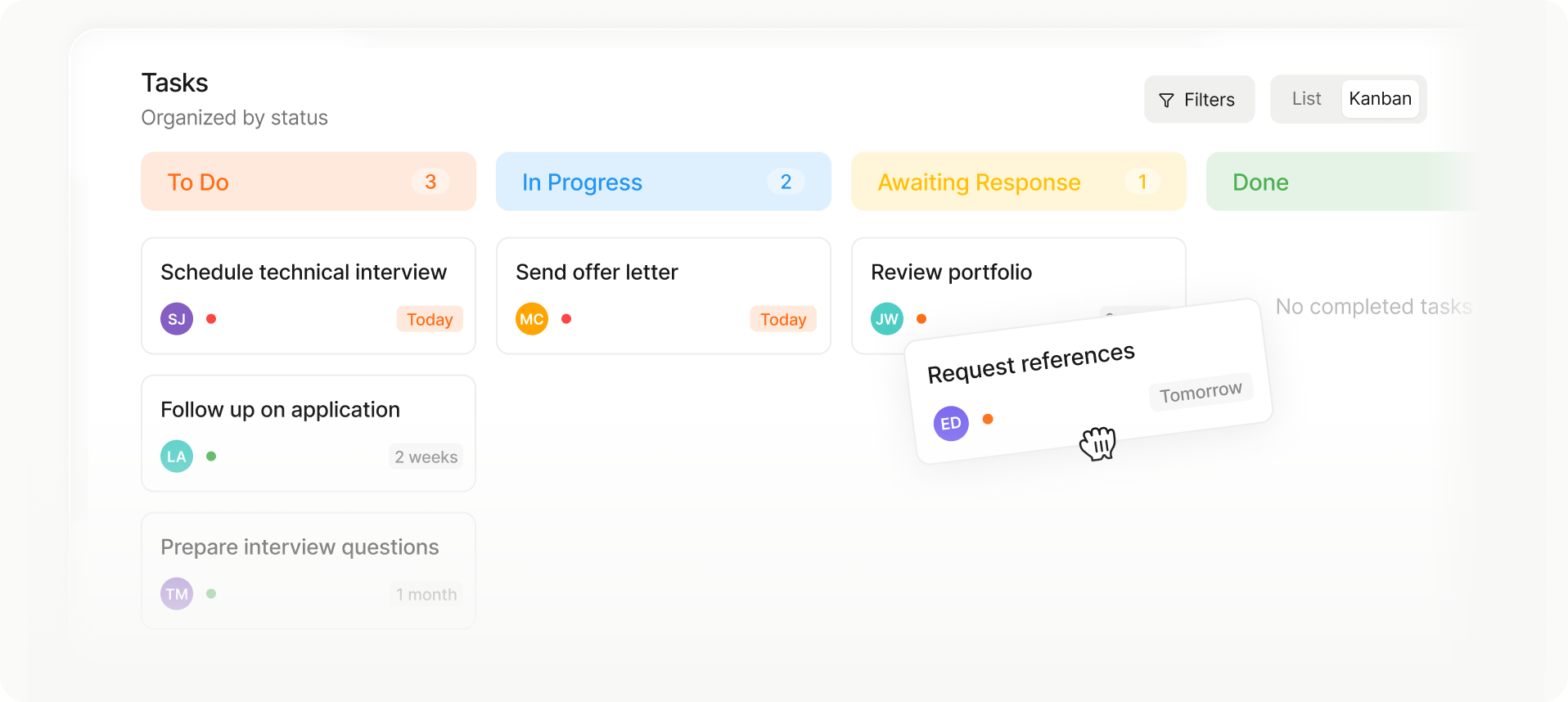
Kanban-style task board with columns: To Do (3 tasks), In Progress (2 tasks), Awaiting Response (1 task), and Done with no tasks.
Kanban task board showing columns To Do with 3 tasks, In Progress with 2 tasks, Awaiting Response with 1 task, and Done with no tasks; tasks include schedule technical interview, send offer letter, review portfolio, follow up on application, prepare interview questions, and request references.
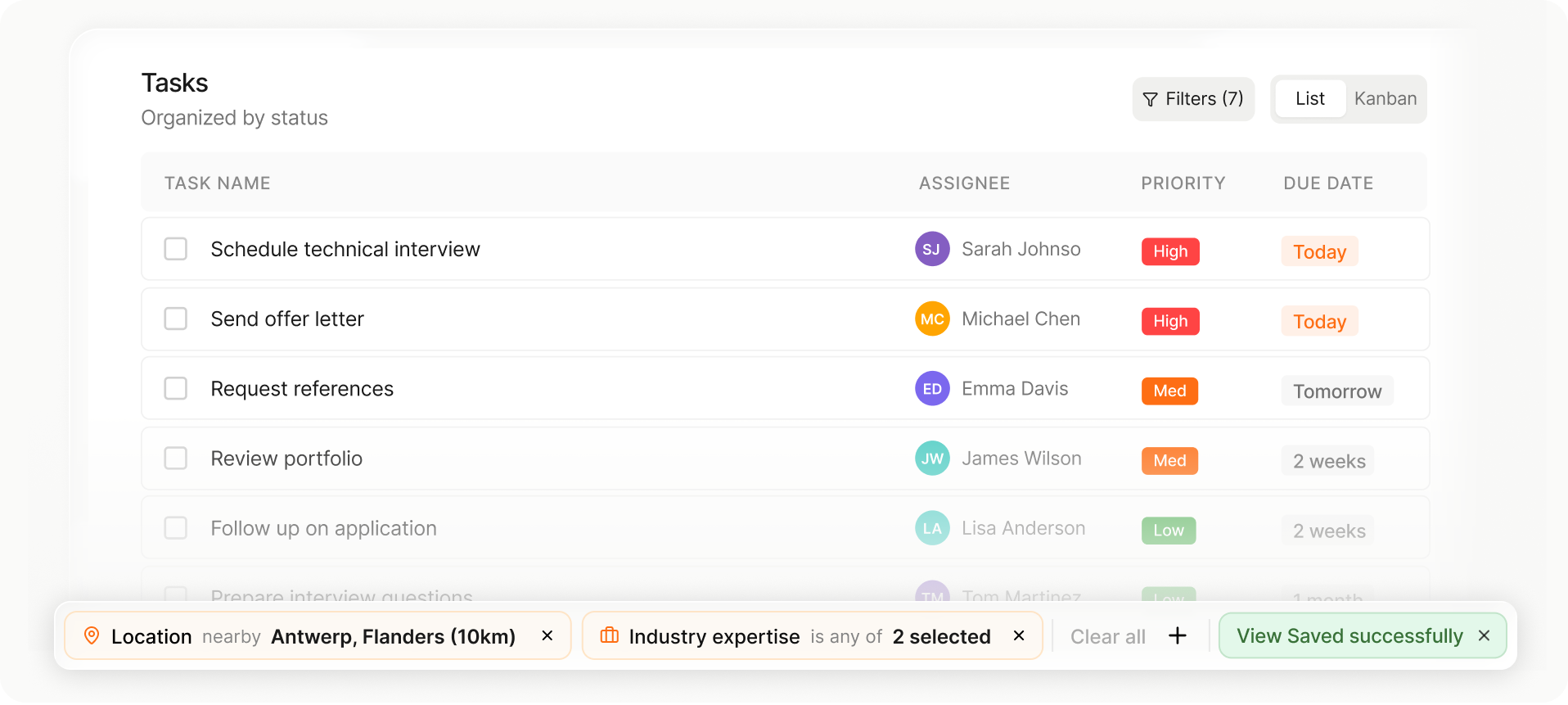
Task list showing task name, assignee with initials, priority levels, and due dates, with filters for location and industry expertise applied.
List or Kanban view

Choose the layout that fits your workflow in one tap.

Drag-and-drop stage changes

Move candidates or jobs between stages instantly.

Auto-saved views and setup

Your columns, filters, and sorting save automatically for next time.

Scale outreach with confidence

Send campaigns at scale without sacrificing deliverability or visibility.
Connect multiple sending domains and track every action, pause, and response in one clear timeline.

Multiple sending domains

Connect multiple email domains to scale outreach and distribute volume across accounts.

Bring your own signature

Use your branded email signature on every message for consistent, professional outreach.

Configuration options

Control delivery windows, sender settings, and reply rules to optimize every sequence.

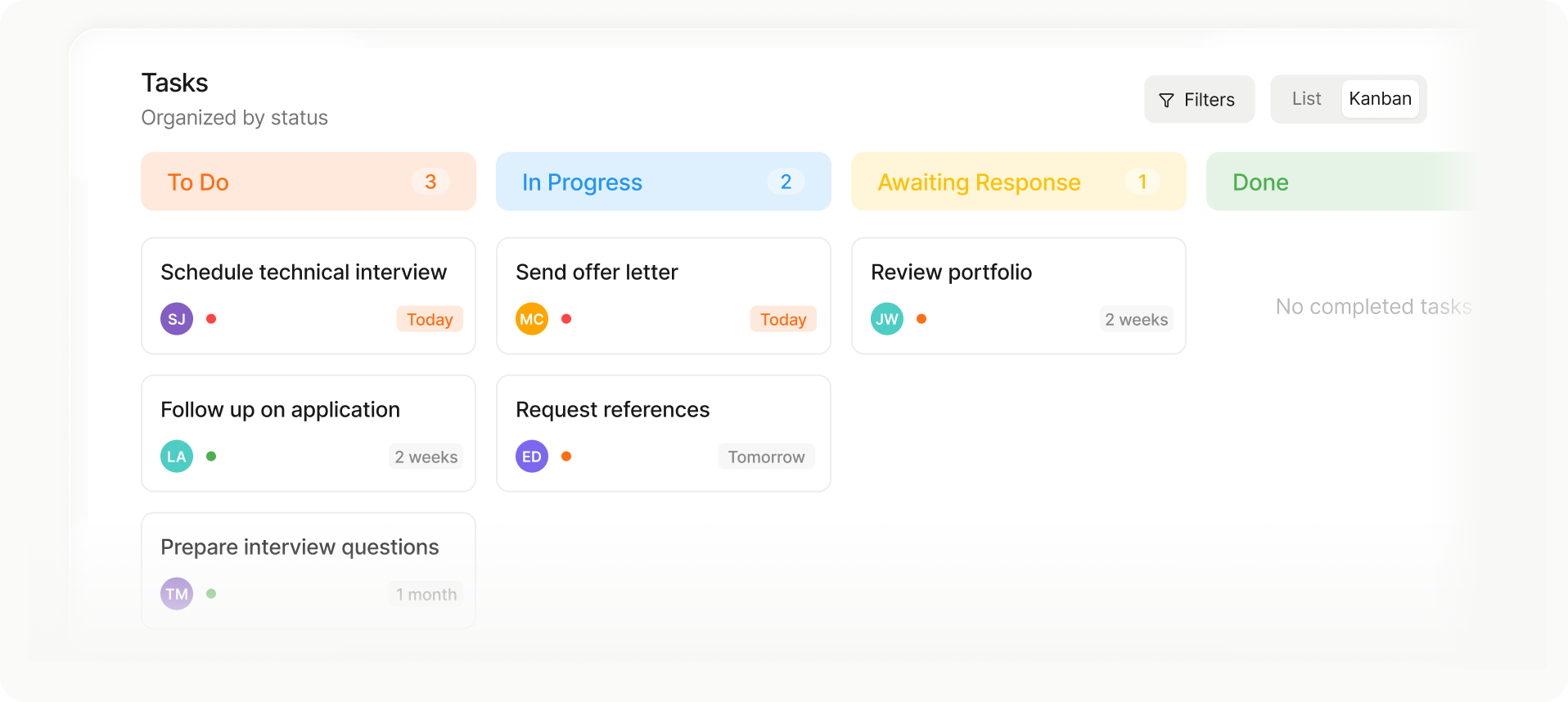
Kanban-style task board with columns: To Do (3 tasks), In Progress (2 tasks), Awaiting Response (1 task), and Done with no tasks.
Kanban task board showing columns To Do with 3 tasks, In Progress with 2 tasks, Awaiting Response with 1 task, and Done with no tasks; tasks include schedule technical interview, send offer letter, review portfolio, follow up on application, prepare interview questions, and request references.
Task list showing task name, assignee with initials, priority levels, and due dates, with filters for location and industry expertise applied.
List or Kanban view

Choose the layout that fits your workflow in one tap.

Drag-and-drop stage changes

Move candidates or jobs between stages instantly.

Auto-saved views and setup

Your columns, filters, and sorting save automatically for next time.

Outp(l)ace everyone.

You can’t win tomorrow’s placements
with yesterday’s tools.