RPO & Consulting
Run embedded recruitment operations at scale. Manage multiple clients, prove your value at every review, and keep your team utilized.
.png)




The Technology Gap in RPO Operations
RPO providers are measured differently from traditional agencies. Success is not about filling individual roles - it is about hiring velocity, cost-per-hire, candidate quality, and process compliance across multiple client accounts simultaneously. The technology should reflect that operational complexity.
But most recruitment platforms were built for single-client agencies. They lack the multi-tenant visibility, utilisation tracking, and SLA reporting that RPO providers need to run profitably and prove ROI at every quarterly business review.
RPO-ready technology should solve five operational challenges that standard recruitment platforms miss:
Fill roles faster than your competitors
Your candidates expect speed. Spott surfaces the right available talent the moment a request comes in,
so you're already sending profiles while others are still searching.
.png)
Filter by availability, location, and rate before matching begins.
.png)
Spott understands roles and skills semantically. No candidates missed to bad tagging.
.png)
Go from job intake to a qualified, ranked shortlist in minutes.
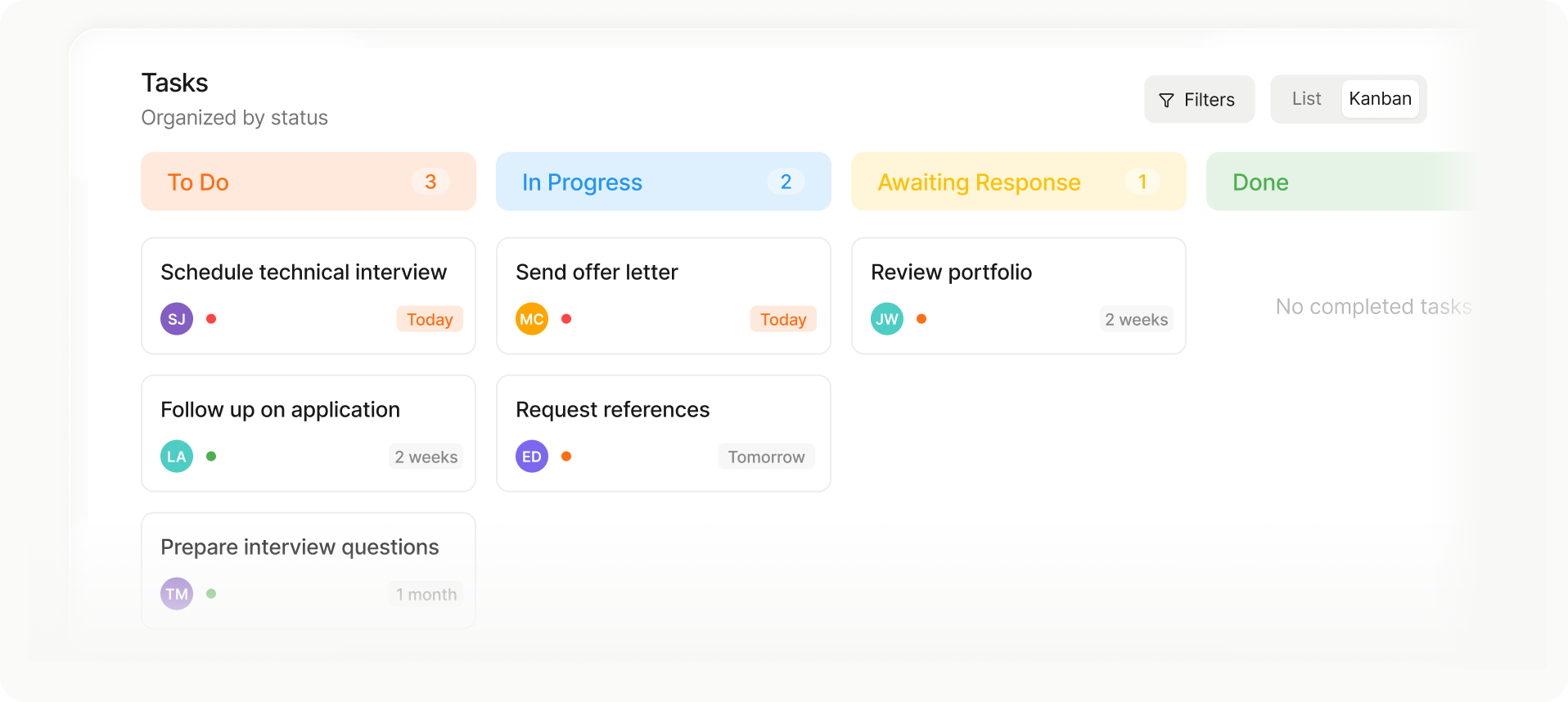
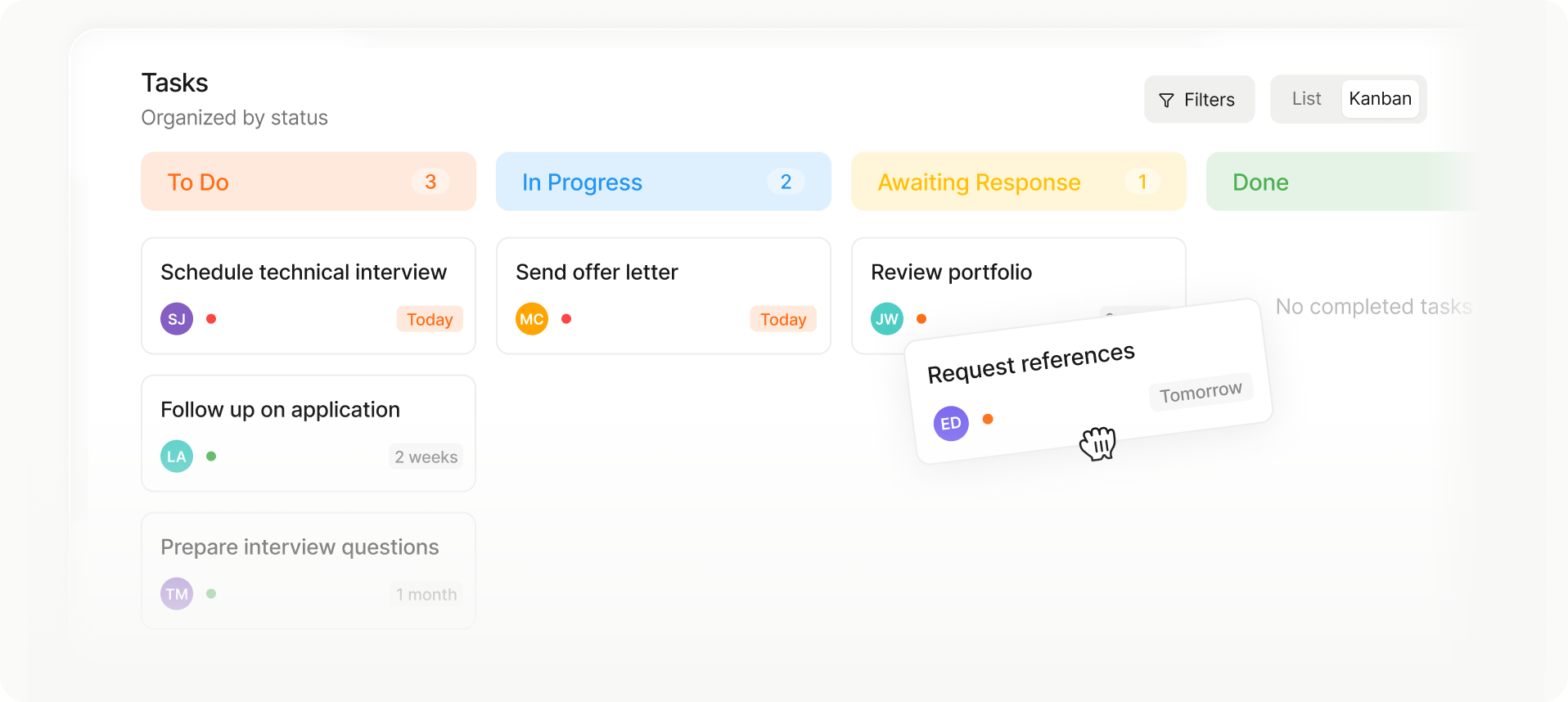
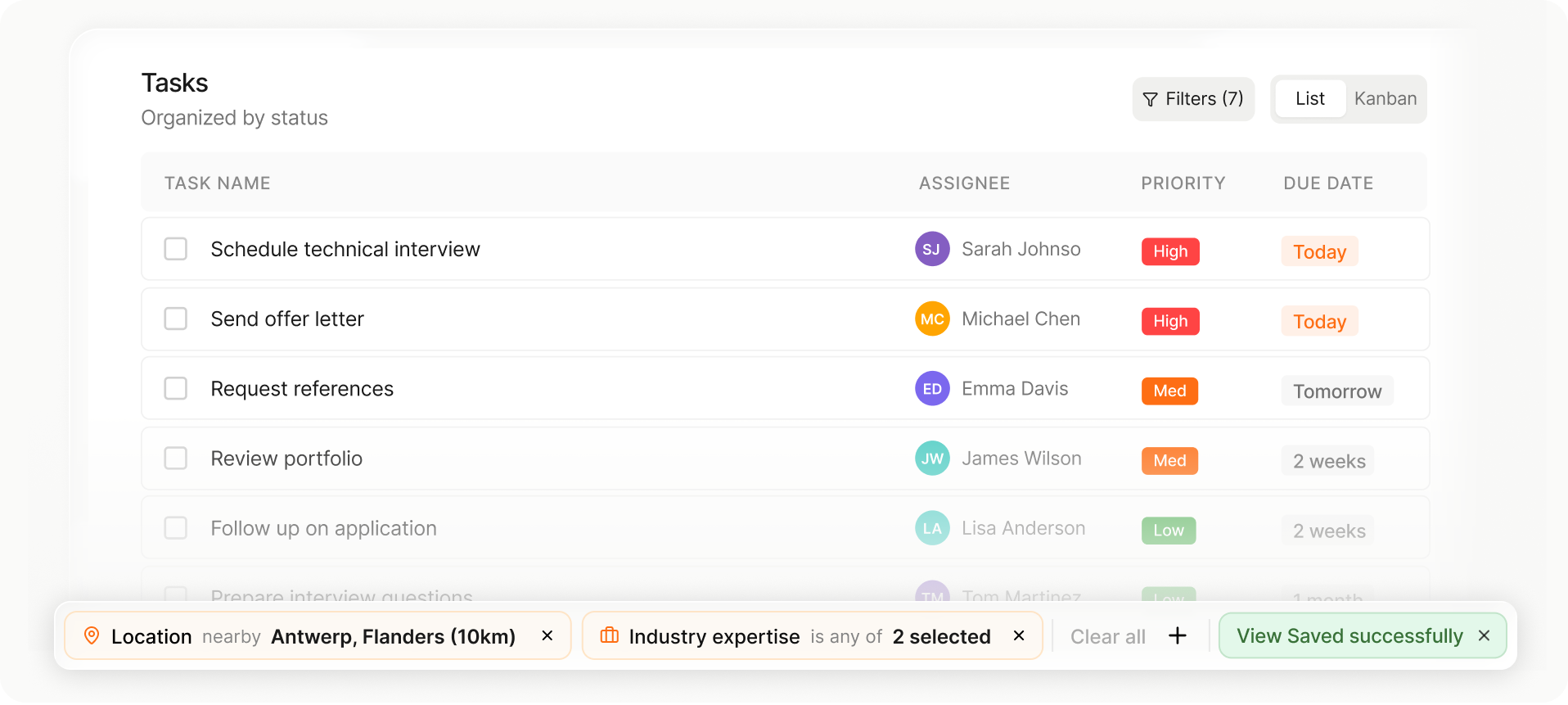
Choose the layout that fits your workflow in one tap.
Move candidates or jobs between stages instantly.
Your columns, filters, and sorting save automatically for next time.
From job intake to shortlist in record time
Speed to shortlist wins mandates.
Spott matches job requirements against your entire database and ranks candidates by fit, so your team spends time selling, not searching.
.png)
Describe the role in plain language or upload a job description. Spott finds the best fits across your entire talent pool.
.png)
Run outreach sequences across email and WhatsApp from one place. Get responses faster.
Choose the layout that fits your workflow in one tap.
Move candidates or jobs between stages instantly.
Your columns, filters, and sorting save automatically for next time.
Keep your team utilized and your margins healthy
RPO revenue is headcount times utilization. If your consultants aren't fully allocated, you're losing money.
Spott gives you visibility across every engagement so you can balance the load.
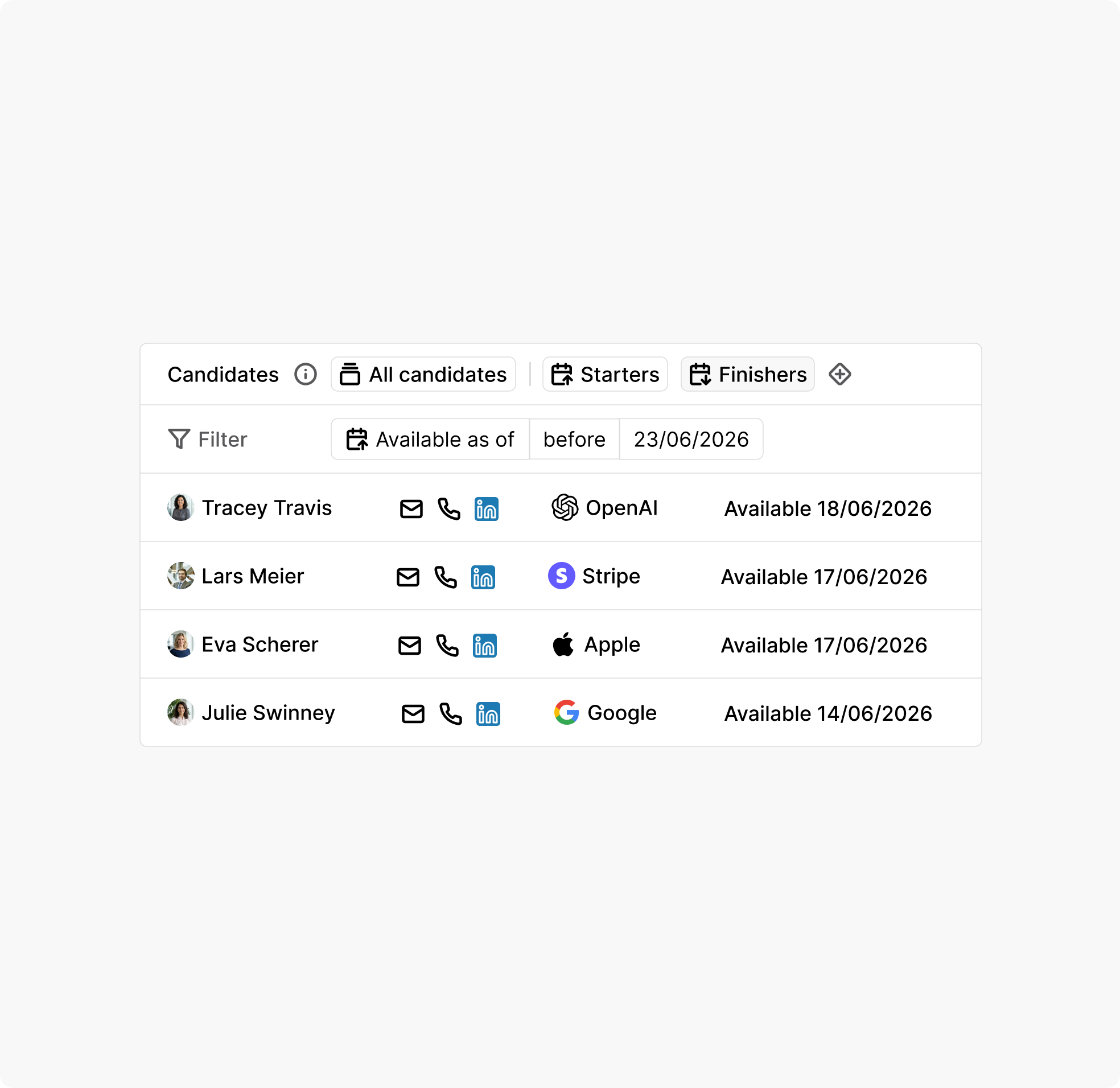
See which consultants are assigned where, how loaded each engagement is, and where you have spare capacity.
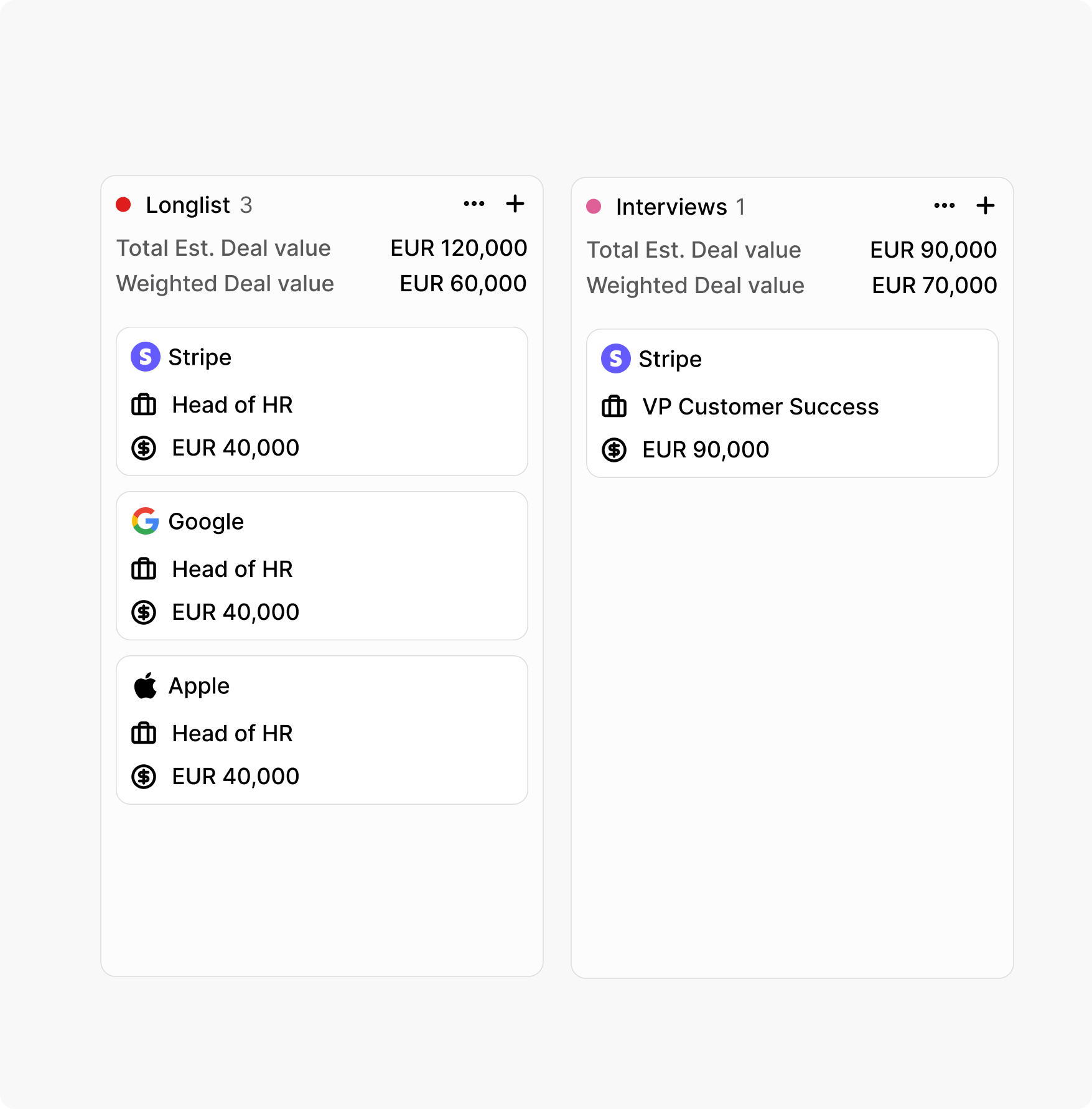
RPO means high volume. Track hundreds of open roles across clients without losing visibility on any of them.
Choose the layout that fits your workflow in one tap.
Move candidates or jobs between stages instantly.
Your columns, filters, and sorting save automatically for next time.
Prove ROI before they ask
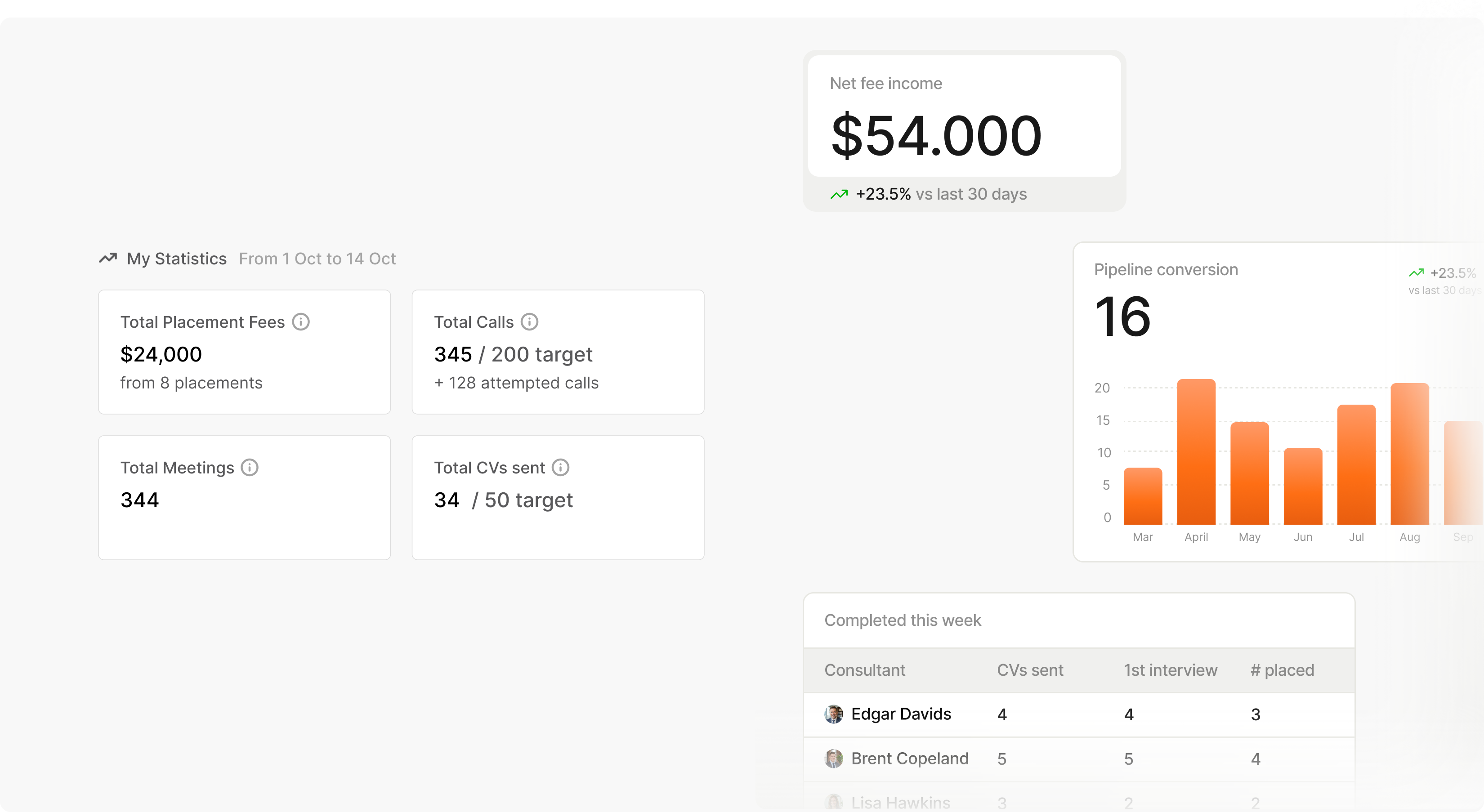
Spott tracks the numbers that matter so you walk in with the proof, not a scramble to pull data the night before.
You’ll be live on Spott in 4 weeks.
01
Week One
Once we receive your data from your existing ATS, our team handles the initial mapping and ensures everything aligns smoothly. Your team keeps working as usual.
02
Week Two and Three
We sit together with your team for specific questions. All you data is migrated to our dedicated migration environment. Your data is validated, checked and rechecked.
03
Week Four
The final migration is ready for review. Once approved, we transfer everything into Spott with zero downtime and no surprises. A fresh final export ensures nothing is missed.



.png)




Frequently Asked
Yes. Spott supports role-based access controls that let you segment data by client engagement - so recruiters on Client A's account only see Client A's candidates, pipelines, and reporting. At the same time, leadership gets a unified dashboard across all accounts to track team utilisation, pipeline health, and performance metrics. This separation is built into the permission model, not achieved through workarounds like separate instances or custom tagging. It scales cleanly as you add clients without creating admin overhead or data leakage risks.
Spott tracks the metrics that RPO clients care about in real time: time-to-fill, cost-per-hire, source effectiveness, pipeline velocity, and candidate quality indicators. Custom analytics dashboards (available on the Pro plan) let you build client-specific views that update automatically - no more assembling spreadsheets the night before a QBR. When your client asks how recruitment is performing, you pull up a live dashboard instead of scrambling for data. This is one of the most common reasons RPO providers switch: their old system tracked activity but could not generate the outcome-based reporting that clients demand.
Yes. Spott supports custom pipeline stages, custom fields, and custom objects that can be configured per client engagement. If Client A needs a 7-stage pipeline with compliance checks and Client B runs a 4-stage fast-track process, both work within the same platform. Custom analytics views can be saved per client for reporting. This configurability is self-service - your team handles it without needing Salesforce developers or consultants, which keeps your operating costs down as you add new client engagements.
Spott is built to handle databases with over 1M candidate records and supports high-volume workflows across multiple simultaneous client engagements. Semantic AI matching works at scale - it does not slow down as your database grows. Multi-channel outreach sequences manage high-volume candidate engagement across email and WhatsApp without manual follow-up tracking. Auto-generated notes from every call and meeting mean your consultants spend time recruiting, not on admin. For RPO operations running hundreds of open roles across clients, the speed difference between a system that actively works for recruiters and one that passively stores records compounds quickly.
Yes. Spott provides full data exports, so if a client engagement ends and they need their candidate data returned or transferred to another platform, you can facilitate that cleanly. Data portability is a core principle - neither you nor your clients are locked into Spott. This matters for RPO providers because client contracts have end dates, and the ability to handle offboarding professionally protects your reputation and your relationship for potential future re-engagement.
Spott's Pro plan at $199/user/month includes everything an RPO operation needs: AI matching, auto-notes, multi-channel sequences, custom analytics, data enrichment, and self-updating databases. For a 30-person team, that is $5,970/month for a complete technology stack with no add-ons. Compare that to legacy platforms where you pay the base license plus separate tools for matching, note-taking, enrichment, outreach, and reporting - plus admin overhead to maintain it all. Enterprise pricing with custom configurations and dedicated support is available for larger teams. Migration is included at no additional cost and takes 4 weeks.
Outp(l)ace everyone.
You can’t win tomorrow’s placements
with yesterday’s tools.