Mobile Recruiting: How to Keep Deals Moving When You're Not at Your Desk
TL;DR
Mobile recruiting isn't about running your whole desk from a phone; it's about the five moments that can't wait until you're back at one: responding to a candidate who finally replied, capturing intel right after a client meeting, approving the next step in a live deal, checking context before walking into a room, and catching the counteroffer call at 7pm. The agencies that win these moments share one trait: their system of record is updated from anywhere in seconds, so nothing lives in a consultant's head or phone until "later." Later is where placements die.
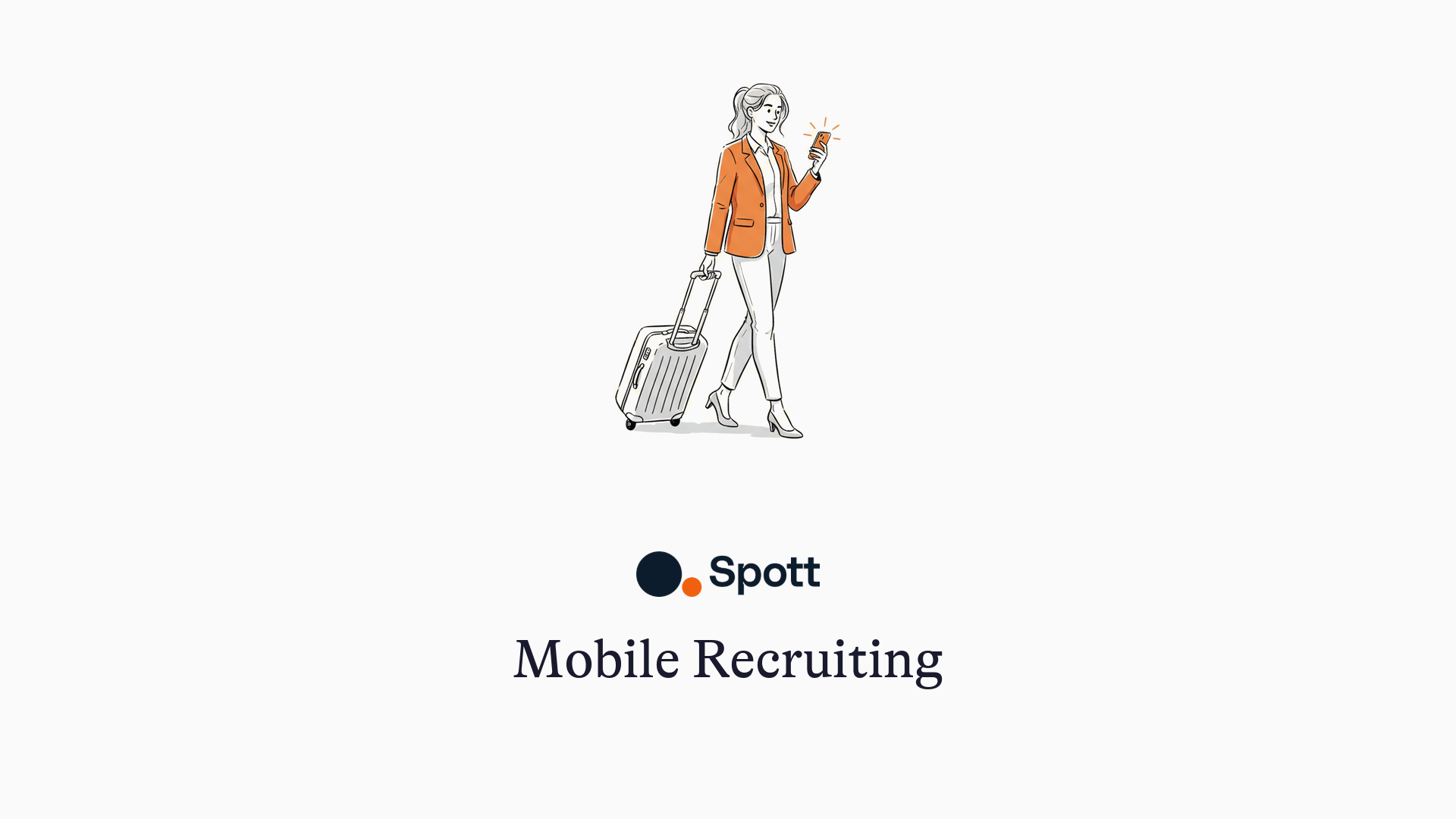
Recruiting has never been a desk job. Candidates return calls during their commute, clients drop bombshells in lobby small talk, and counteroffers land at dinner time. The deal-defining moments of a placement have a habit of arriving precisely when you're not at your desk.
Most "mobile recruiting" advice responds to this with a fantasy: do everything from your phone! Source, screen, submit, all thumbs. That's not how recruiters work, and pretending otherwise produces clunky mobile apps nobody opens.
Here's the honest version: a few specific moments genuinely decide deals, those moments happen away from your desk, and your tooling either catches them or drops them.
The five mobile moments that actually decide placements
1. The reply you've been waiting three days for
A candidate you've been chasing finally responds, on WhatsApp, at 6:40pm. Response speed here is disproportionate: this is the moment they're engaged, phone in hand, decision warm. Reply within minutes and the process moves; reply tomorrow morning and you're back in the queue behind their second thoughts.
What this requires: candidate conversations (email, WhatsApp, SMS) reachable from your phone with their context attached, not scattered across three apps where you can't remember what you last offered them. This is exactly the problem a unified inbox tied to the candidate record solves: the thread, the role, and the history in one place, on whatever screen you're holding.
2. The 90 seconds after a client meeting
You walk out of a client's office with the real spec: the hiring manager hates job-hoppers, the budget can stretch for the right person, there are two more roles coming next quarter. This intel is your agency's edge, and it has a half-life of hours. By tomorrow it's a vague memory; by next week it's gone, and by next quarter it left with whoever attended the meeting.
What this requires: a capture habit that costs 90 seconds, not a form with twelve fields. Voice-note it, dictate it, or type three lines into the company record from the car park. The discipline matters more than the tool, but the tool decides whether the discipline survives: if capturing a note takes longer than the walk to the car, it won't happen. (This is also the argument for AI notetaking on calls: every conversation that happens through the system captures itself, so mobile capture is only needed for the in-person ones.)
3. The approval that unblocks a live deal
Interview slots offered, candidate asks for the later one, client needs a yes. Deals stall not on hard problems but on small confirmations that sat in someone's inbox for five hours. The recruiter who confirms from the supermarket queue keeps momentum the competitor loses.
What this requires: pipeline actions (move a stage, confirm a slot, fire the next email) available from your phone. Not the full admin console; just the handful of actions that unblock other people.
4. The two minutes before you walk in
Outside the coffee meeting, you want the refresher: last conversation, salary expectation, the one thing they were worried about. Recruiters who walk in with context read as partners; recruiters who ask questions the database already answered read as salespeople.
What this requires: candidate and client records readable on mobile, with the latest notes surfaced first. Bonus points if you can ask the question directly ("what did we discuss with Sarah in March?") instead of scrolling for it: this is where AI search across your own data quietly beats any mobile UI.
5. The counteroffer call
Your placed candidate calls at 7pm: their employer countered. The next thirty minutes decide whether your fee survives. You handle it on the phone, from wherever you are, and the only thing that helps is everything you know: their motivations from the first screening call, what they said about their boss, why they started looking.
What this requires: nothing fancy, just the full relationship history accessible when it matters. Which is really a data-capture question wearing a mobile disguise: the context is only available at 7pm if it was captured at every step before.
What does NOT belong on your phone (and that's fine)
Honest list: sourcing sessions, long-list building, detailed candidate reports, BD sequences, data cleanup, anything involving a spreadsheet. These are desk work, and platforms that cram them onto a 6-inch screen optimize for a demo, not a workflow.
The pattern across all five mobile moments is narrow and consistent: read context, capture context, take one small action. Judge any mobile recruiting setup, including ours, against those three verbs and ignore the rest of the feature list. Spott ships iOS and Android apps built around exactly this read-capture-act loop, with the heavy lifting staying on desktop where it belongs.
The real lesson: mobile is a data-capture problem
Every mobile moment above degrades to guesswork if the underlying database is stale. The 2-minute prep only works if the last call was logged; the counteroffer save only works if the motivations were captured months earlier.
Which means the agencies that are best at mobile recruiting are mostly distinguishable by what happens at their desks: systems that capture calls, emails, and messages automatically have current data by default, so the phone becomes a window into a live database instead of a guilt-inducing reminder of unlogged activity. That's the deeper case for AI-native platforms: they make the mobile experience good by making the data current, not by adding more buttons to the app.
Placements are won in moments that don't respect office hours. Make sure your system of record doesn't either.
See how Spott keeps your pipeline moving from anywhere, and updates itself while you talk: book a demo. Related reading: 5 signs your ATS is holding back your agency.