Read More

Features

Your Living Database

Spott automatically enriches and updates profiles using conversations and external data, so your database stays accurate.

How it works.

The only ATS that updates itself

Spott listens to what changes and keeps records up to date automatically, while staying fully transparent and in your control.

AI-suggested field updates

Automatically suggests profile updates based on new information entering the system. Includes a complete reasoning & source so you can act with confidence.

Keeping your Candidate profiles up-to-date

Spott regularly checks for candidate job movements so your profiles stay up to date and accurate over time, for the moment it matters.
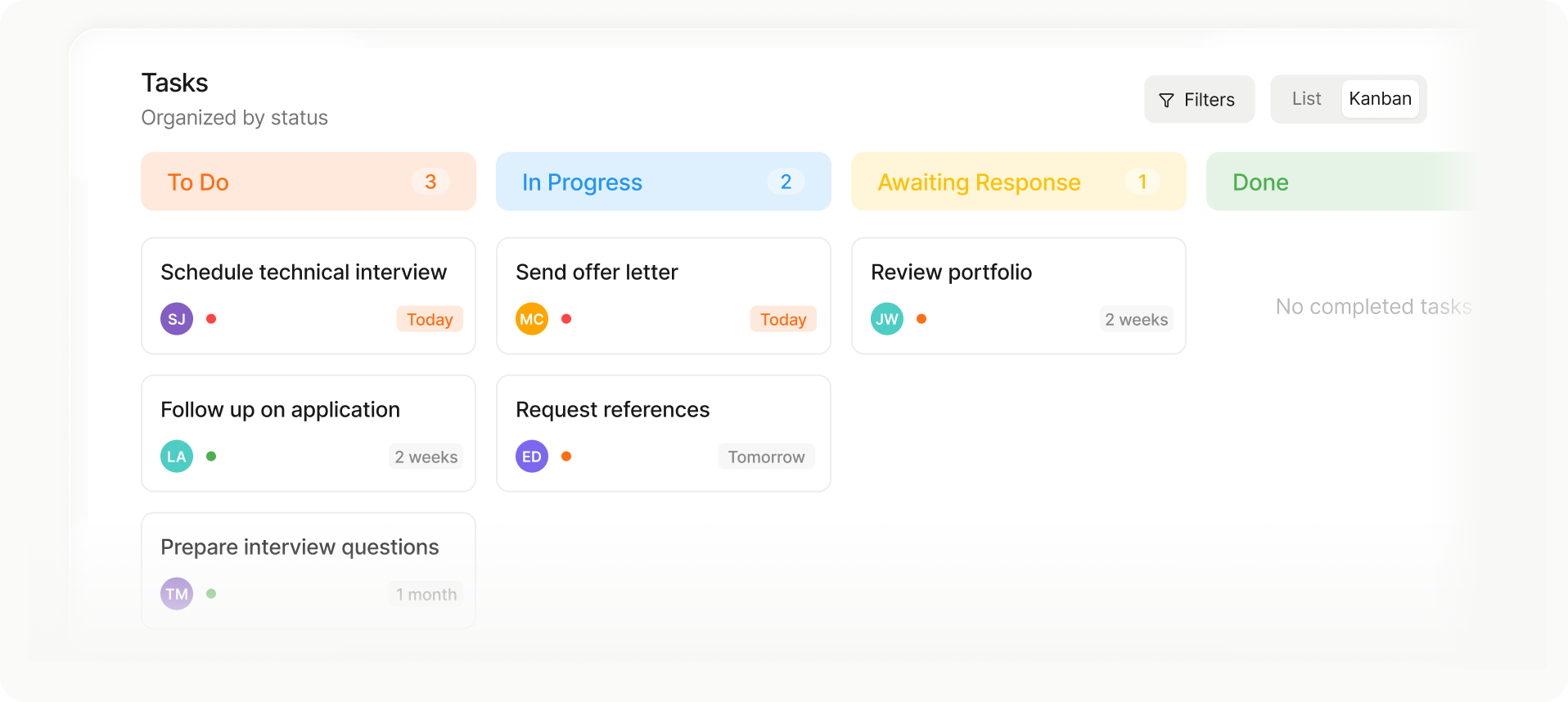
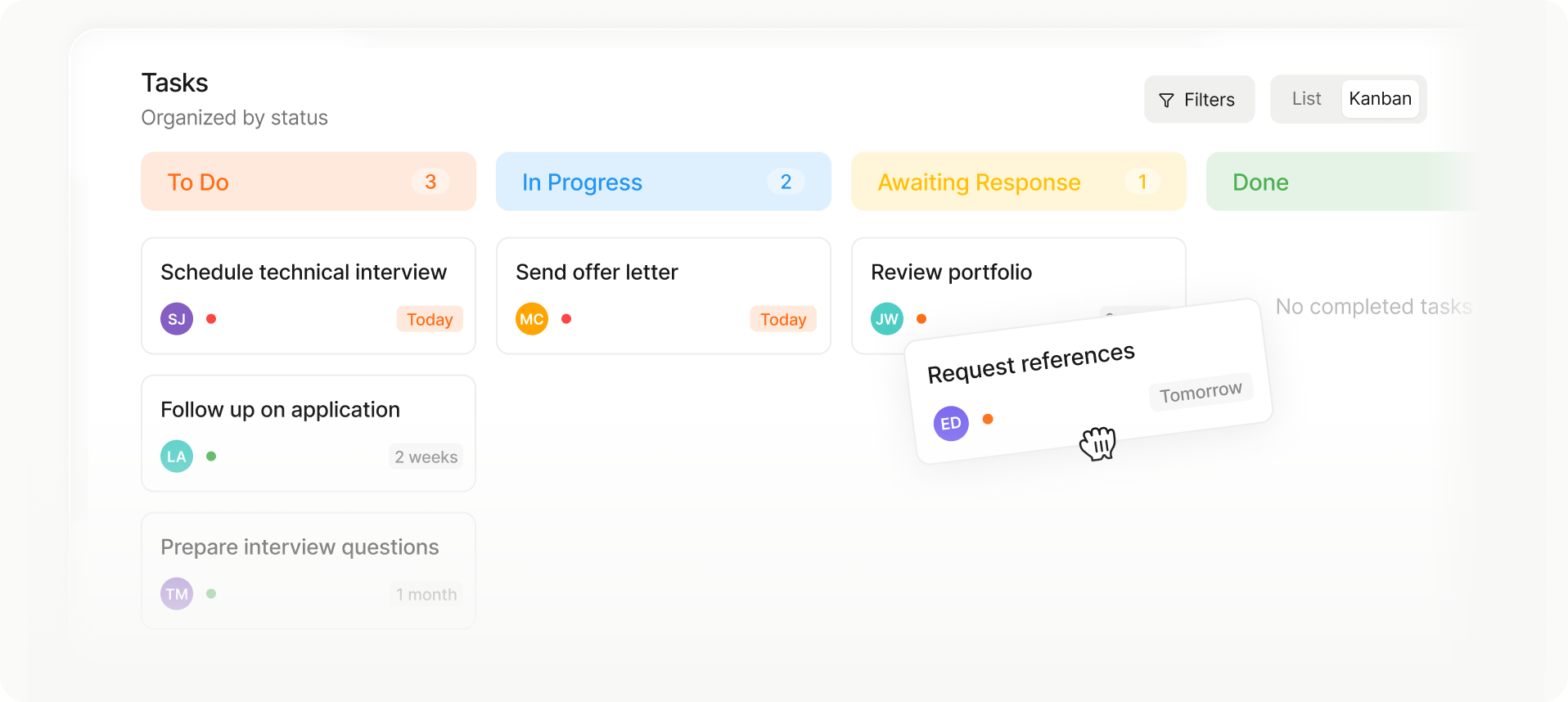
Kanban-style task board with columns: To Do (3 tasks), In Progress (2 tasks), Awaiting Response (1 task), and Done with no tasks.
Kanban task board showing columns To Do with 3 tasks, In Progress with 2 tasks, Awaiting Response with 1 task, and Done with no tasks; tasks include schedule technical interview, send offer letter, review portfolio, follow up on application, prepare interview questions, and request references.
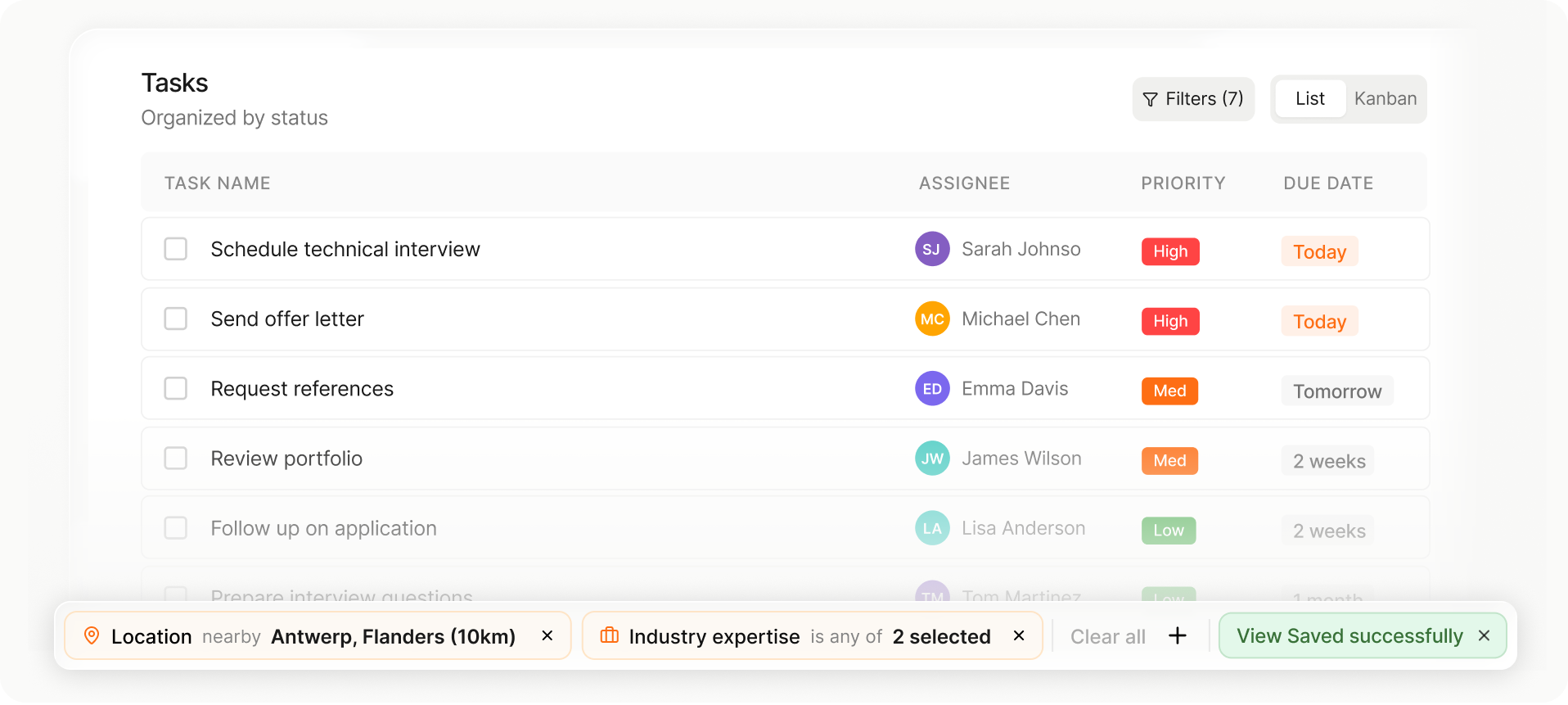
Task list showing task name, assignee with initials, priority levels, and due dates, with filters for location and industry expertise applied.
List or Kanban view

Choose the layout that fits your workflow in one tap.

Drag-and-drop stage changes

Move candidates or jobs between stages instantly.

Auto-saved views and setup

Your columns, filters, and sorting save automatically for next time.

Let us fill the gaps in your data

Missing or outdated data slows everything down.
Spott enriches profiles from multiple sources, without breaking workflows.

Enrich Contact details

Enrich email, phone, and LinkedIn details through waterfall enrichments.

Candidate updates
Candidate updates

Send links to candidates to share updated CVs, while we only enter what's new into Spott
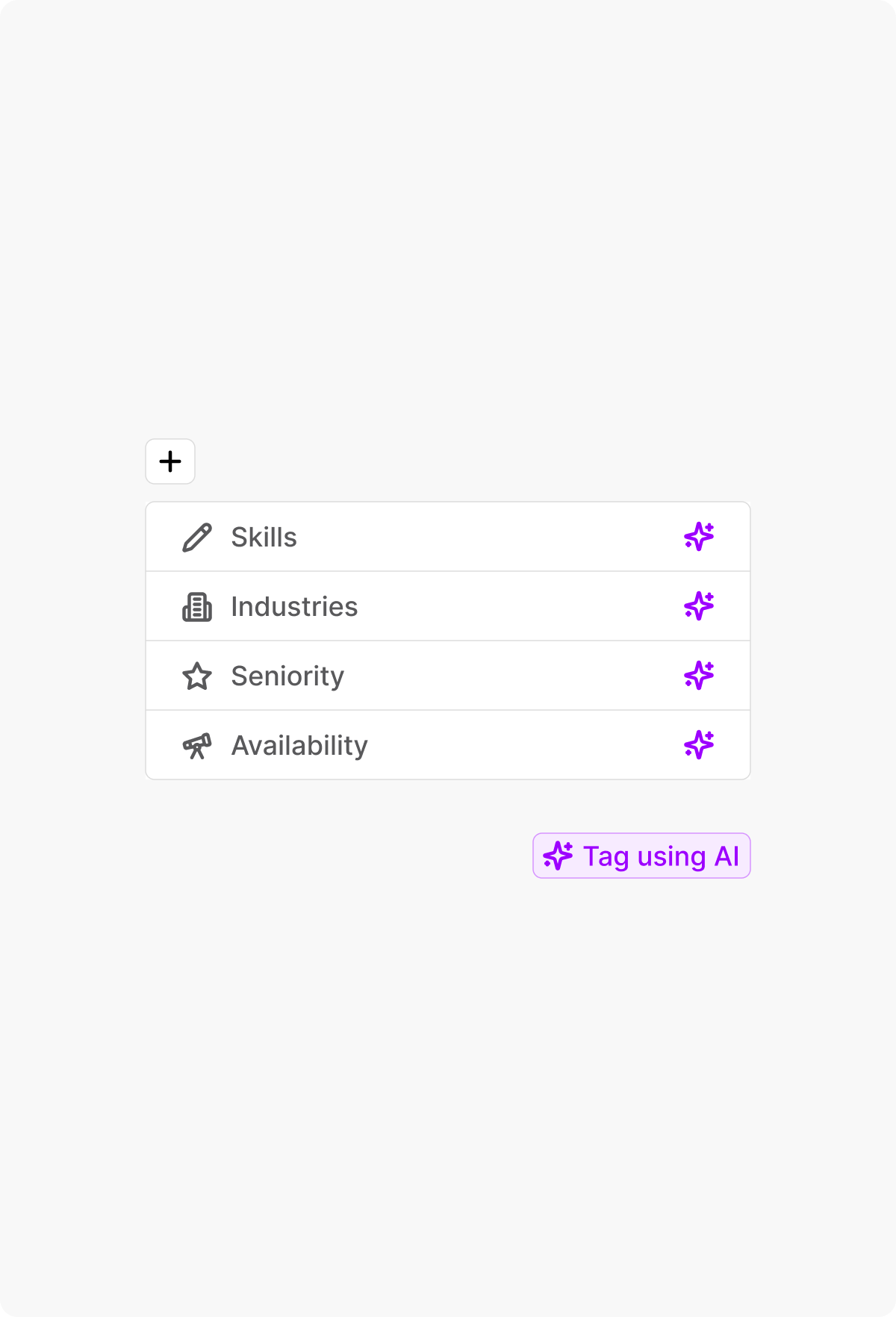
AI-powered attribute tagging

Automatically tag skills, seniority, industries or other fields that can be inferred from their profiles.

Kanban-style task board with columns: To Do (3 tasks), In Progress (2 tasks), Awaiting Response (1 task), and Done with no tasks.
Kanban task board showing columns To Do with 3 tasks, In Progress with 2 tasks, Awaiting Response with 1 task, and Done with no tasks; tasks include schedule technical interview, send offer letter, review portfolio, follow up on application, prepare interview questions, and request references.
Task list showing task name, assignee with initials, priority levels, and due dates, with filters for location and industry expertise applied.
List or Kanban view

Choose the layout that fits your workflow in one tap.

Drag-and-drop stage changes

Move candidates or jobs between stages instantly.

Auto-saved views and setup

Your columns, filters, and sorting save automatically for next time.

Keep your data clean, avoid duplicates

As your database grows, duplicates and inconsistencies creep in.
Merge records intelligently in 2 clicks.
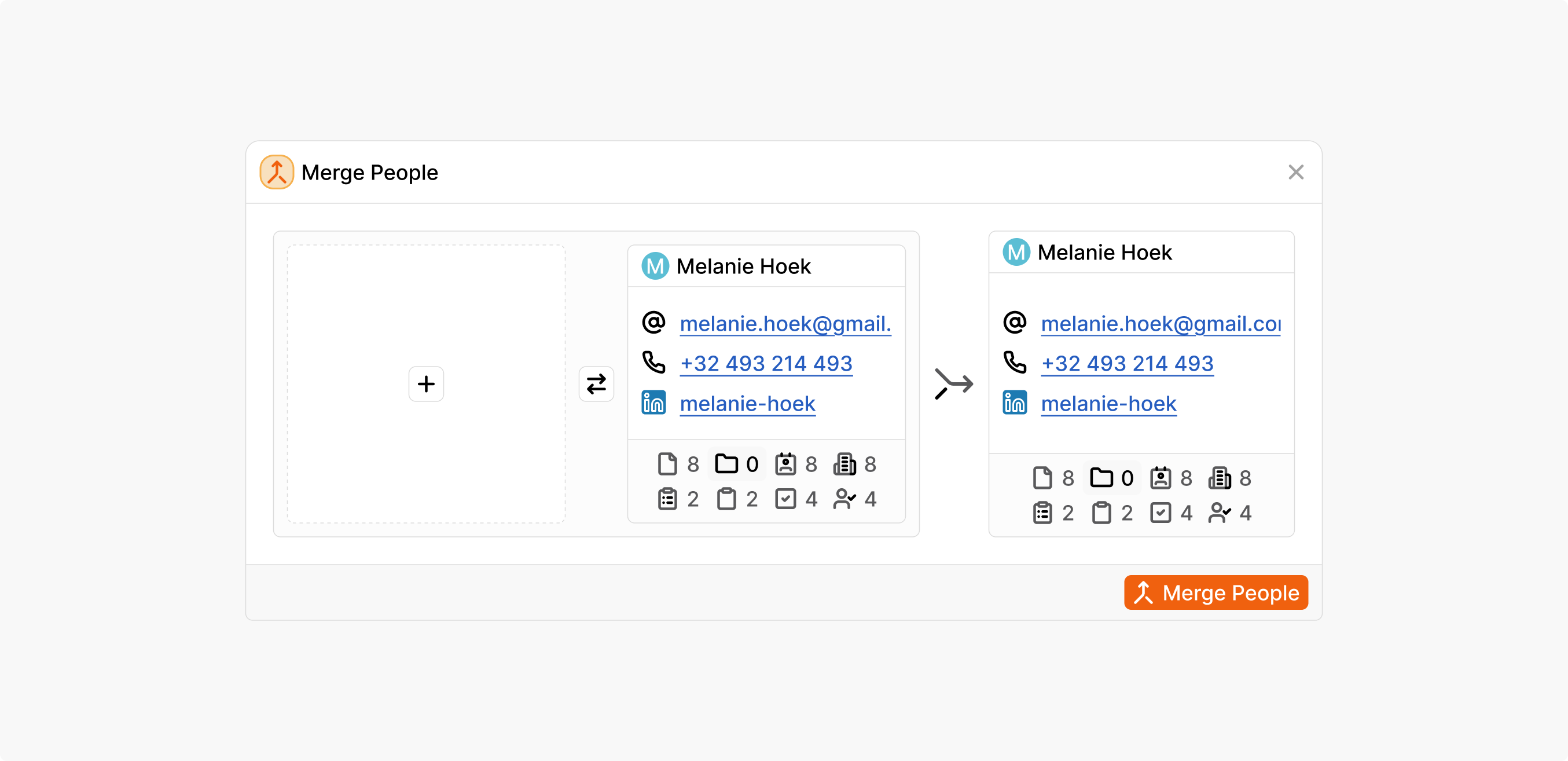
User interface showing a Merge People dialog with two contact cards for Melanie Hoek displaying email, phone number, LinkedIn, and other icons, plus buttons for swapping and merging.

Outp(l)ace everyone.

You can’t win tomorrow’s placements
with yesterday’s tools.