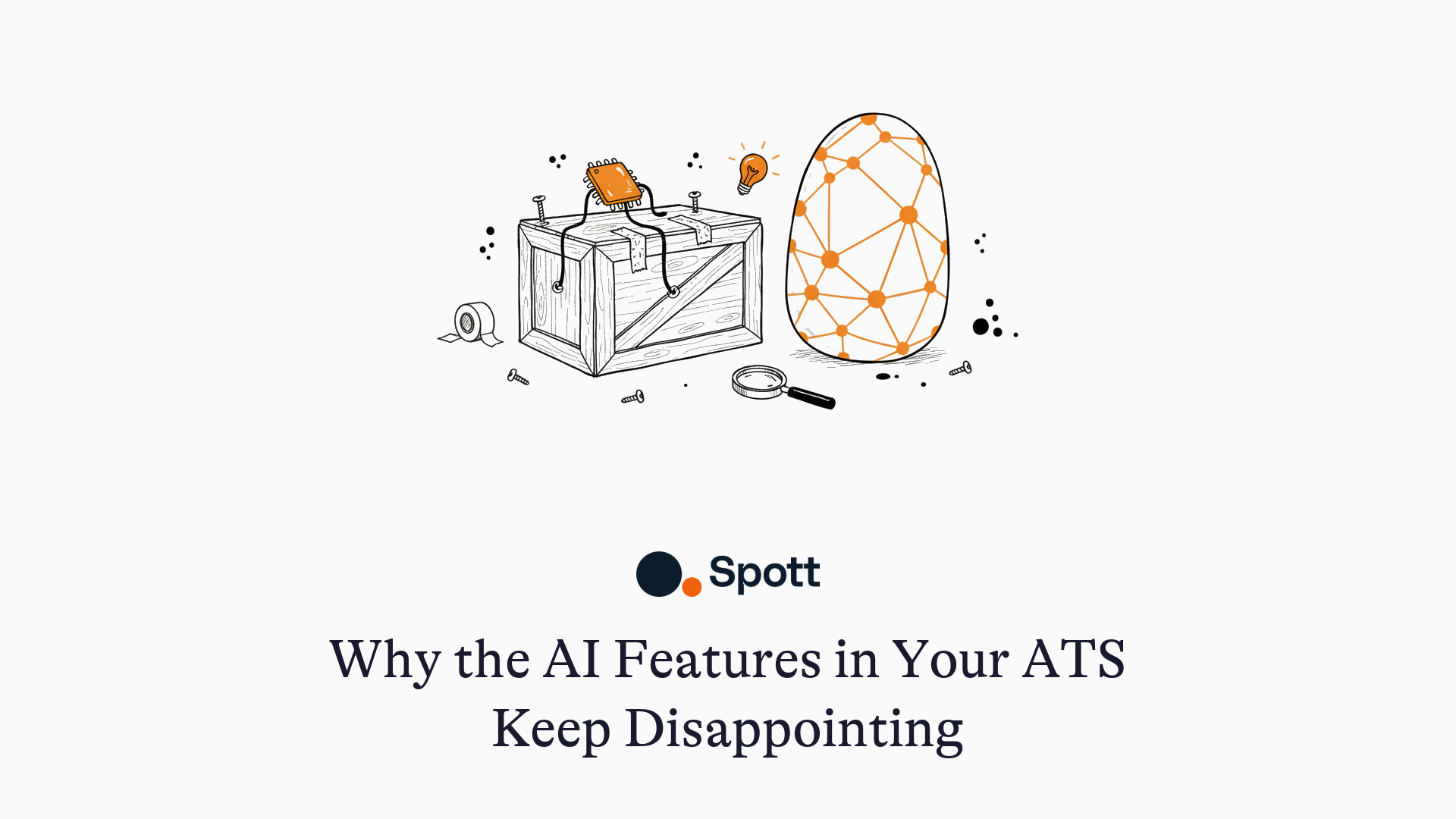
Why the AI Features in Your ATS Keep Disappointing (And What Real AI Looks Like)
TL;DR
Most ATS AI features disappoint because they are bolted onto a relational database that stores exact field values, not meaning. The AI can only search what someone manually typed into a field, so it fails the moment you ask a question your fields don't cover, like "find everyone who interviewed at Fidelity Investments." An AI-native ATS stores the meaning of every interaction (notes, call transcripts, emails), so it answers questions no field was ever created for. The fastest test: bring a question your fields can't answer to the demo and watch what happens.
Over the past year I have spoken with hundreds of US staffing and search firm owners, and one story comes up in almost every call. Their ATS vendor announced AI sourcing or AI matching. They tried it. It was marginal at best.
One owner evaluating a well-known mid-market platform put it neatly: the new AI sourcing felt like "a running start," but he didn't trust the data behind the results. Another told me her team tested their vendor's AI matching on a live role, got back the same candidates keyword search already surfaced, and never opened it again.
The pattern repeats across the market because the problem isn't the AI model. It's what the AI is allowed to see.
Why do ATS AI features keep disappointing?
The uncomfortable truth for anyone who bought an ATS before roughly 2023: you cannot retrofit real AI onto a relational database.
A legacy ATS is a set of tables. Name, title, company, skills, status, a free-text notes field. Search works by matching exact strings against those fields, with Boolean operators to combine them. That architecture is excellent at one thing: finding records where the right words were typed into the right boxes.
When a legacy vendor "adds AI," they bolt a language model on top of that same keyword index. The search box accepts full sentences, but underneath, the AI translates your question into the same old Boolean query against the same tables. It can only find what a human typed into a field.
Search that actually works requires the opposite foundation: a database that stores the meaning of information, not just its wording. That is vector storage, and it has to sit at the core of the platform, not beside it. We wrote a plain-English breakdown in vector databases, explained for recruiters; this post is about what the difference feels like at the desk.
One test exposes it instantly. Ask your ATS: "Find me all candidates who interviewed at Fidelity Investments."
A relational ATS cannot answer this unless someone predicted the question years ago and tagged for it ever since. There is no "interviewed at" field. Searching "Fidelity" returns people who worked there, which is a different question. The fact that a candidate went to final rounds at Fidelity lives in a note or a call transcript that keyword search reads as a bag of words. A system that stores meaning answers it directly, because "final round at Fidelity, they went internal" was understood the day it was written.
5 searches a legacy ATS can't answer (and an AI-native one can)
Every one of these is a placement hiding in a database that can't surface it: years of hard-won context nobody can retrieve, the failure mode we unpack in the ATS database graveyard. To be fair, none of them are physically impossible in a legacy system. They are impossible in practice, because each one would have required someone to predict the question years ago and tag for it consistently ever since.
1. "Show me candidates who interviewed at a specific company but weren't placed"
Why legacy fails: Interview history in a legacy ATS is tied to your jobs and your pipelines. Interviews that happened outside your process exist only in notes. There is no field for "interviewed at Fidelity," so unless a recruiter invented a tag and used it consistently for years, the answer is unreachable.
Why meaning-based storage answers it: The system stored what the note meant, so "made it to the final panel at Fidelity before they froze the req" is retrievable as an interview event at a company, distinct from employment there. Those candidates have already survived a demanding interview process. That's a shortlist, not a search.
2. "Find the salesperson who mentioned an expiring non-compete on a call"
Why legacy fails: Which field would that even be? No standard ATS schema has a non-compete expiry column, and no recruiter pauses a call to create a custom field for one. The detail lives in minute 34 of a conversation most legacy systems never transcribed, let alone indexed.
Why meaning-based storage answers it: When calls are recorded and transcribed in the platform, the conversation becomes part of the searchable record, stored by meaning. "My agreement runs out in March" and "non-compete expiring" land in the same place, so the query finds the person even though the exact phrase never appears anywhere.
3. "Which account executives are open to relocating to Chicago?"
Why legacy fails: Maybe your ATS has a relocation checkbox. It sits blank on nearly every record, because willingness to relocate surfaces mid-conversation, phrased a hundred ways: "open to the Midwest," "my wife's family is in Illinois," "I'd move for the right base." None of those strings match a filter.
Why meaning-based storage answers it: All of those phrasings mean the same thing, and a meaning-based index knows it. It reads relocation intent out of notes and transcripts the way a colleague would.
4. "Candidates we submitted to fintech clients who reached final rounds"
Why legacy fails: This crosses three dimensions: client industry, submission history, and stage reached. "Fintech" is only queryable if someone maintained industry tags on every client, and stage history is buried per-job. In practice this question means an export and an afternoon in a spreadsheet.
Why meaning-based storage answers it: The system understands from context which clients are fintech companies and reasons across pipeline history in one pass. The same contextual understanding drives AI matching when the direction flips and a new fintech role needs candidates; we walk through the mechanics in how AI finds your best candidates.
5. "Who turned us down last year because of the commute?"
Why legacy fails: Rejection reasons in a legacy ATS are a dropdown, and the real reason is usually in the email: "I loved the team, but 90 minutes each way killed it for me." The dropdown says "Declined - other." The gold sits in a message body that a keyword search for "commute" will never find.
Why meaning-based storage answers it: Synced emails are part of the record's meaning, so commute-driven rejections are retrievable as a group. The day one of those clients goes remote or opens a closer office, you have a call list of warm, already-sold candidates before the role hits a job board.
Notice the pattern. In every case the information was captured: the note exists, the call was recorded, the email is sitting right there. The legacy system fails not because the data is missing but because it's stored in a shape the database cannot think in.
One caveat worth repeating from our vector explainer: meaning-based search complements structured filters, it does not replace them. "Must hold a CPA license" stays a hard filter. The gap above is the layer on top of those filters, the one legacy systems never had.
How do you test a vendor's AI claims before you buy?
"AI-powered" now appears on every vendor's homepage, which makes it useless as a signal (we covered the broader red flags in why most AI recruiting tools aren't really AI). At the demo, skip the adjectives and ask these:
- "Does the AI read notes, call transcripts, and emails, or just CVs and fields?" If matching only sees the resume, it's keyword matching with better marketing.
- "Is the AI search running on the same index as your old keyword search?" If yes, it's a translation layer. Same index, same ceiling.
- "Was the platform built on a vector store, or is the AI a side-car service?" Vendors who built it in answer in one sentence. Vendors who bolted it on describe an integration.
- "Can I ask it a question my fields don't cover?" Then ask one, live. Any of the five searches above works. Better yet, run it on your own data during a trial, not the polished demo dataset.
A vendor with real AI will enjoy these questions. A vendor with a bolted-on layer will start talking about the roadmap.
Is bolted-on AI ever worth having?
Yes. Some AI features don't depend on architecture at all. CV parsing, email drafting, job descriptions, call summaries: self-contained tasks a language model handles fine as an add-on, and legacy vendors ship perfectly usable versions of them.
The gap shows up specifically in search and matching over your historical data, because those depend entirely on how that data was stored. Ten years of notes, calls, and emails in a keyword index is a liability no add-on can fix. The same ten years in a meaning-based store is the most defensible asset your firm owns. That storage decision is the real dividing line behind the term AI-native ATS; everything else is features.
The bottom line
If your ATS vendor's new AI features underwhelmed you, your instincts are right and the fix isn't a better prompt. Bolted-on AI inherits the limits of the database underneath it: it can only see what was typed into fields, and recruiting's most valuable information never was.
The test costs you nothing. Pick the one search above that would unlock the most revenue on your desk and bring it to a demo. Book a Spott demo and ask it there first. We built the platform so that question has an answer.

Frequently Asked
Because most were bolted onto a relational database that stores exact field values. The AI can only search what was manually typed into fields, so it fails on any question your fields don't cover.
Keyword search finds records containing exact strings. Real AI search finds records by meaning, so "open to relocation" matches a note that says "wife's family is in Illinois." If the "AI search" only rephrases your query into keywords, it returns what keyword search did.
Not fully. A vendor can add semantic search over CVs, but covering your whole history means re-encoding every record, note, transcript, and email into a vector store, keeping it in sync as new interactions flow in, and rebuilding search and matching on top. That is a re-architecture of the foundation, not a feature release, which is why most legacy vendors ship side-car AI instead.
Self-contained generation tasks: CV parsing, email drafting, call summaries, job descriptions. These don't depend on how your historical data is stored. Search and matching over your database do, and that's where bolted-on AI hits its ceiling.
Ask a question your fields don't cover, on real data. For example: "Which candidates interviewed at Fidelity Investments but weren't placed?" A keyword system returns people who worked at Fidelity, or nothing. A meaning-based system returns the actual answer, pulled from notes and transcripts.


Outp(l)ace everyone.
You can’t win tomorrow’s placements
with yesterday’s tools.