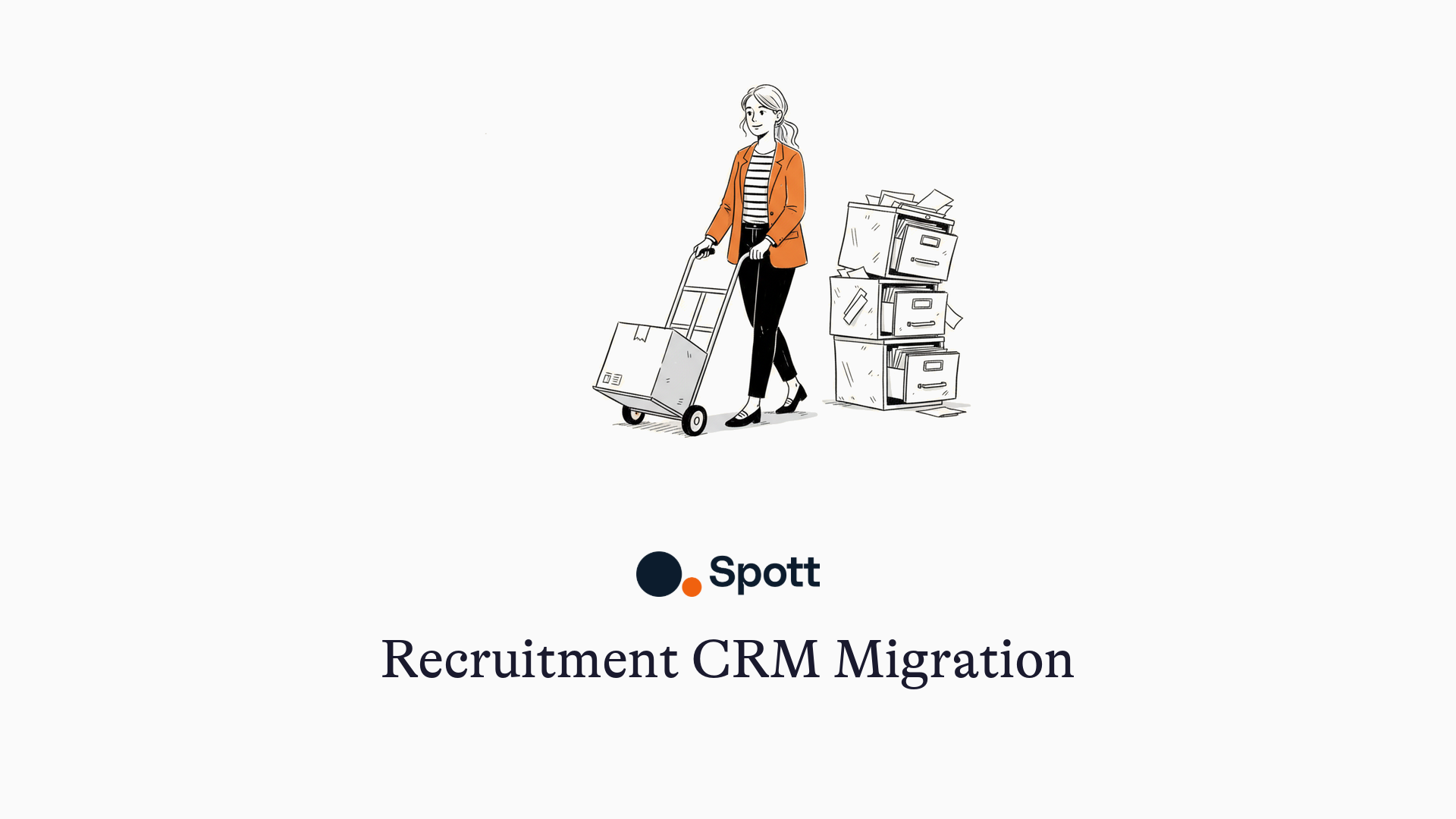
Recruitment CRM Migration, Without the Stress
TL;DR
A recruitment CRM or ATS migration moves your candidates, clients, jobs, notes, and history into your new platform. At Spott it works like this: you send us an export of your old system, we bring everything into Spott as quickly and completely as possible, exactly as it was, and then we fine-tune it together in a test environment until it feels right. Then we switch you over during a weekend. Your team starts Monday morning in Spott with everything in place. Some migrations are done in a day, most take a few weeks. And nothing goes live until you've seen your data and said it's right.
Moving to a new ATS is a bit like moving to a new home. Exciting, and honestly a little scary. Will everything make it across, and will it still feel like yours?
Jasper Callaerts, who leads migrations at Spott, puts it this way: "You only feel at home once your personal belongings are in place. For our clients, those belongings are their data. Seeing it land in Spott, right where it should be, is the moment they relax. That's the whole job."
Here's what that move looks like, step by step.
Step 1: get your data out of the old system
Everything starts the day we receive a full export of your data. So ask your old vendor for it early, and ask for the full backup, not the standard export. Standard exports often miss things like attachments (Bullhorn is a known example). Once you have it, you simply pass it on to us.
Step 2: a short kickoff, then we move your data
The migration starts with a short call with the engineer who will run your project. The goal is simple: listen first. What matters most to your team, and what absolutely cannot get lost.
Then we get straight to work, and you get no homework. We know the big ATSs inside out, so we bring your data into Spott as quickly and as completely as possible, exactly as it was in your old system. The shaping comes later, together.
Step 3: see your data in the validation environment
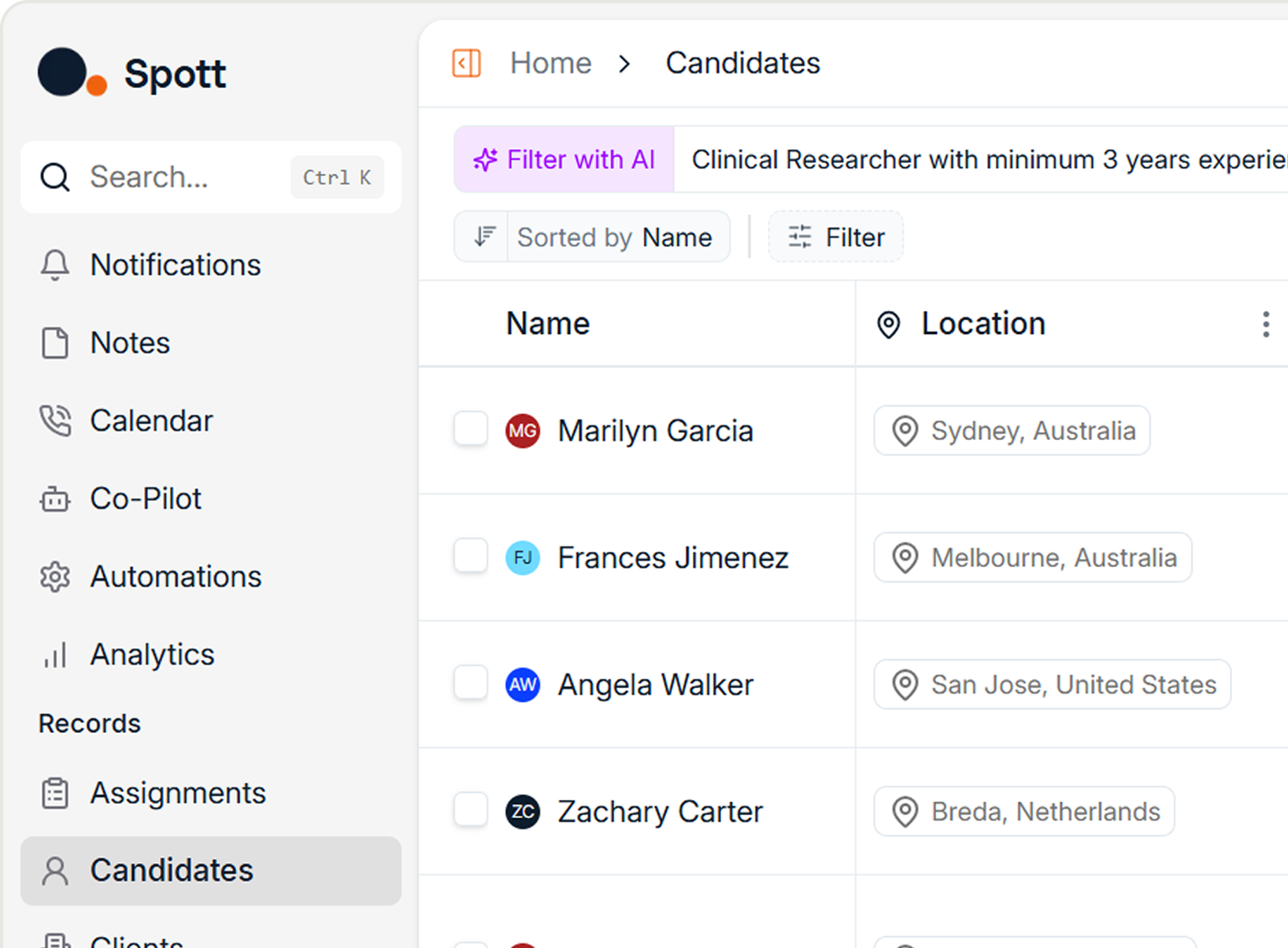
This is the heart of the migration. We load your data into a validation environment: your own copy of Spott, filled with your migrated data. You log in, look around, and this is where we customize and fine-tune together: map your old pipeline stages onto the ones you actually want, rename fields, add extra custom fields where your workflow needs them, drop the ones nobody uses anymore, fix anything that looks off. You flag it, we adjust, you look again, as many rounds as it takes. We check it together before go-live, so nothing slips through. No data loss, no surprises. (It's also your once-in-a-decade chance to leave the clutter behind instead of moving it with you.)
What you'll find in there:
- All your candidates, clients, and jobs, with complete profiles, pipelines, and placement history.
- All your notes, gathered from every corner of the old system and attached to the right people.
- Every CV and document, linked to the right candidate, company, or job.
- Emails work a little differently: we usually don't migrate them, because once your team connects their inboxes, email history syncs into Spott and links itself to the right people automatically.
The best way to check: have each recruiter look up their most important candidates and run their usual searches. If it feels like home, you're ready.
One honest note about duplicates. We don't auto-delete duplicates during migration. No script can safely tell which "Jan Peeters" holds your placement history, and deleting the wrong one means losing data. So everything comes over, and you merge duplicates in Spott afterwards with a click, keeping all the history intact.
Step 4: the cutover weekend
When you give the green light, the finish is calm and precise:
- You request a final backup from your old vendor, usually for a Friday, and work in the old system right up to that day.
- We move everything into your live Spott environment over the weekend, while nobody is working.
- Monday morning, your team starts the week in Spott with all their data, onboarding session included.
One rule along the way: never update both systems at the same time. Nobody keeps that up, and you end up with two half-true databases. One system at a time, always.
What makes it feel easy
Three non-negotiables, straight from our migration team:
- Listen first. Know what matters most before a single record moves.
- Validate everything. Checked together, before go-live. No data loss, no surprises.
- Be available. A migration is not a ticket you file and forget. There's always someone on the other end.
That's also why it can go fast. Recently our team ran three migrations in a single day, and one client was off their old system in two hours. Bigger or heavily customized databases take a few weeks. Speed comes from a dedicated in-house team that does this every week, never from cutting corners.
The bottom line
Moving is never nothing. But it shouldn't keep you on software that costs you placements every week. With your export requested early and your own eyes on the data before go-live, switching feels less like a leap and more like coming home.
Thinking about it? Check the 5 signs your ATS is holding you back, compare platforms in our recruitment CRM roundup, or book a Spott demo and ask us the hard migration questions directly. We'll show you the process on your own data.

Frequently Asked
It depends on the size of your database and how quickly feedback flows. We've taken agencies off their old system in a single day; most migrations take a few weeks from the moment we receive your full data export. Nothing goes live until you've validated your data.
It varies by platform and data size, from a few hundred to a few thousand euros, and some vendors waive it. Also check what your old vendor charges for the data export itself. Get both in writing alongside the license quote.
Only if you let it happen. Old systems store notes in several places, and a proper migration collects all of them. Ask any vendor two questions: "How do my notes transfer?" and "Will they be searchable afterward?" If the answers are vague, that's your warning.
Email archives are typically not migrated, and shouldn't be. Once your team connects their inboxes to the new system, email history syncs in and links itself to the right candidate and client records automatically.
No. Automatic dedupe during migration risks deleting the record that holds your placement history. The safe way is to migrate everything and merge duplicates afterwards in the app, where all links stay intact.
Yes, these are the systems we migrate from most often, and the process is the same. One tip: always request the full backup rather than the standard export. Heavily customized setups take a bit longer, but the steps don't change.



Outp(l)ace everyone.
You can’t win tomorrow’s placements
with yesterday’s tools.