Spott Update - May 2026
Hey there 👋
May was all about giving you more control and less manual work. We rebuilt how campaigns work, taught Spott to turn plain-language searches into filters, added retained fees for search firms, and shipped a new way to see every application in one place.
Grab a coffee. Here is what shipped. ☕️
TL;DR
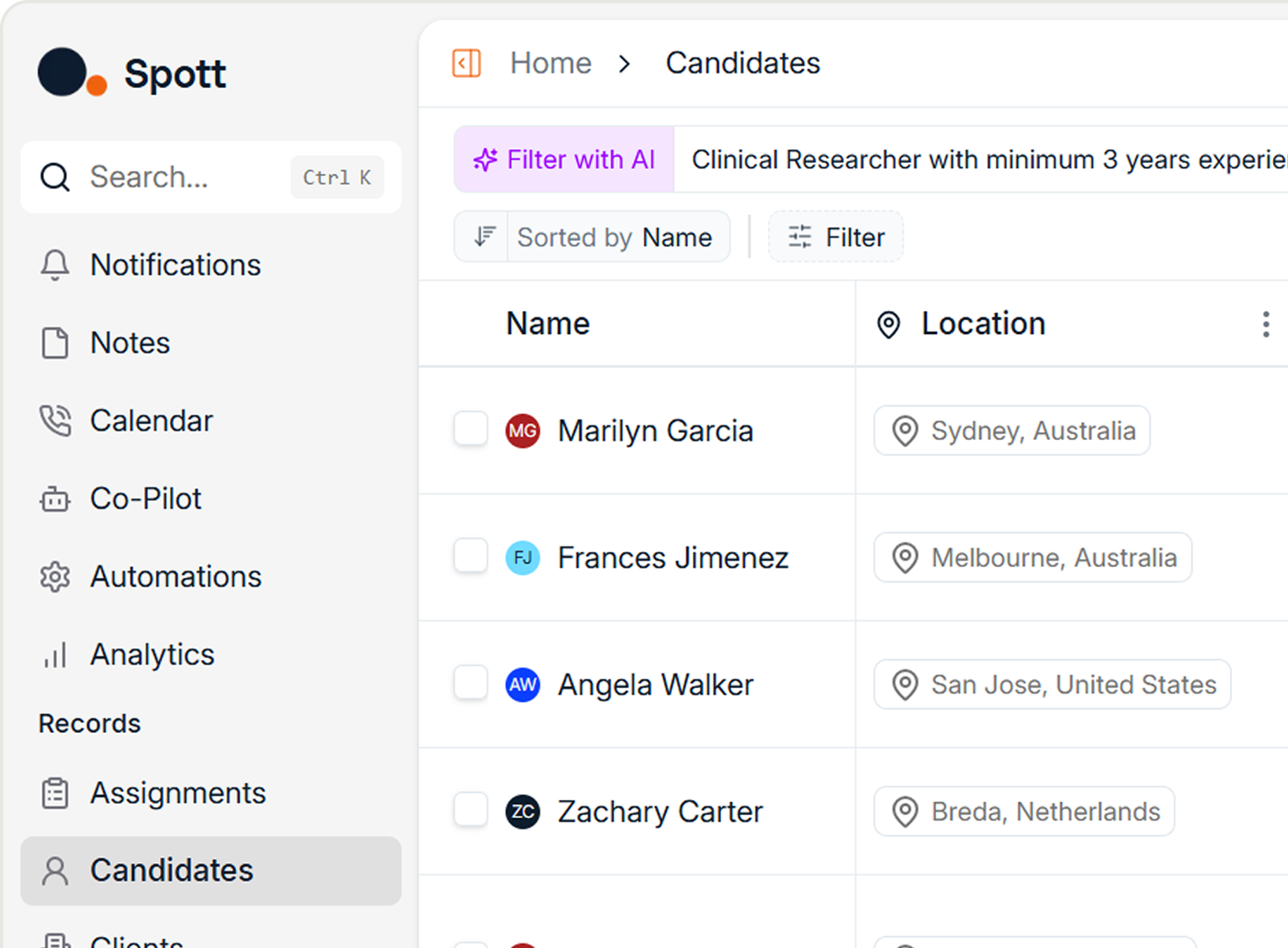
- AI text-to-filters - Describe the candidates you want in plain language and Spott builds the filters for you
- Bulk CV upload - Drag and drop up to 1,000 CVs at once and let Spott parse them all in the background
- Campaign improvements - Campaigns now live inside Jobs, with smarter automation, editable running campaigns, and a meeting-booked exit condition
- Retained fees - Retained fees with milestones for search workflows, with placement values that adjust to final salary
- Application overview - A single Application View for all speculative and regular applications across your pipeline
- Company hierarchies - Model parent, subsidiary, and PE-owned structures from a new Hierarchies tab
- Improved record selection - Every "Add to..." dialog now uses the richer Global Search format
- Plus: personal email font styling, idibu job board multiposting, and metadata on tabs
Big news
AI text-to-filters
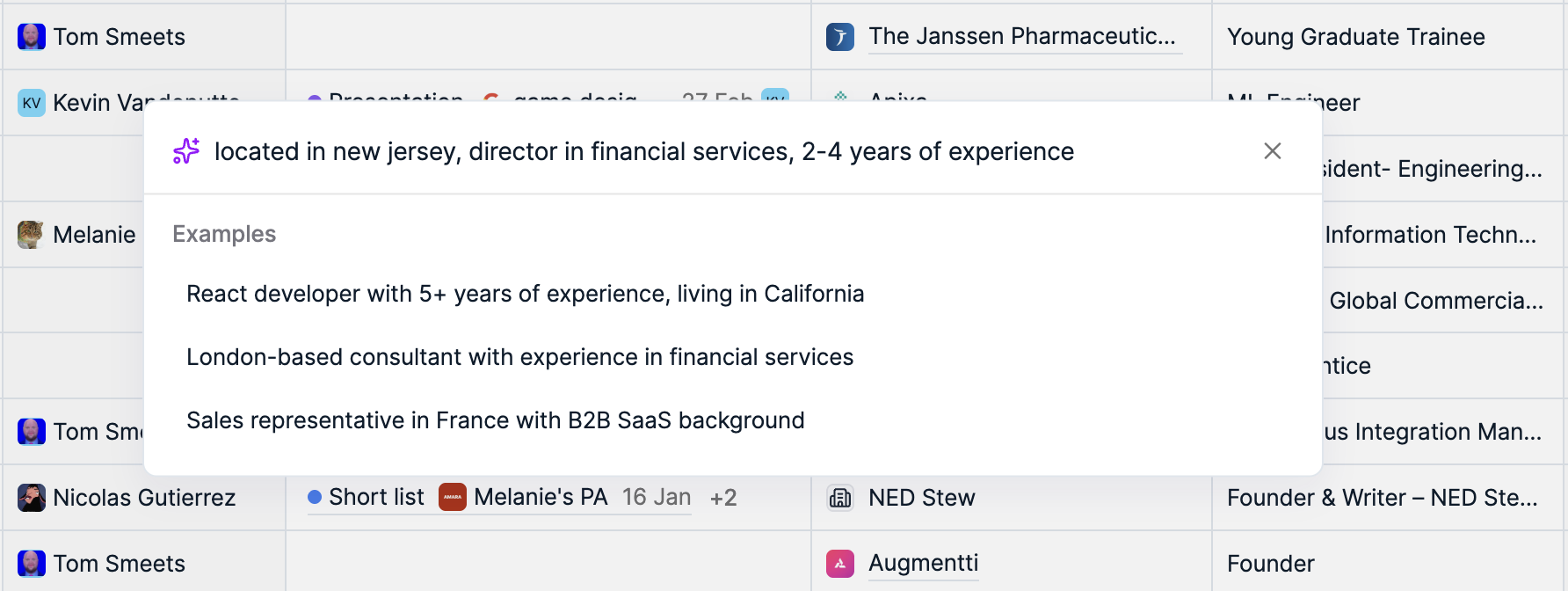
You can now describe the candidates you're looking for in plain language, and Spott turns it into a structured search. Type what you need and Spott automatically converts your query into the right filters, so you skip the manual setup and get to a shortlist faster.
It's the kind of thing an AI-native ATS should just do: less clicking through filter menus, more time talking to candidates.
Campaign improvements
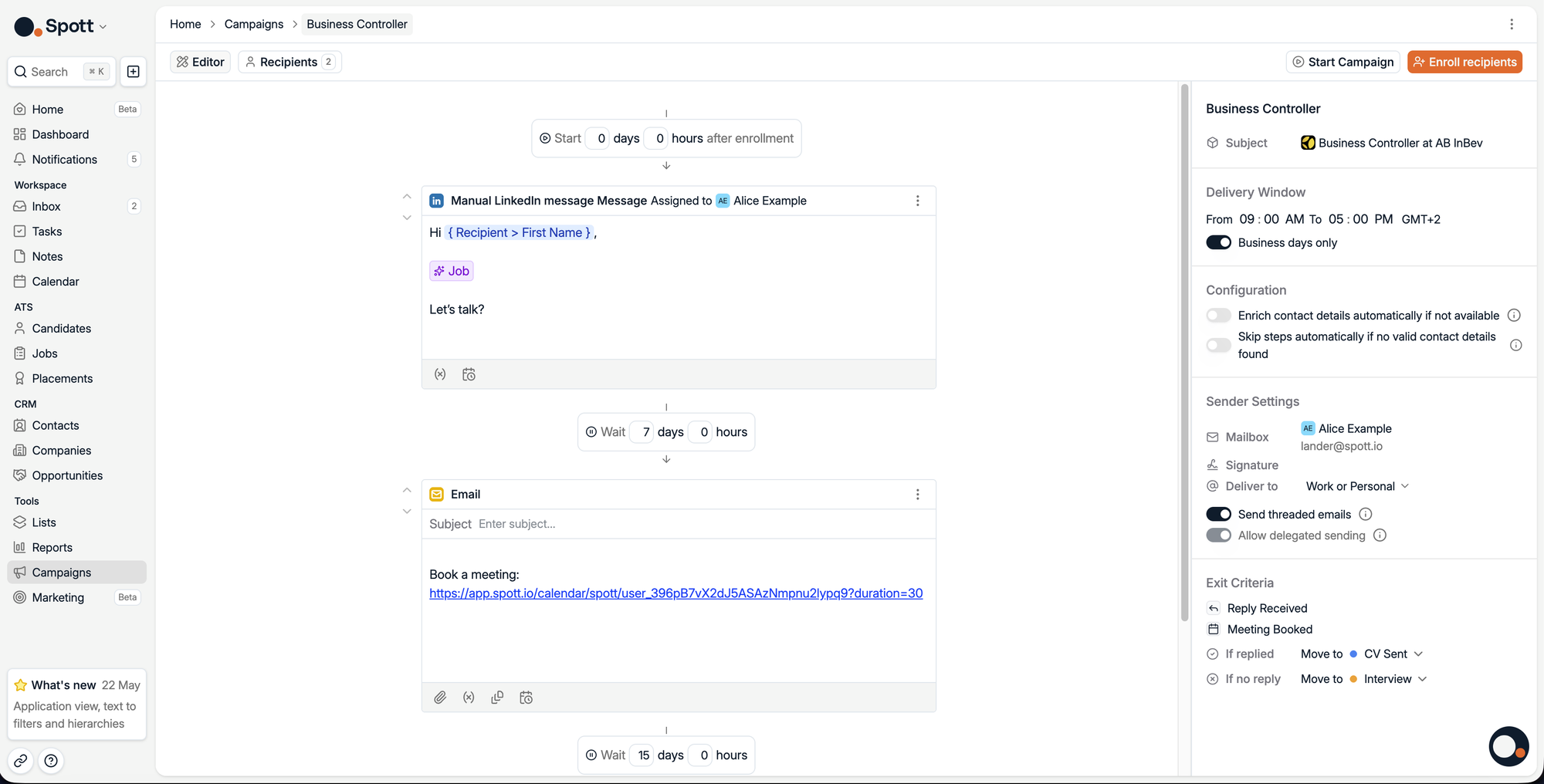
Campaigns got a major overhaul this month. They're now more flexible and easier to manage, and they live directly within Jobs, with better visibility into outreach progress across both Kanban and list views.
We also added smarter automation controls, the ability to partially edit running campaigns, improved delay configuration, and a new exit condition when a meeting is booked. Together that means you can adjust outreach on the fly instead of tearing it down and starting over.
Retained fees
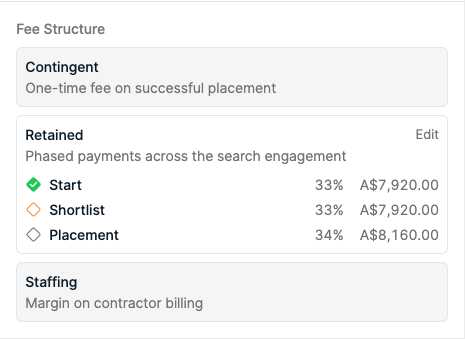
Spott now supports retained fees with milestones for retained search workflows. Milestones can be configured directly from the Job details page, and placement values automatically adjust based on estimated versus final (placed) salary.
For search firms, that means your retained engagements are tracked accurately from the first milestone to the final placement, without spreadsheets on the side.
Application overview
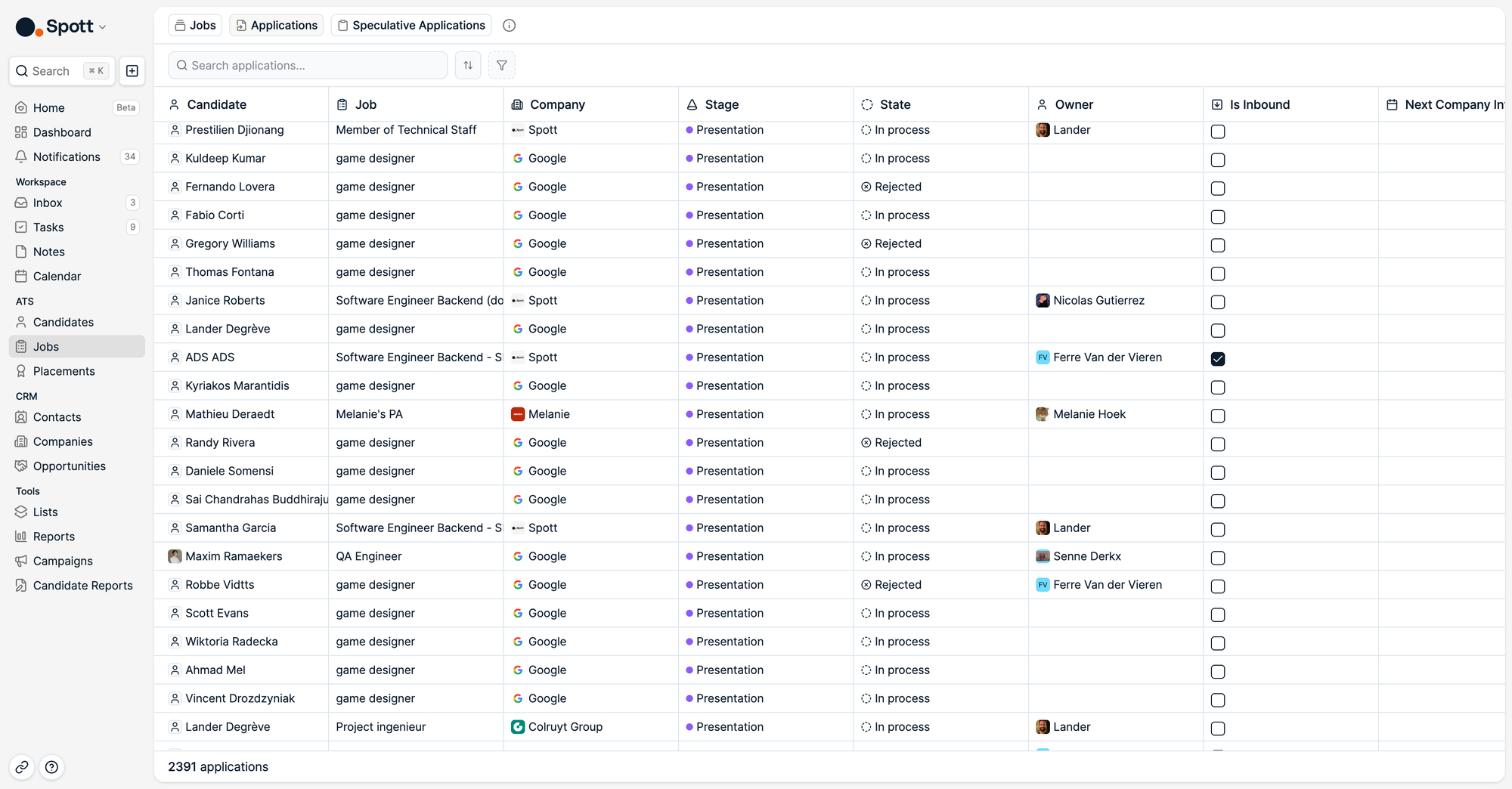
We've introduced a new Application View that brings all speculative and regular job applications into a single list view. You can now monitor your active pipeline without opening individual Candidates or Jobs.
You'll find it under the Jobs tab, at the top.
Company hierarchies
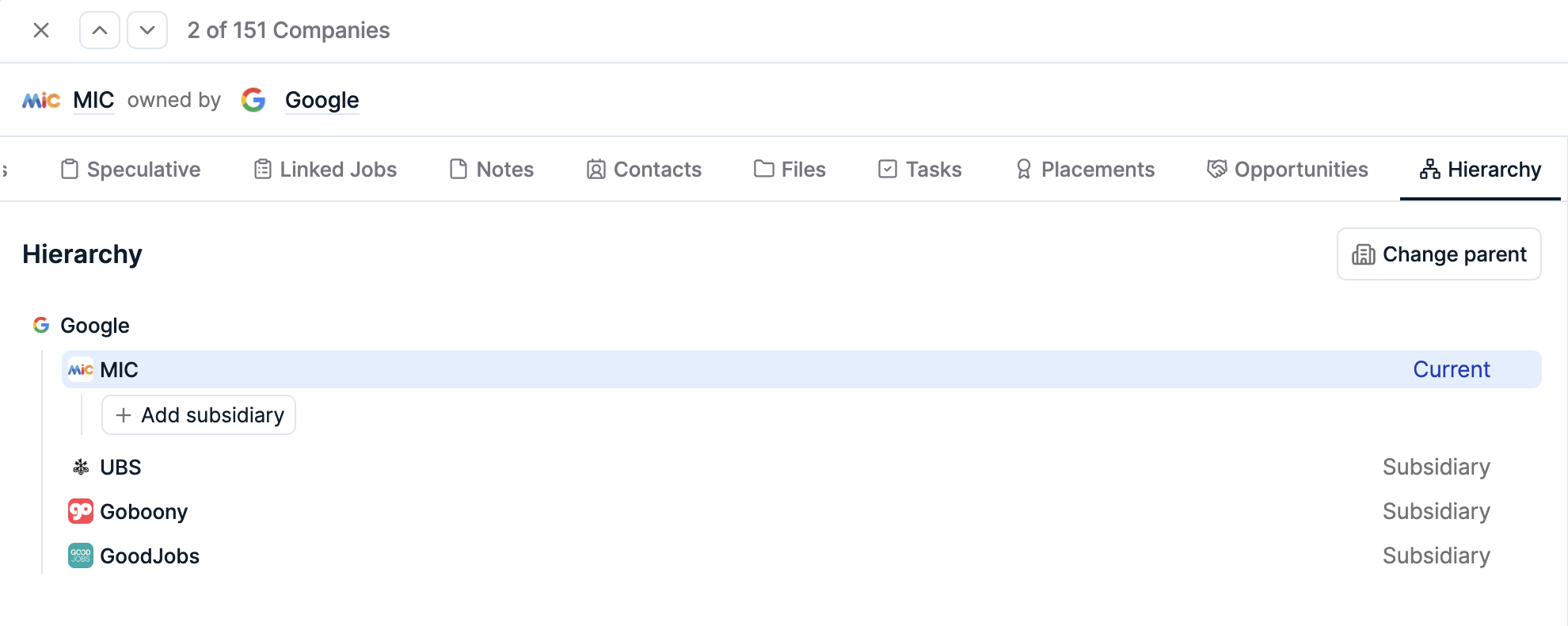
Companies now support hierarchies, which you can manage directly from the new Hierarchies tab. This makes it easier to model relationships like PE-owned company structures or parent and subsidiary setups.
Filter support for hierarchies will be added in a future update.
Improved record selection
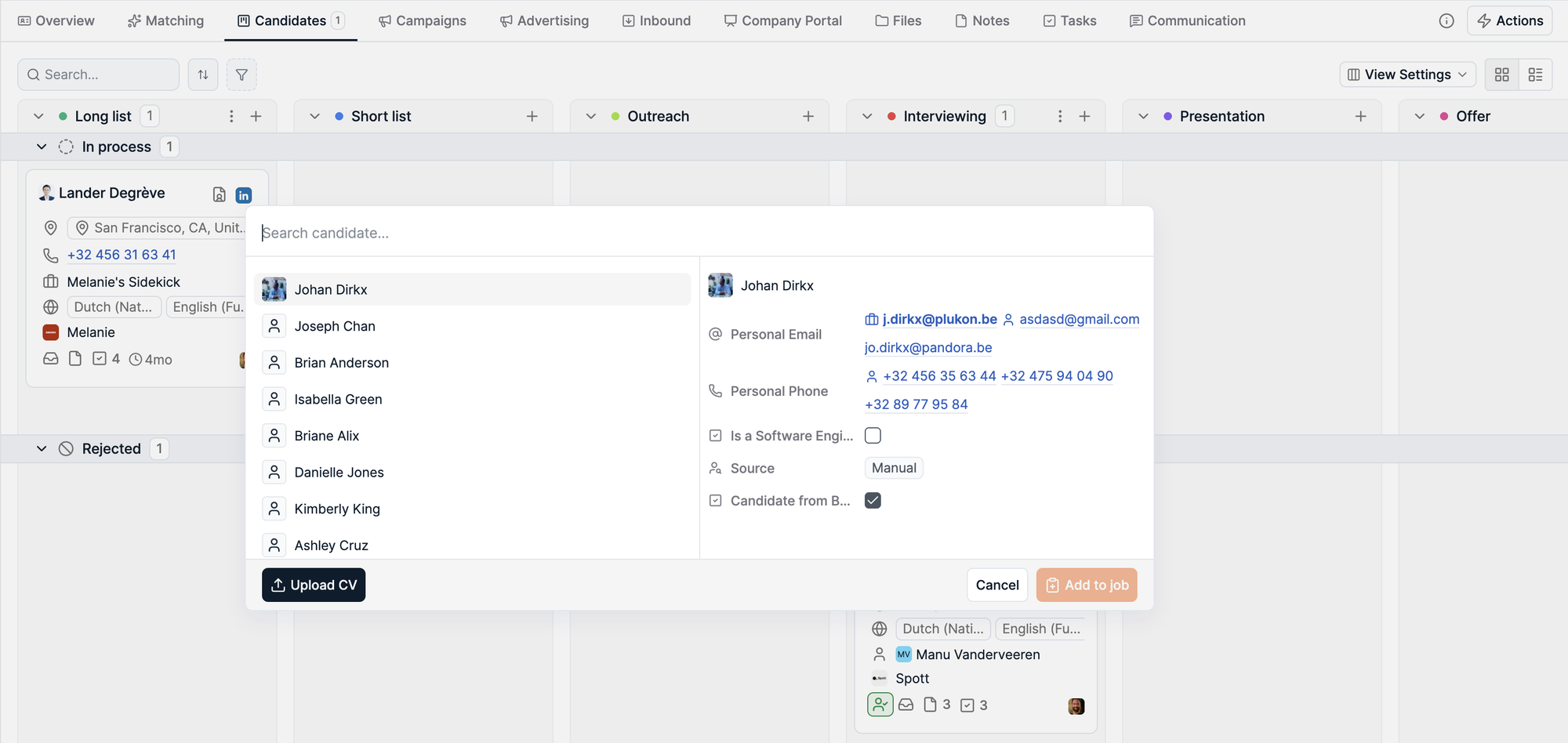
All "Add to..." dialogs, like adding to Jobs or Lists, now use the same enhanced format as Global Search. Additional contextual details are shown to help you tell apart people with similar names, so picking the correct record is faster and more reliable.
More improvements this month
May also brought a handful of smaller upgrades.
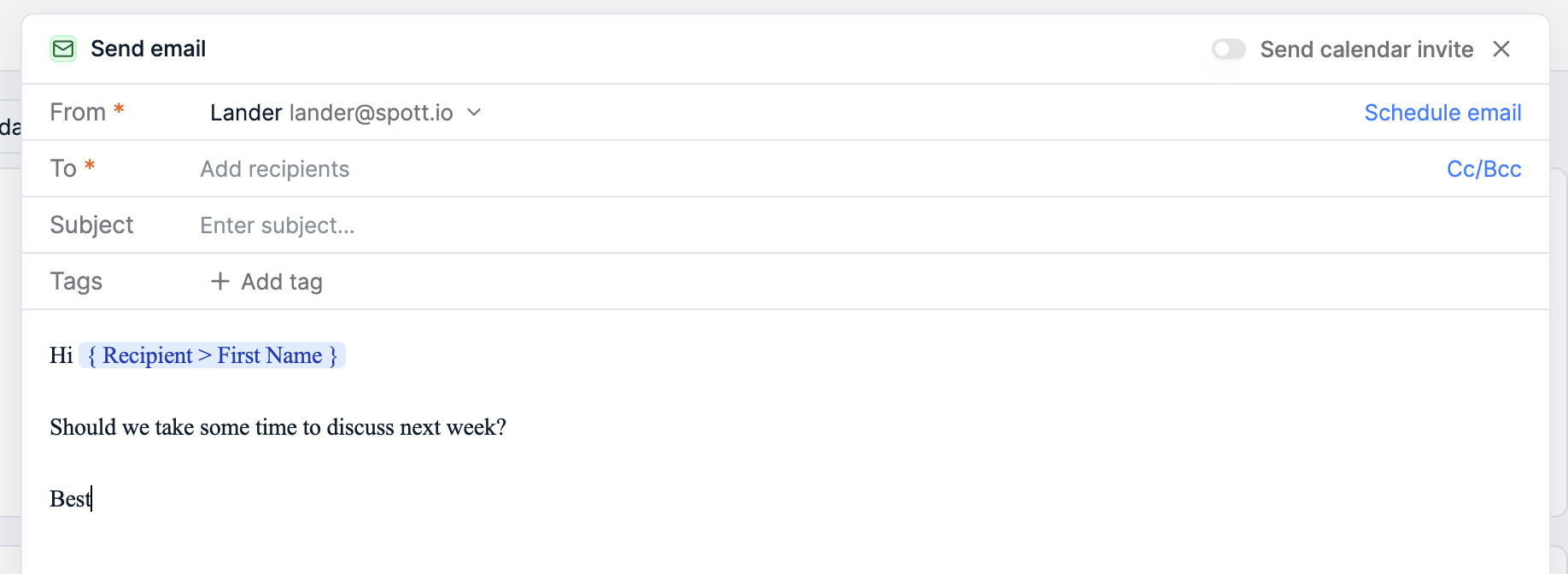
Personal font size and family. You can now set a default font family and size for email drafts. Together with your signature, emails sent from Spott feel just like your regular mail client, and the same styling carries over to templates and shared content automatically.
idibu job board multiposting. You can now post a job to multiple job boards at once through a new idibu integration, alongside the existing Broadbean option, so your roles reach more candidates from a single action.
Metadata on tabs. Open tabs now show contextual metadata in your browser tab, so when you have several Spott tabs open at once you can tell them apart at a glance.
That's a wrap on May
As always, keep the feedback coming.
If you're not on Spott yet and want to see what an AI-native ATS looks like, book a demo.
See you in June. 👋