AI in Recruitment, Explained: The Technical Guide for Non-Technical Buyers
Every ATS vendor claims to have AI. Here's what's actually happening under the hood, explained without the jargon, so you can separate real technology from recycled buzzwords.
TL;DR: "AI-native" means the system was designed from day one to run everything through AI, turning unstructured data (CVs, notes, calls, emails) into structured, searchable information automatically. The real technical differentiators are vector databases (searching by meaning instead of keywords), pre-filters (narrowing the candidate pool before AI matching, not after), re-ranking (understanding intent like "do NOT want software engineers"), and real agents (multi-step reasoning, not one-shot prompts). Most vendors claiming these capabilities are doing something far simpler under the hood. The best way to test: search for something that only exists in your notes, apply a location filter, and see if the results actually make sense.
Every recruitment technology vendor has discovered the same magic word: AI.
Bullhorn has it. Loxo has it. Atlas has it. Your note-taking integration has it. At this point, it would be surprising to find a recruiting tool that doesn't claim to be powered by artificial intelligence.
The problem is that "AI" has become meaningless as a differentiator. When every platform uses the same word to describe wildly different levels of technical sophistication, buyers have no way to evaluate what they're actually getting.
This guide fixes that. We're going to explain, in plain language, what's actually happening inside modern AI-powered recruitment technology. Not to turn you into an engineer, but to give you enough understanding to ask the right questions, spot the marketing, and test whether a platform's AI is real or decorative.
What "AI-Native" Actually Means
The term gets thrown around a lot, so let's be precise about what it means technically.
An AI-native platform is one where, from the very first line of code, the system was designed to route data through AI models continuously. Not as an add-on feature. Not as a chatbot bolted onto an existing database. As the foundational architecture.
In practice, this means something very specific: structured outputs.
When you interact with ChatGPT or Claude, you type a question and get back a block of text. That's great for conversation, but it's useless for software. A backend system can't do anything with a paragraph of prose. It needs structured data: the company name as a string, the employment dates as date fields, the job title in a specific format, the skills as a list.
AI-native platforms send data to language models and receive back structured fields, not free text. The model extracts the company name, the start date, the end date, the description, the skills, and returns them in a format the database can store, the UI can display, and automations can act on.
CV parsing is the simplest example. The old way: massive lookup lists of company names, regular expressions trying to pattern-match dates and titles, rigid rules that broke whenever someone formatted their CV differently. The AI-native way: send the CV to a model, ask it to extract specific fields, receive structured data back. It works regardless of format, language, or layout.
But CV parsing is just the beginning. The same principle applies to everything:
- Call transcripts are processed into structured blocks: who spoke, when they took over, what was discussed, what action items emerged.
- Emails are analyzed for intent, tasks, and candidate signals.
- Notes written by recruiters are parsed for information that should update candidate profiles automatically.
- Job descriptions are decomposed into requirements, preferences, and deal-breakers.
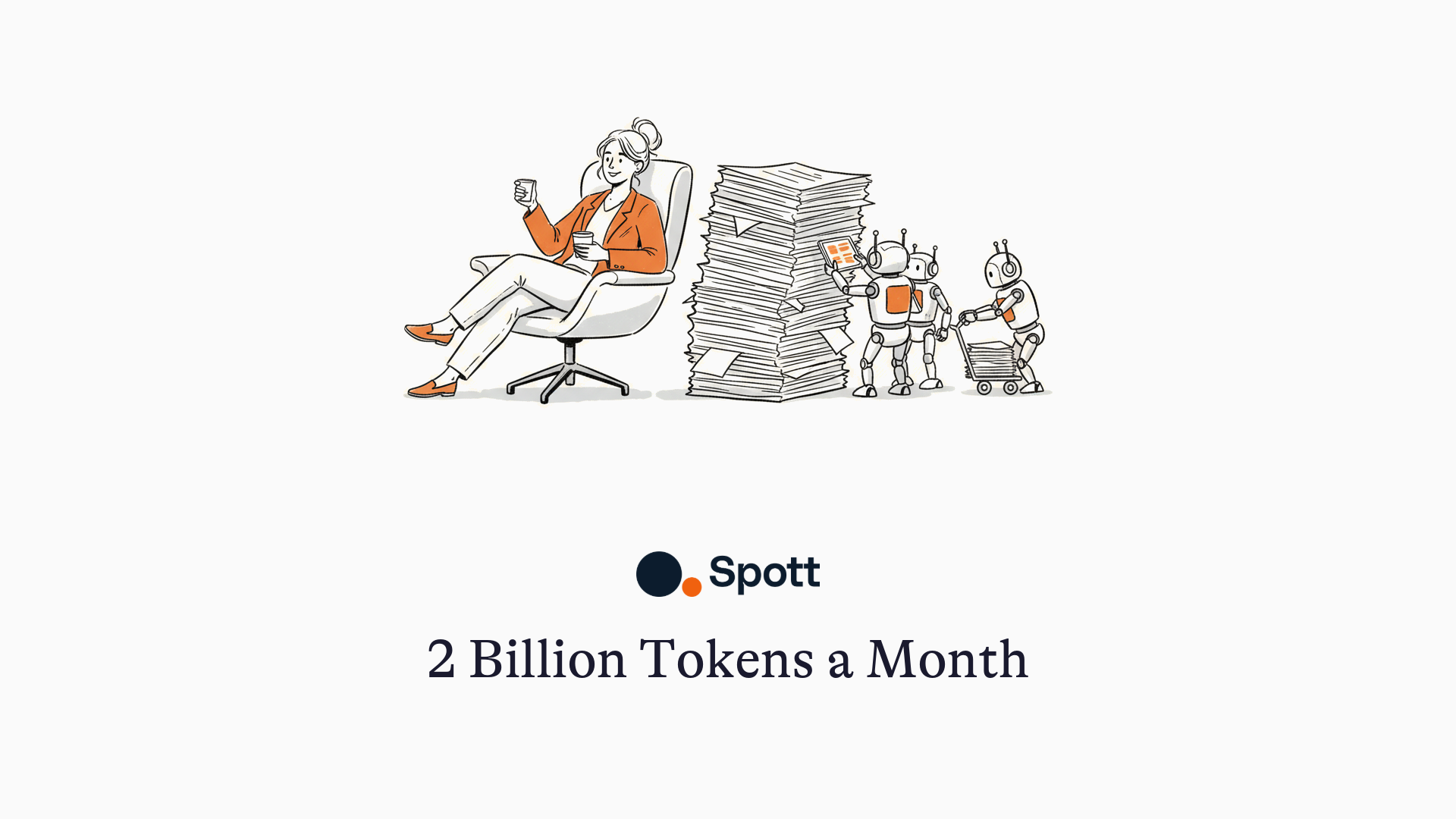
The volume is staggering. A single prompt to an AI model (asking it to draft an email reply, for instance) might use 500 tokens. A properly AI-native platform processes billions of tokens per month across all its clients, because 90% of the backend's work is continuously cleaning, structuring, and synchronizing data through AI models.
This is the unsexy but critical foundation. Without it, everything else (matching, search, automation) is built on unreliable data. With it, every subsequent feature becomes dramatically more powerful because the underlying data quality is higher.
Vector Databases: Searching by Meaning, Not Keywords
This is where the technical conversation usually starts in sales meetings, and for good reason. It's the most visible and testable difference between platforms.
The Problem with Traditional Databases
Every legacy ATS runs on a traditional SQL database. When you search for candidates, it performs what's essentially a text-matching operation: find all records where this field contains these exact characters.
The limitations are immediate:
- Misspellings kill results. Swap two letters in "software engineer" and the database returns nothing.
- Synonyms are invisible. Search for "software engineer" and you won't find "Python developer," "full-stack engineer," or "développeur logiciel."
- Context doesn't exist. A recruiter's note saying "brilliant with data pipelines, wants to move to a startup" is completely unsearchable unless someone tagged it with the right keywords.
Some platforms try to solve this with what's called fuzzy matching: generating a list of common misspellings and alternate terms, then searching for all of them. It's better than nothing, but it's fundamentally still exact-text matching with a bigger word list. You're checking more boxes, but you're still only checking boxes.
How Vector Search Actually Works
A vector database takes a completely different approach. Instead of storing and matching text, it converts text into mathematical representations (called embeddings or vectors) that capture meaning.
Here's the simple version: when a candidate's profile enters the system, all their information (CV, notes, emails, transcripts) gets sent to an embedding model. That model translates the text into coordinates in a high-dimensional mathematical space. Think of it as assigning every piece of information a location on a map, where similar concepts are physically close to each other.
When you search for "software engineer," the system converts your search into coordinates too. Then it looks for all the candidate data points that are nearby in that mathematical space. This is called KNN (k-nearest neighbors): literally finding the nearest neighbors to your search query.
The result: "software engineer," "Python developer," "AI engineer," "ingénieur logiciel," and a dozen other semantically related titles all cluster near each other. They're different words expressing similar meanings, and the vector database treats them as related automatically.
| Traditional SQL Search | Vector Search | |
|---|---|---|
| How it works | Exact text matching on specific fields | Meaning-based matching across all data |
| Misspellings | Returns nothing | Finds the right results anyway |
| Synonyms | Only if manually configured | Handled automatically |
| Multiple languages | Requires separate search per language | All languages searched simultaneously |
| Notes and transcripts | Not searchable (or keyword-only) | Fully searchable by meaning |
| Data covered | Structured fields only | Everything: CVs, notes, emails, calls |
The Sync Challenge Nobody Talks About
There's a catch with vector databases that vendors rarely mention: synchronization.
When a recruiter updates a candidate profile, that change needs to appear in both the traditional database (for structured fields) and the vector database (for semantic search). If these two fall out of sync, users experience something maddening: they update a candidate's information and then can't find that candidate in search moments later.
This is a genuinely hard engineering problem. At scale (think hundreds of thousands of candidates being updated continuously), keeping these databases synchronized within seconds requires significant infrastructure. Some platforms have built custom sync engines specifically for this. Others still rely on third-party tools that can take hours or even days to catch up during large data migrations.
Why this matters to you: during a trial or demo, try parsing a batch of CVs, then immediately running a search. If the platform can't find the candidates you just uploaded, the sync engine is lagging. That lag doesn't go away at scale. It gets worse.
The Matching Pipeline: Pre-Filters, Vectors, and Re-Ranking
AI matching is the feature every platform highlights in demos. But the quality of matching varies enormously depending on how the pipeline is built. Most modern matching systems follow a three-step process.
Step 1: Pre-Filters (The Hidden Differentiator)
This is the step most people don't know to ask about, and it's one of the biggest technical differentiators between platforms.
When you run a match, you typically have both "hard" criteria (must be in London, must have 5+ years of experience) and "soft" criteria (ideally has fintech background, strong communicator). The question is: when do the hard filters get applied?
Most platforms do it backwards. They run the vector search first across the entire database, get a fixed number of results (often 500 or 1,000), and then apply the hard filters. The problem: if you asked for candidates in London and the vector search returned 500 globally relevant people, you might end up with only 13 who are actually in London. The AI matched brilliantly on skills and experience, but the practical constraint wiped out most of your results.
The better approach: pre-filtering. Apply the hard filters first (location, availability, years of experience), then run the semantic vector search only within that narrowed pool. The result: every candidate returned is both practically viable and semantically matched.
| Post-Filtering (Common) | Pre-Filtering (Better) | |
|---|---|---|
| Process | Vector search entire database, then filter | Filter first, then vector search the subset |
| Result quality | Many results eliminated after matching | All results meet hard criteria by design |
| Sample size | Fixed (e.g., 500), then reduced by filters | Full filtered pool is searched semantically |
| Large databases | Results degrade as database grows | Results stay relevant at any scale |
| Speed | Slow if oversampling to compensate | Fast, because the search pool is already focused |
How to test this: during a demo, apply a location filter and a semantic search simultaneously. If the platform returns a suspiciously small number of results (say, 13 candidates when you know there should be hundreds in that location), it's likely post-filtering: the AI matched 500 people globally, then the location filter wiped most of them out. A pre-filtered system would have searched only within your location from the start, giving you a full set of relevant, qualified candidates.
Step 2: Vector Search (Semantic Matching)
Once the candidate pool is narrowed by hard filters, the system runs the semantic vector search we described earlier. Your matching criteria get converted to vectors, and the system finds the nearest neighbors within the pre-filtered set.
One important nuance: candidates are not represented as a single point in vector space. A candidate with a rich profile (CV, multiple notes, email threads, call transcripts) might have thousands of individual data chunks, each with its own embedding. The system needs to aggregate these chunk-level similarities into a meaningful candidate-level score.
This is where the "strong match" versus "good match" versus "weak match" labels come from. They're based on how many of a candidate's data points cluster near your search criteria, and how relevant those specific data points are.
Step 3: Re-Ranking (Understanding Intent)
Raw vector search has a blind spot: it finds things that are semantically similar to your input, regardless of your intent.
If you type "do NOT want software engineers," a basic vector search will still return software engineers. Why? Because the embedding for your query places it right next to "software engineer" in vector space. The word "not" doesn't change the semantic neighborhood. It changes the intent, which is a different problem entirely.
Re-ranking models solve this. After the initial vector search returns results, a re-ranker analyzes the original query with full linguistic understanding (including negation, preferences, and qualifiers) and filters out results that don't match the actual intent.
The practical test: in a demo, try a negative criterion. Search for senior engineers but explicitly exclude a specific skill or industry. If the excluded results still show up, the platform either lacks a re-ranker or has a weak one.
Agents: The Most Abused Word in Recruitment Technology
Open any recruitment technology website today and you'll see the word "agent" everywhere. AI agents that source. AI agents that match. AI agents that do your job for you, apparently.
Most of these are not agents. They're one-shot prompts with a fancy label.
One-Shot Prompting vs. Actual Agents
One-shot prompting is the simplest form of AI interaction: you send one request, you get one response. "Parse this CV." Done. "Summarize this job description." Done. "Generate a reply to this email." Done.
There is nothing wrong with one-shot prompting. It's efficient, fast, and reliable. But calling it an "agent" is like calling a calculator a mathematician.
An actual agent makes decisions about what to do next. It has access to multiple tools (fetch emails, search the database, create records, run matching) and decides which tools to use, in what order, based on what it finds along the way.
Here's a concrete example. You ask: "What were my last interactions with this candidate?" A one-shot system would need a pre-built query for that. An actual agent:
- Decides it needs to check email history (tool call)
- Pulls the relevant emails
- Decides it should also check call transcripts (another tool call)
- Synthesizes everything into a coherent answer
The agent is prompting itself, choosing tools, and adapting based on intermediate results. That's fundamentally different from a single request-response cycle.
Why Most "Agents" Aren't
There's a practical reason most platforms haven't shipped real agents yet: reliability compounds downward.
If a single AI step has 95% accuracy, that sounds great. But an agent that takes eight steps to complete a task? The math: 0.95 to the power of 8 equals roughly 66%. One in three complex tasks will produce a wrong or incomplete result.
This is why platforms that ship real agents tend to be cautious about where they deploy them. The technology is improving rapidly (model accuracy is climbing fast), but anyone claiming their entire platform runs on agents today is almost certainly relabeling one-shot prompts.
| One-Shot Prompting | Actual Agents | |
|---|---|---|
| How it works | One request in, one response out | Multiple steps with tool calls and decisions |
| Decision-making | None (predefined) | Chooses next action based on context |
| Reliability | High (single step) | Lower (compounds across steps) |
| Speed | Fast | Slower (multiple round-trips) |
| Current vendor reality | What most platforms actually do | Rare, limited to specific use cases |
How to Spot the Difference
Ask the vendor: "When I ask your AI to do something complex, does it make decisions about which steps to take, or does it follow a pre-built sequence?"
If the answer involves the AI "choosing" tools and adapting its approach, that's closer to a real agent. If it's "we send the request to our AI and it returns the result," that's one-shot prompting, regardless of what they call it.
Another tell: some platforms have launched "AI-native search" that works by sending your query to a language model, getting back 20 related terms, and then running those terms as filters against a traditional database. The UI looks impressive (you see multiple filter chips appear automatically), but the underlying mechanism is just keyword expansion, not semantic search or agentic behavior.
Data Freshness: The Problem Nobody Wants to Discuss
Your AI matching is only as good as the data it matches against. And in recruitment, data goes stale fast.
The LinkedIn Problem
LinkedIn is the primary data source for most recruiting technology. The challenge: LinkedIn profiles are shallow. They show a company name and a title, but rarely the depth you need to make placement decisions. The real value sits in your own database: CVs, recruiter notes, call transcripts, and email threads.
Platforms that bolt on external sourcing databases (whether they scrape LinkedIn directly or buy data from aggregators) face a freshness problem. These external databases might refresh profiles every six to eight months. In that window, candidates change jobs, relocate, adjust their preferences, and update their skills.
A practical test for any platform claiming to have a sourcing database: search for yourself. See what company they think you work at. If it's not current, multiply that staleness across their entire database.
Data Enrichment Economics
Modern platforms can enrich candidate profiles by pulling updated information from external data providers. The economics are straightforward: you pay per profile enrichment, and the value depends entirely on how fresh and accurate the returned data is.
The key questions to ask:
- How fresh is the data? If the provider only refreshes profiles every six to eight months, you're paying for stale information.
- What happens with duplicate requests? If five agencies in the same market are enriching the same candidate pool, a smart platform caches results so you're not paying for data that was already fetched recently.
- Can you control spend? Auto-enrichment features that update your entire database are powerful, but they need spending limits. Otherwise, you wake up to find your credit balance at zero.
Why Your Own Data Is Your Biggest Asset
External data is supplementary. The real competitive advantage is what sits in your own database, specifically in the unstructured data that only a fully vectorized system can search.
A recruiter's handwritten note from two years ago: "She just had a child, wants to work four days, moving closer to family in Manchester." That information isn't on any LinkedIn profile. It isn't in any external database. But in a properly vectorized system, it's searchable, matchable, and could be the deciding factor in a placement.
If your platform can't search through notes, call transcripts, and email threads with the same intelligence it applies to CVs, you're ignoring the most valuable data you have.
Five Questions to Ask Any ATS Vendor
Armed with the technical understanding above, here are five specific questions (and tests) that separate genuine AI capability from marketing.
1. "Can I search through my notes using natural language?"
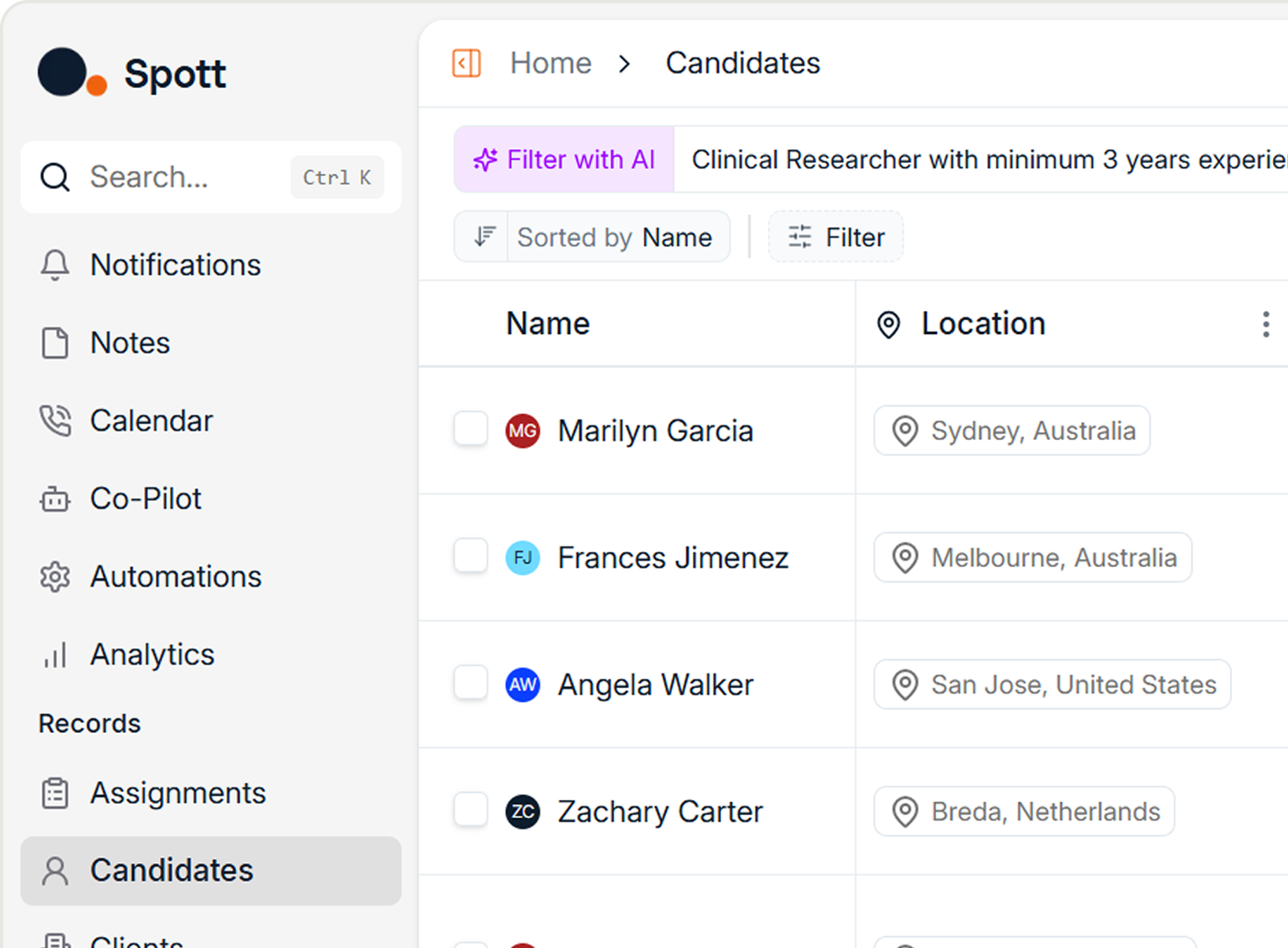
Type something like "candidates open to relocation" or "strong communicator, startup experience" into the search. If the platform only searches structured fields (title, location, skills tags), it's not vectorized where it matters most.
2. "Do your filters apply before or after AI matching?"
Apply a location filter and a semantic skill search simultaneously. If results include candidates outside your location, the platform is post-filtering. That means its matching quality degrades as your database grows.
3. "What happens when I misspell a search term or search in a different language?"
Try it. Search for a role with a deliberate typo, or in a language that doesn't match your candidate data. True vector search handles this seamlessly. Keyword-based systems return nothing.
4. "Show me what your AI agent actually does step by step."
Ask the vendor to walk you through a complex request. Watch whether the AI makes decisions and calls different tools, or whether it just returns a single response. One-shot is fine for many tasks, but don't pay agent pricing for it.
5. "How quickly can I find a candidate I just uploaded?"
Parse a few CVs during a trial, then immediately search for one of those candidates. If the system can't find them within seconds, the vector sync engine has a lag problem that will get worse with more data.
The Takeaway
The recruitment technology market is flooded with AI claims. Most of them describe surface-level features built on top of decade-old database architectures. The platforms that deliver genuinely better results are the ones that made hard infrastructure decisions early: structured outputs as the foundation, vector databases for meaning-based search, pre-filters before matching, re-ranking for intent, and honest deployment of agents only where they're reliable.
You don't need to understand the engineering to evaluate these platforms. You need to understand the concepts well enough to ask the right questions and run the right tests. The five questions above will tell you more about a platform's real capabilities than any sales demo.
The vendors who welcome these questions are the ones who built the real thing. The ones who deflect are the ones still catching up.
Your ATS should surface the best candidates from your entire database, including notes, transcripts, and emails, not just the ones with the right keywords in the right fields. If your current platform can't do that, it's costing you placements every single day.

Frequently Asked
AI-native means the platform was built from day one to route all data through AI models. Instead of bolting AI features onto an old database, everything (CVs, notes, emails, transcripts) is continuously processed into structured fields. This results in higher data quality and more powerful search, matching, and automation.
A vector database converts text into mathematical representations that capture meaning. Instead of matching exact keywords, it finds candidates based on semantic similarity. This means misspellings, synonyms, and different languages are all handled automatically, and unstructured data like recruiter notes becomes fully searchable.
Post-filtering runs AI matching on the entire database first, then applies hard filters like location, often leaving you with very few usable results. Pre-filtering narrows the candidate pool by hard criteria first, then runs semantic matching within that subset, so every result is both practically viable and relevant.
One-shot prompting sends a single request and gets a single response (e.g., parse this CV). An actual AI agent makes decisions about which tools to use and what steps to take next, adapting based on intermediate results. Most platforms labeling features as agents are actually using one-shot prompting.
Run three tests: (1) search with a deliberate misspelling and see if results still appear, (2) apply a location filter alongside a skill search and check if all results respect both criteria, and (3) search for something only mentioned in a recruiter note, not on a CV. If any of these fail, the AI is likely surface-level.
AI matching is only as good as the data behind it. External sourcing databases may only refresh candidate profiles every six to eight months, meaning job titles, locations, and skills can be outdated. Your own database (notes, transcripts, emails) is typically the freshest and most valuable data source for accurate matching.

Outp(l)ace everyone.
You can’t win tomorrow’s placements
with yesterday’s tools.